juanjo81
-
Posts
12 -
Joined
-
Last visited
juanjo81's Achievements

Newbie (1/14)
10
Reputation
-
Its blocked by "bench AMD ryzen on Win7 or by using BenchMate", even on Win7?
-
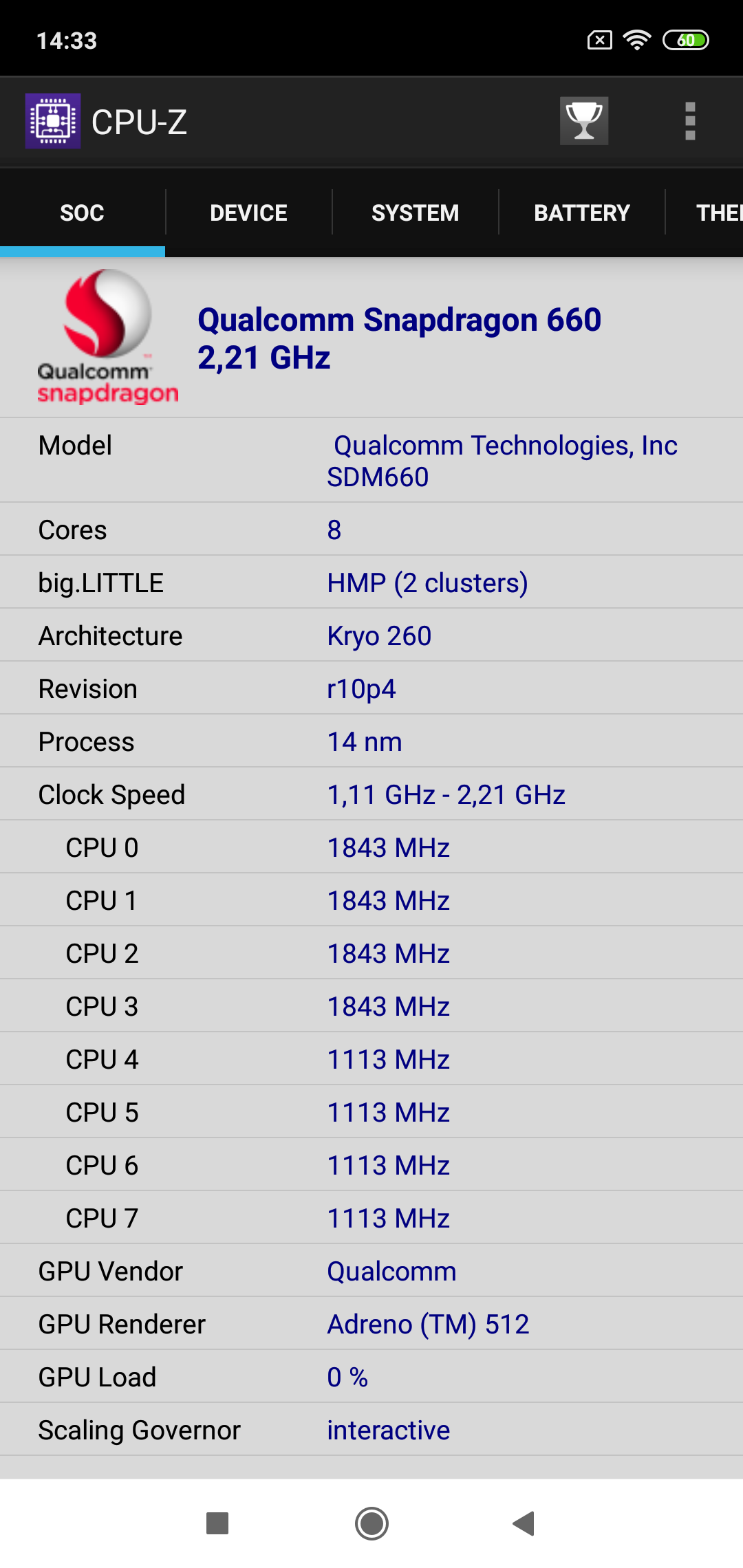
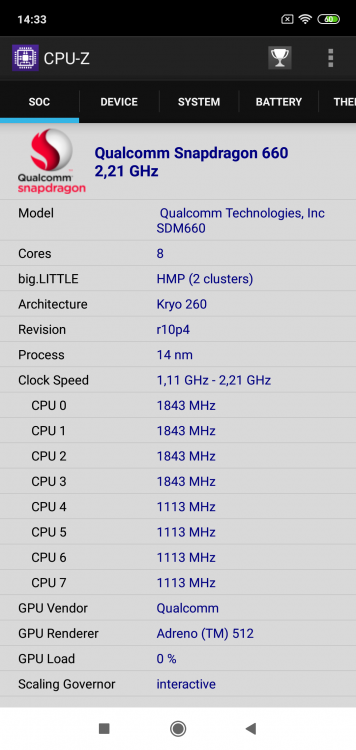
Please, Snapdragon 660 https://valid.x86.fr/a/8v6xjl
-
Me gusta tu radiador :)
-
komila - Core i5 3320M @ 3100MHz - 20000 marks XTU
juanjo81 replied to marco.is.not.80's topic in Result Discussions
Seems legit :) -
Gracias por el consejo, intentaré probar y ajustar un poco más los módulos que tengo por aquí. Un saludo!
-
Amazing!
-
The official HWBOT OC Challenge June 2010 thread.
juanjo81 replied to NoMS's topic in HWBOT Competitions
I tested in DDR2 with a Sempron 140 and Athlon x2 555BE and get better results with Sempron 140. If it is a bug concerning not have L3 cache, is this allowed? -
I can't validate correctly
-
i win 10 points I do not want what is not mine
-
Sorry, the card dont support 32bits.
When the 82810 integrated graffic cards dont be ranked?
-
Thanks
-
Thanks. Sorry but dont exist that video card on hwbot database. Can I create a new or add to a Sis 330 category?
-
Hi all. I have an Asrock K7S41GX motherboard and Everest say this: But when I submit a result I can see in Sis 330 results some of that results are not of this card. Can someone resolve what are my graphic card and when I supost to submit. Sorry for my bad english. Thanks