DDC
-
Posts
37 -
Joined
-
Last visited
-
Days Won
1
DDC's Achievements






-
Still looking for: Socket 775 -> 478 adapter (PCTA-01) Qimonda memory Gigabyte GA-5AX rev 5.2 Or other nice socket 7 board
-
Also not always getting it, although I think one is a bug. Reference Frequency overclocking records @ HWBOT
-
 Use to have the same kind of setup with a stupidly thin piece of plywood, gonna look if I can find a picture!
 -
DDC changed their profile photo
-
Nice score! Love the mounting setup, gonna steal that ;)
-
People who wanna activate it can use this: setfsb keygen, use a online HTML IDE to use it - Pastebin.com It uses the Username of Windows. "Administrator" is blacklisted so you need to make a new user. Or use this one: Make Windows Account: HWBot Your ID is 658197868 Your activation key is 1538847232
-
DDC - AX4BS Pro @ 213MHz - 213.05 MHz Reference Frequency
DDC replied to Strunkenbold's topic in Result Discussions
Linked the wrong score. Correct score is here, can't edit the score https://valid.x86.fr/dzybx3 -
Still looking for: Socket 775 -> 478 adapter (PCTA-01) Qimonda memory Gigabyte GA-5AX
-
Try to contact the seller a few months ago still no reply so don't know whats up there
-
DDC - SDR SDRAM @ 250.7MHz - 250.7 MHz Memory Frequency
DDC replied to GRIFF's topic in Result Discussions
@4n0nym0u5b3nch3r Sorry sorry, you have a message ;) @ludek Chipset has some more potential, got it to 210Mhz, think main issue is the stock voltage now https://hwbot.org/submission/4422647_ -
Will send you a message!
-
also looking for qimonda sdram
-
Added a ASRock Fatal1ty P67 Professional (B3)
-
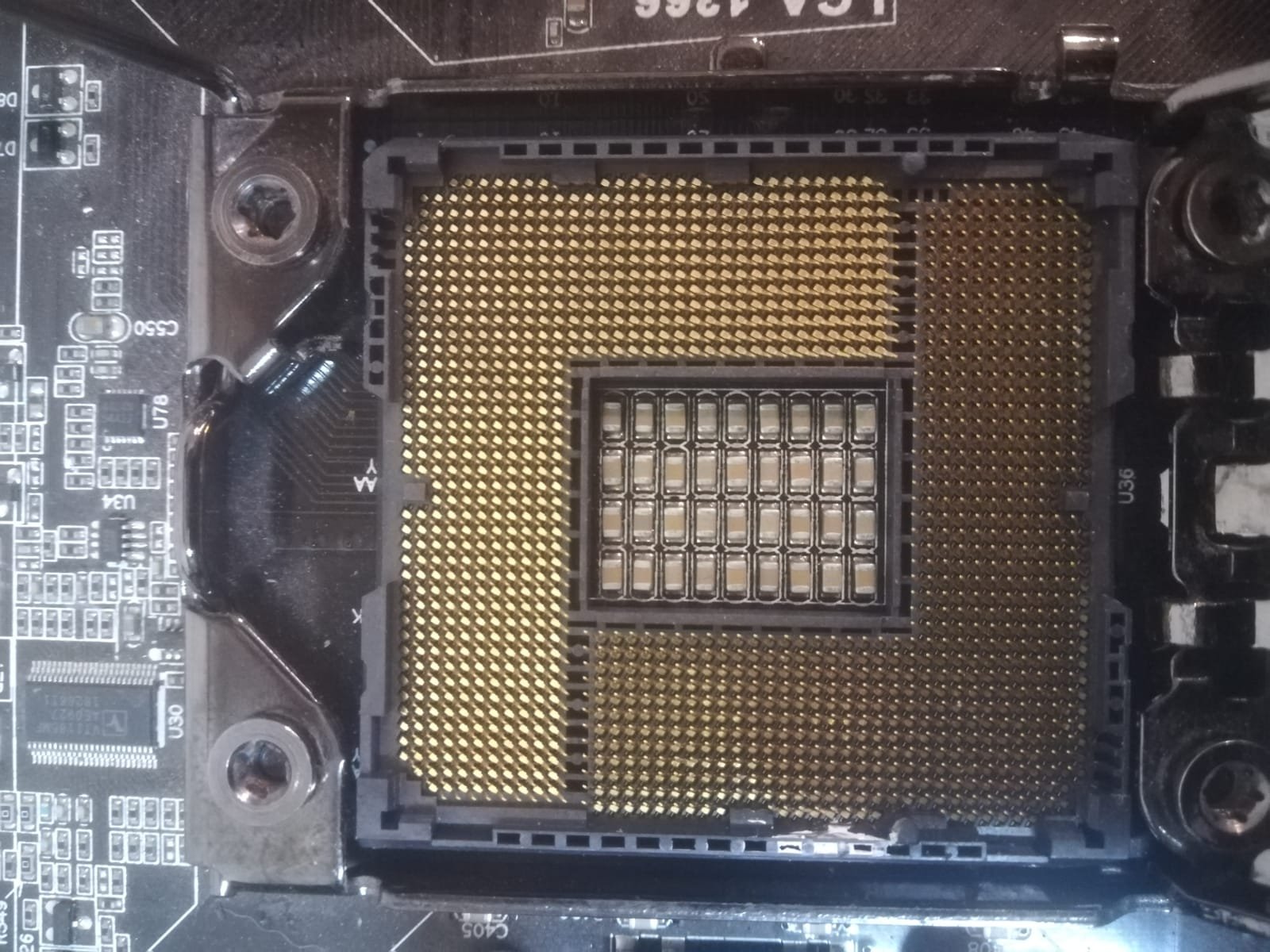
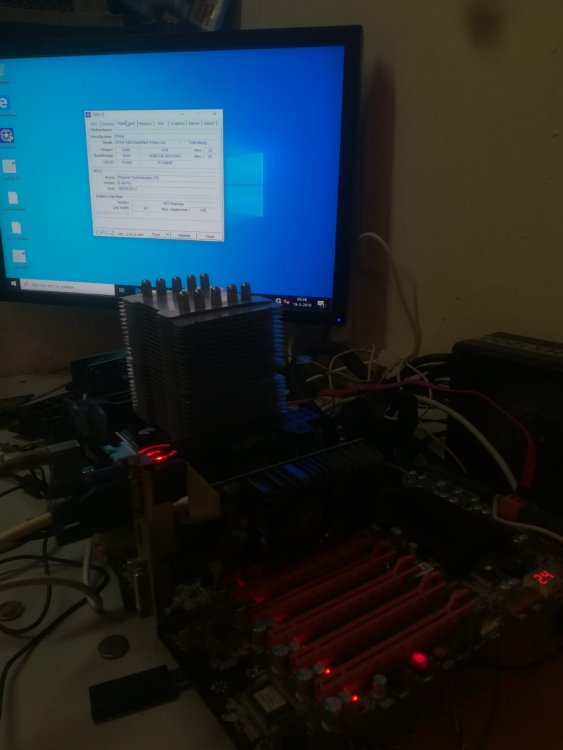
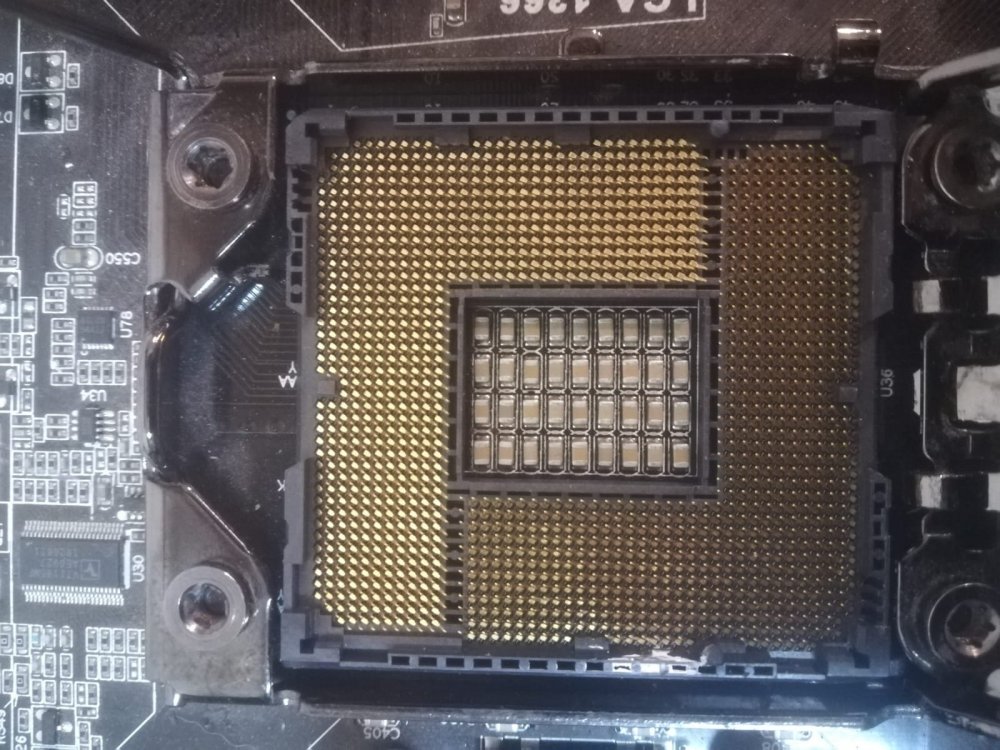
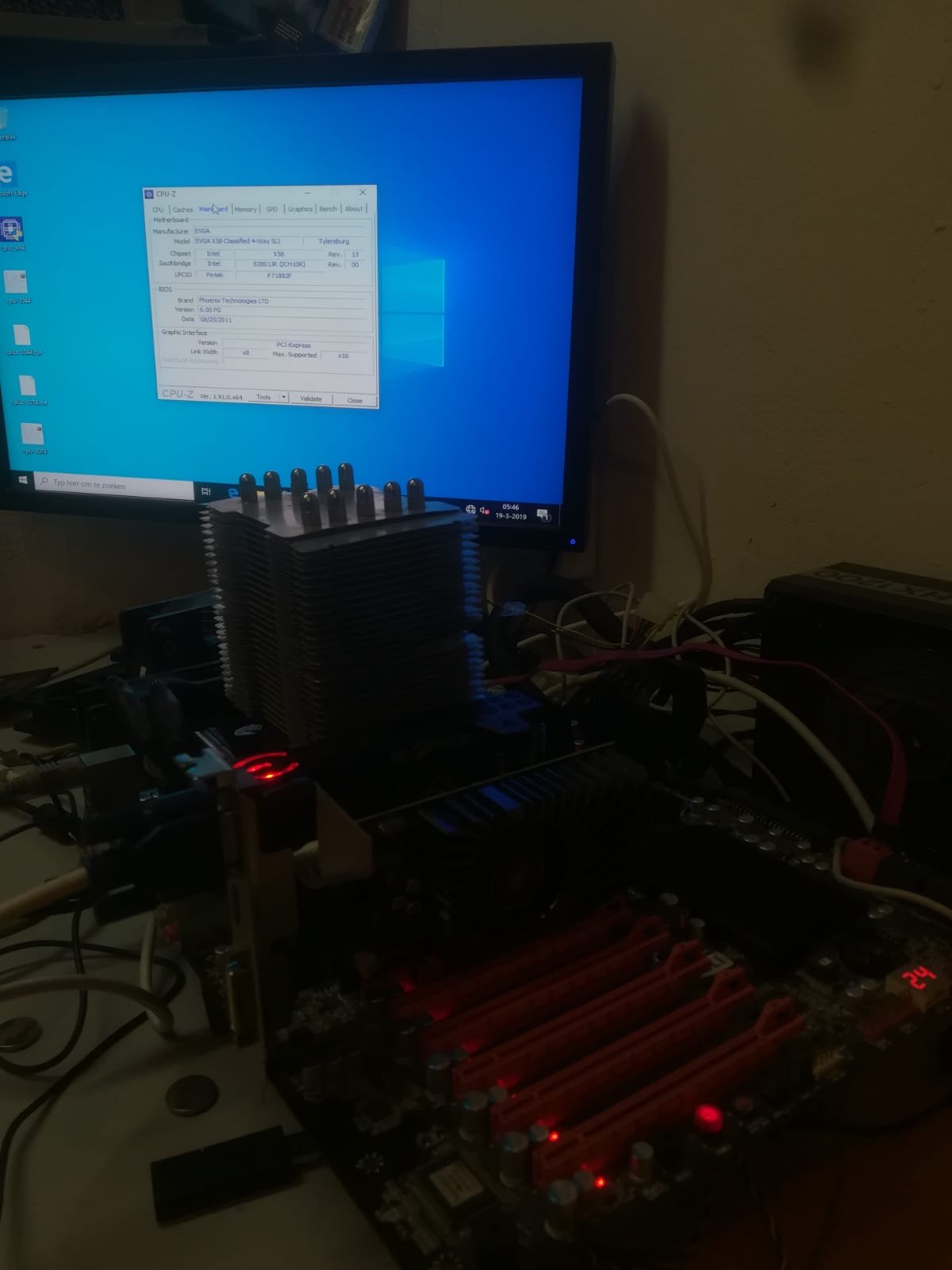
Got this board in a lot sale. Not planning on doing anything with it. Looking for 120 euro Xeon W3565 as socket protector
.thumb.jpeg.bb6a4116b1ed538f0f0f33a36b21f319.jpeg)
.thumb.jpeg.f1303085b3adda8e84c7af84da2dca32.jpeg)


.jpeg.c0b87e9aabc6b505b5c48b63fe601988.jpeg)
.jpeg.3435fdeb78308d1b03e1d2b0c7d1c288.jpeg)