

M1RR0R
-
Posts
61 -
Joined
-
Last visited
Recent Profile Visitors
1024 profile views




M1RR0R's Achievements






-
for what?
-
memory air cooled?
-
fx9370 already sold! pls close! Thx Hwbot!
-
fx9590 sold!
-
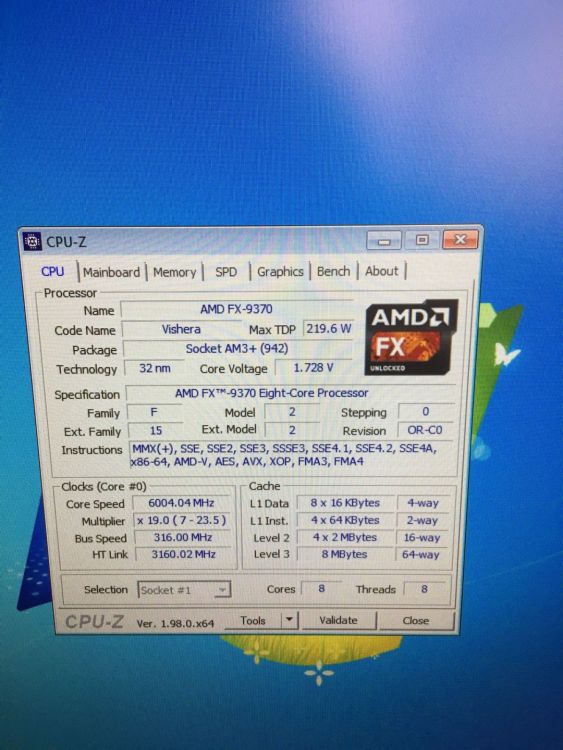
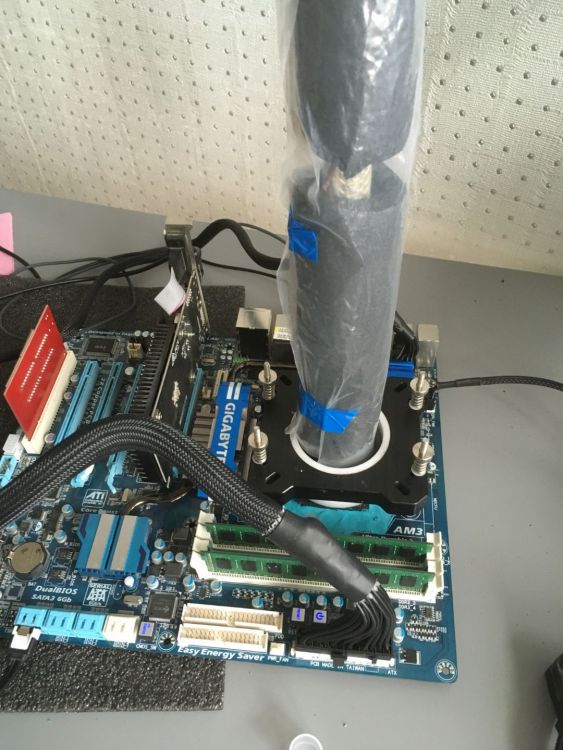
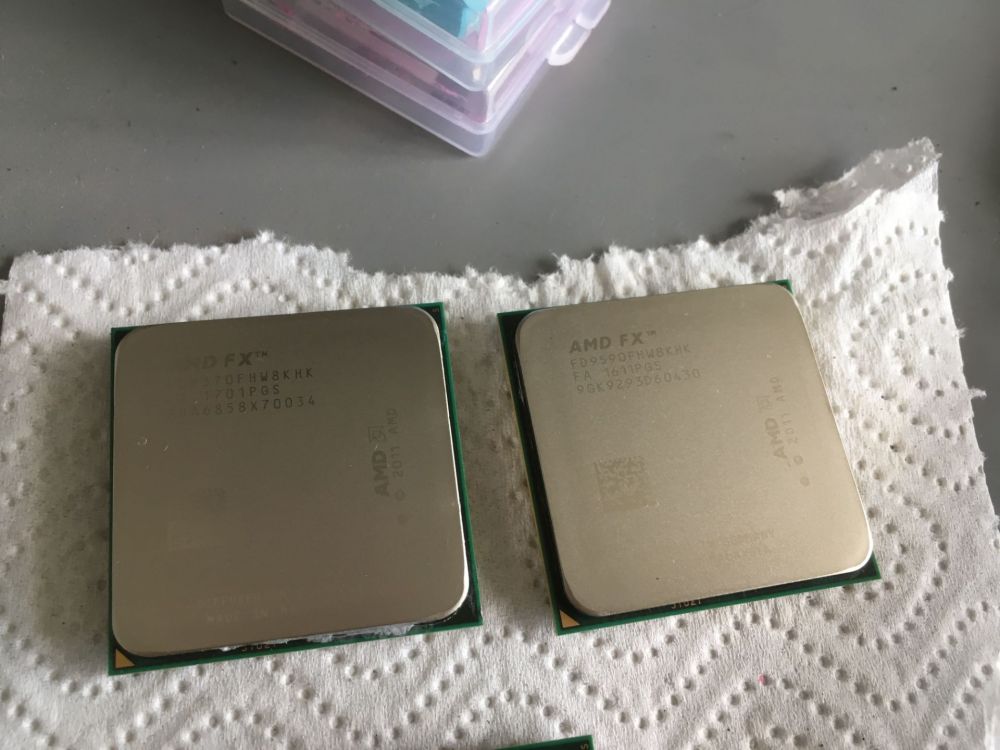
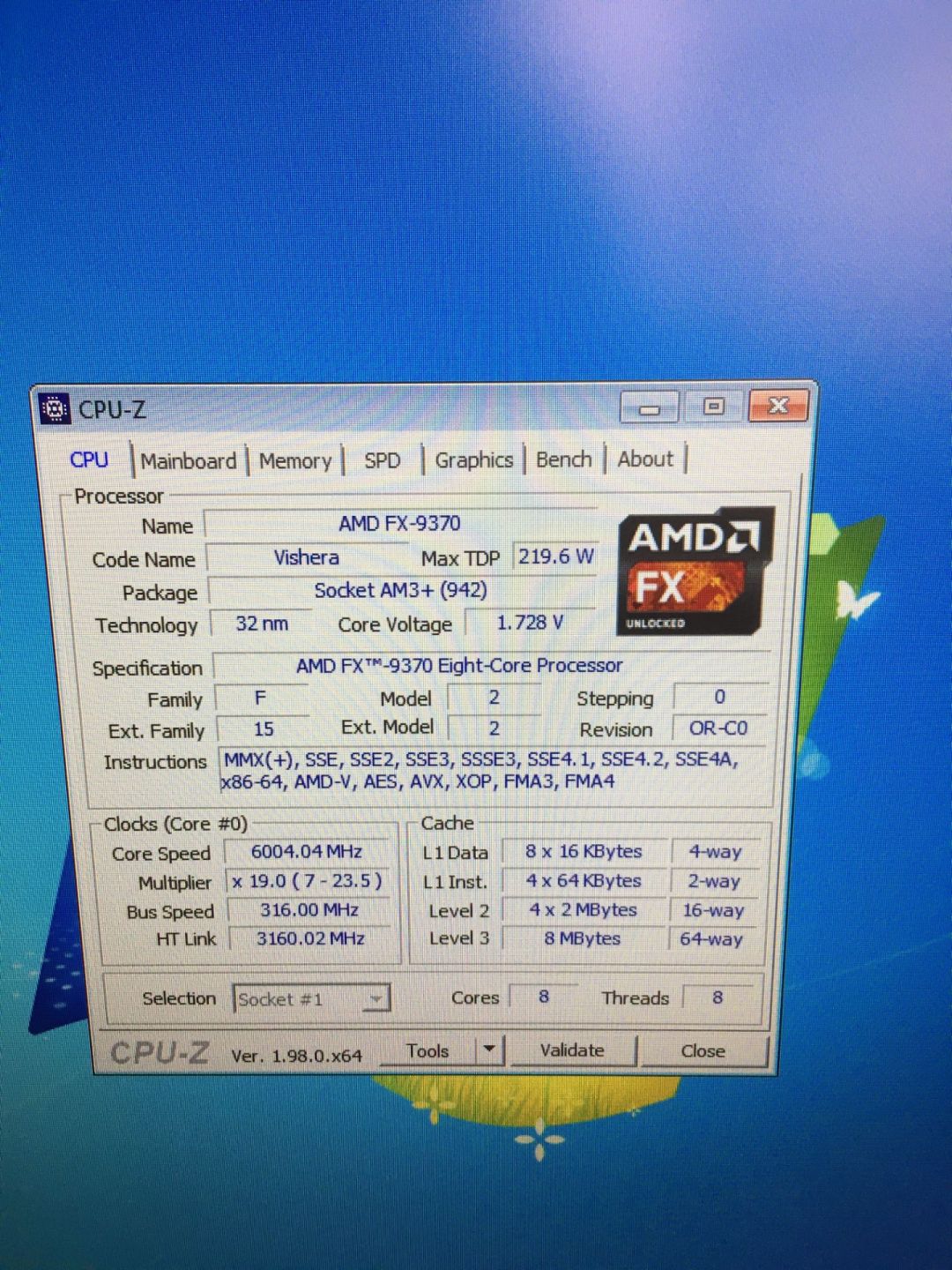
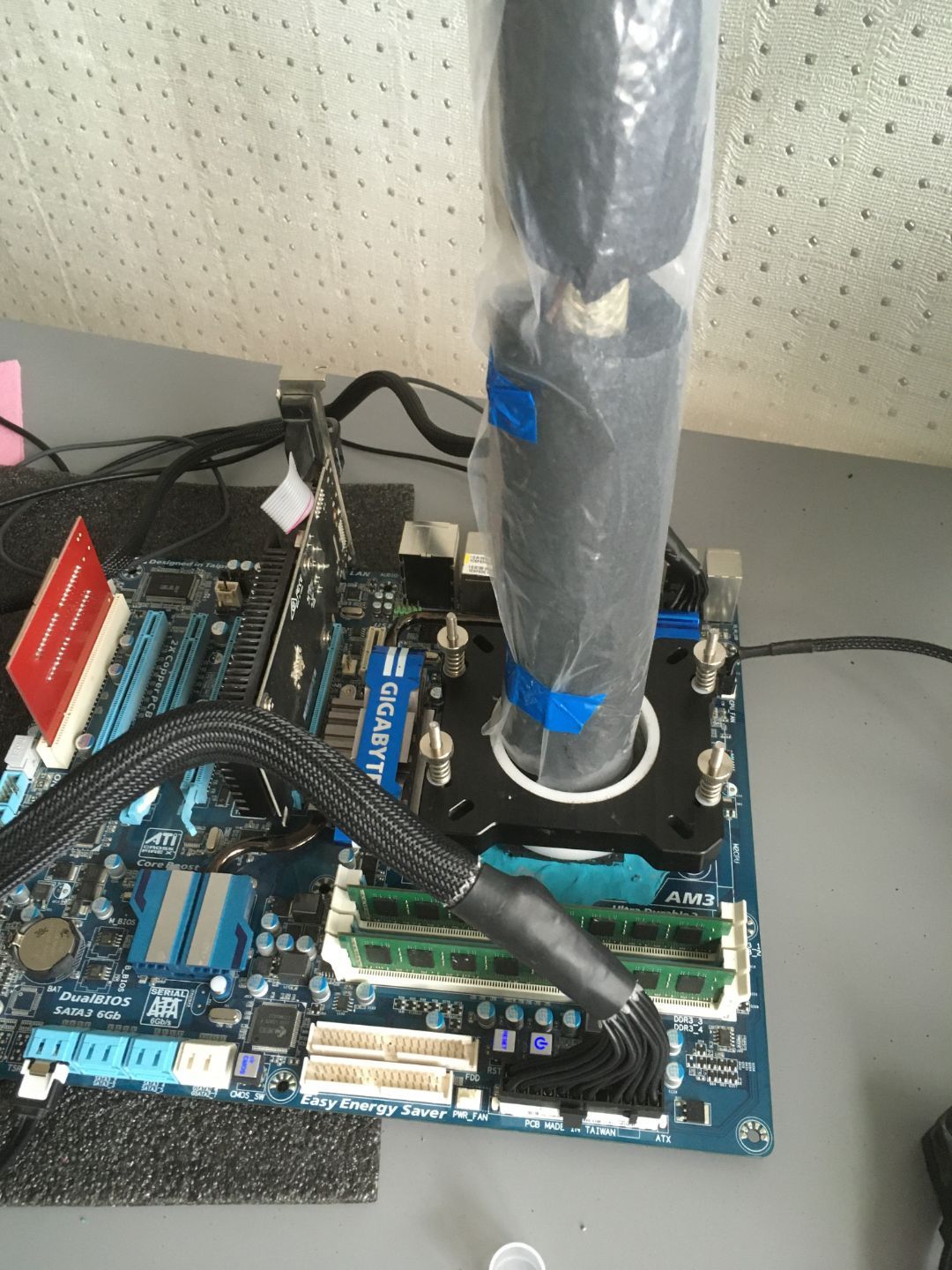
Fx-9370 tested on phase cooler: 5530-5540@ 1,5v cinebench r15 5740-5760@1,6v cinebench r15 can boot 6000+ 1,7V (same cooler) price: 50$ + shipping (worldwide shippng usually no more than $ 10) Paypal only Fx-9590 tested on phase cooler: 5490@1,5v cinebench r15 5730@1,6v cinebench r15 max boot not tested yet price: 50$ + shipping (worldwide shippng usually no more than $ 10) Paypal only thx hwbot for the space. camvideo_f290b0c.mp4
-
pls close
-
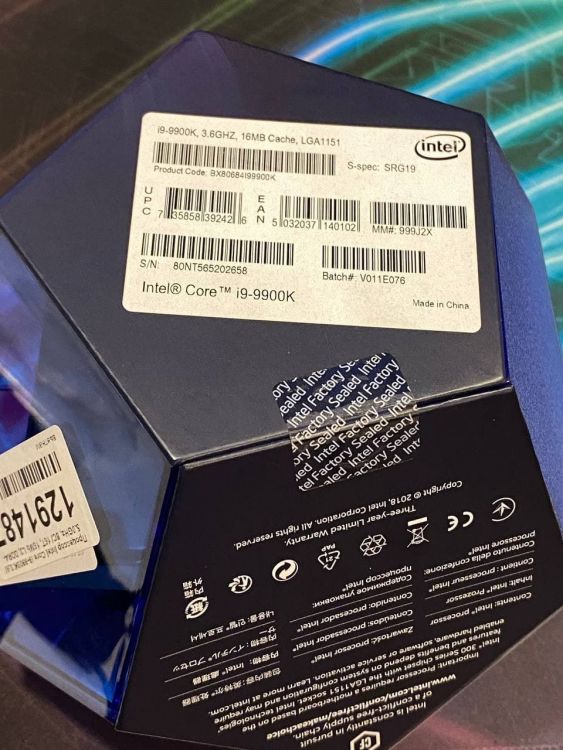
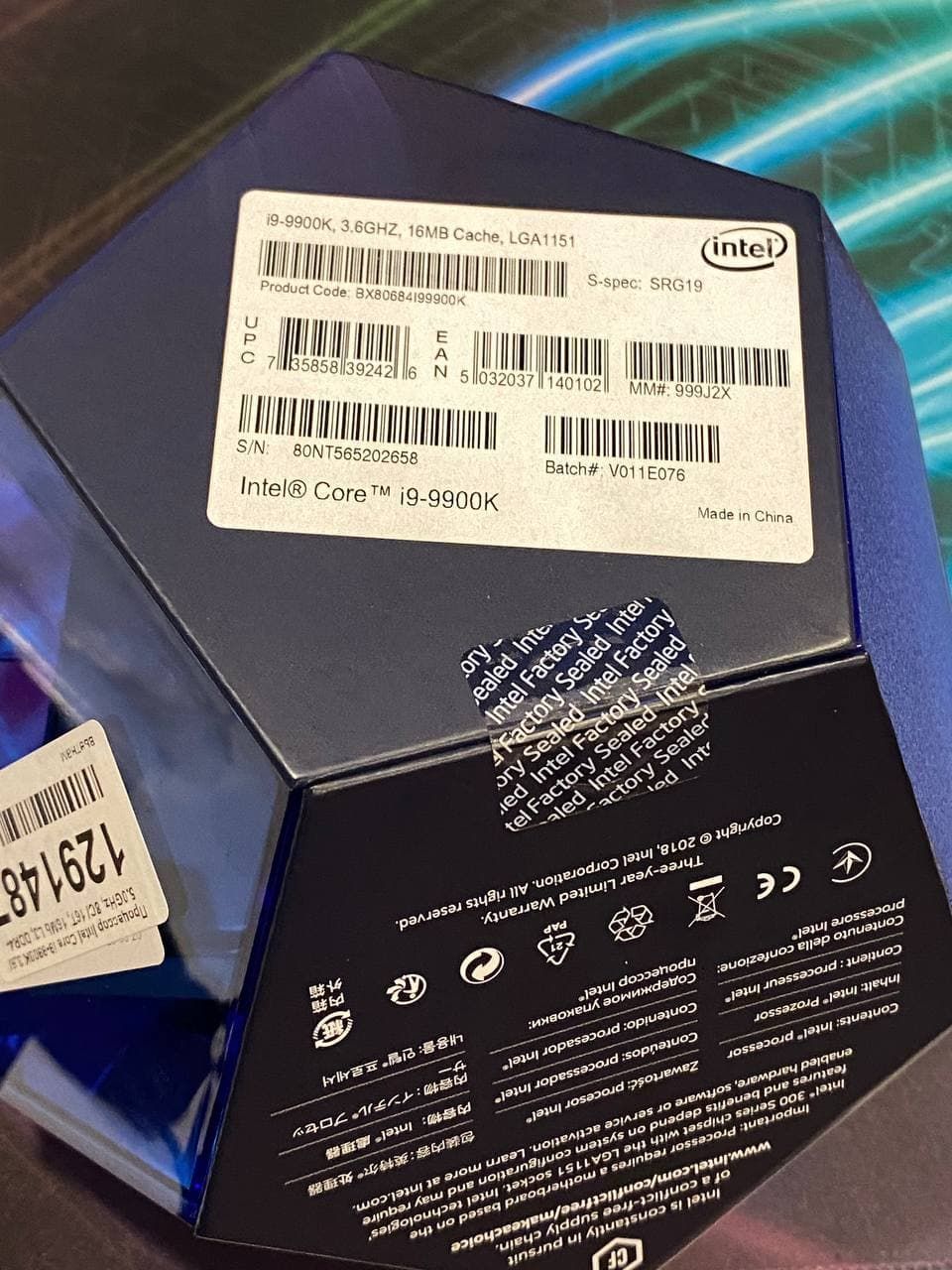
Hi! new 9900K for sale, price 320$ + shipping, Paypal only, buyer pays all fees Thx hwbot
-
i join into the game
-
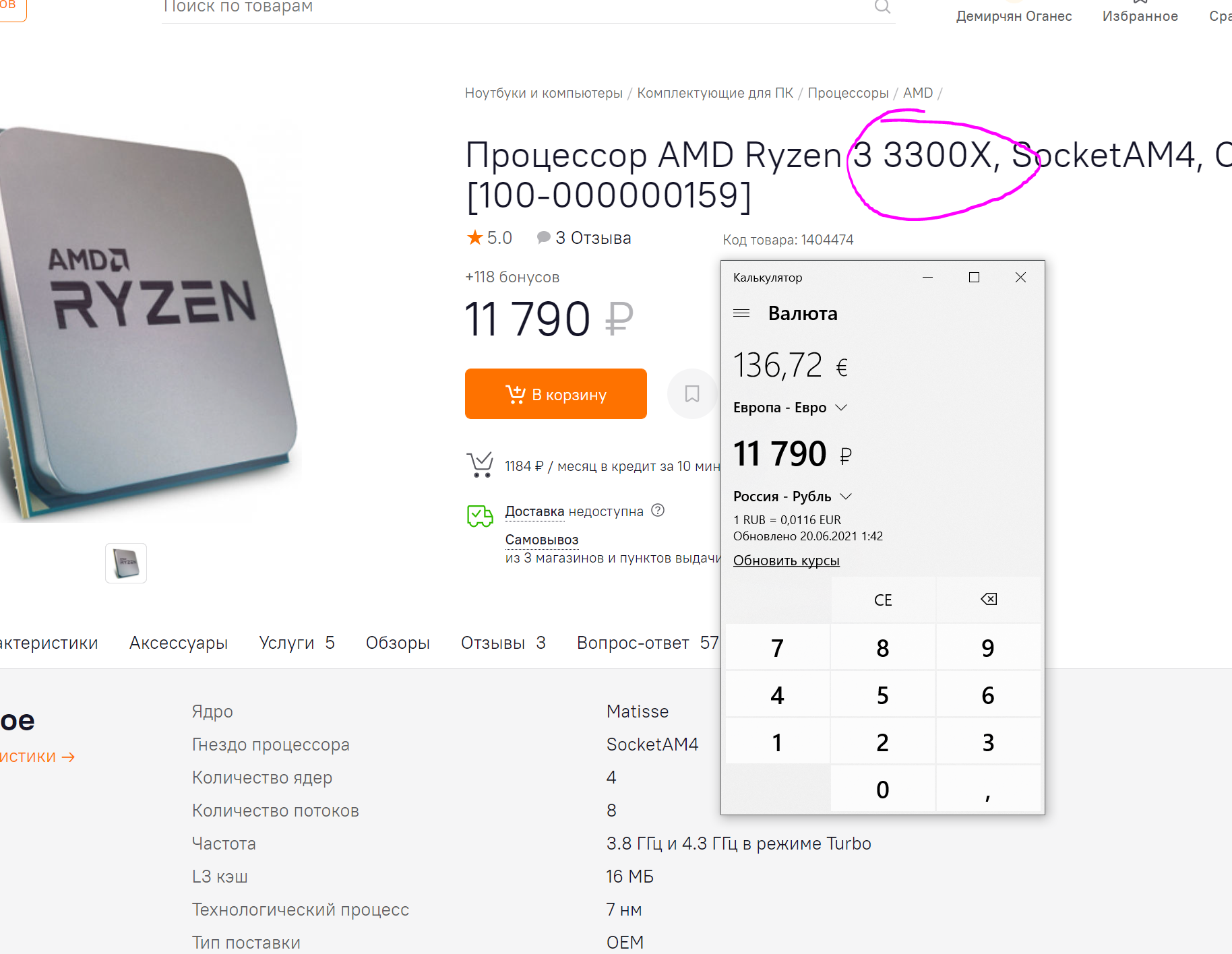
137euros costs NEW cpu
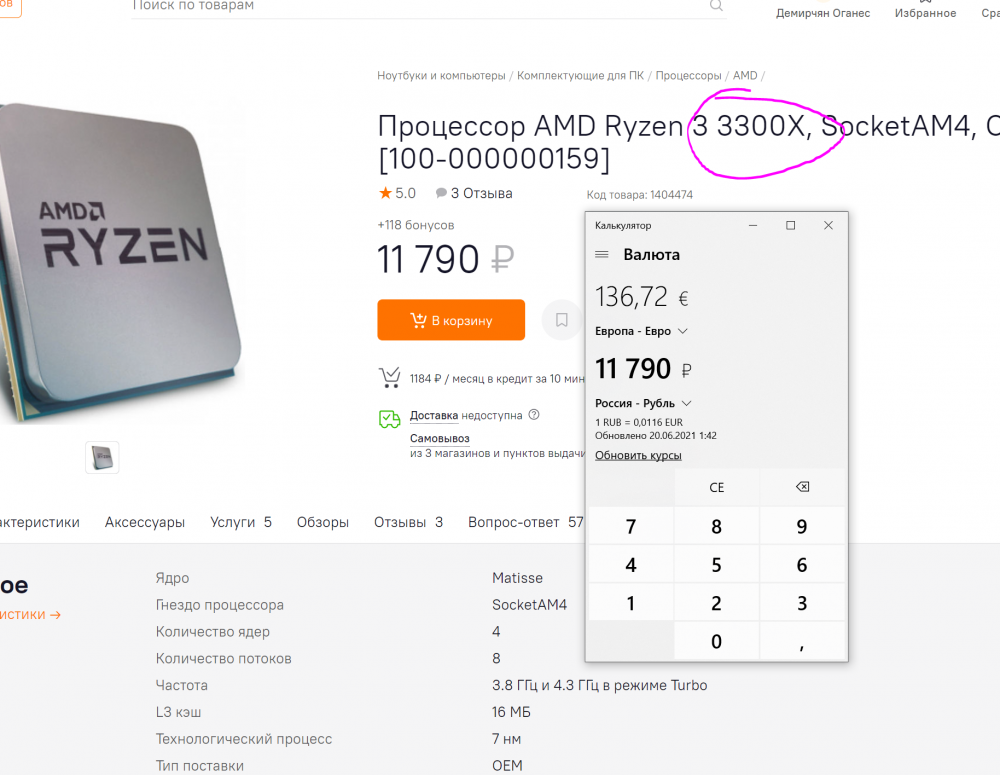
-
no longer relevant, pls close
-
sold
-
add new pic: 4000 14-14 light memtest stable at 1,61V
.thumb.png.b7038e54487d935da5d56675e7af1b0b.png)
-

ROG Maximus XIII Apex
M1RR0R replied to noizemaker's topic in Comet Lake (Z490) & Rocket Lake (Z590) OC
btw, i need sata driver for z590 -
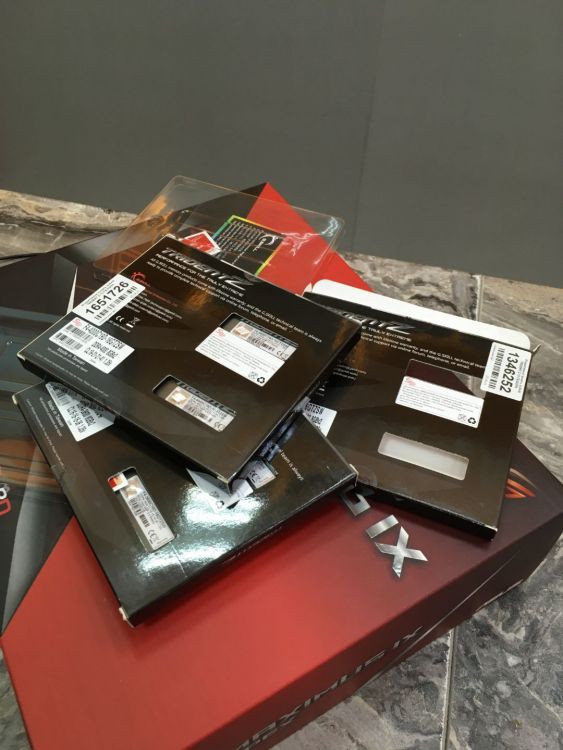
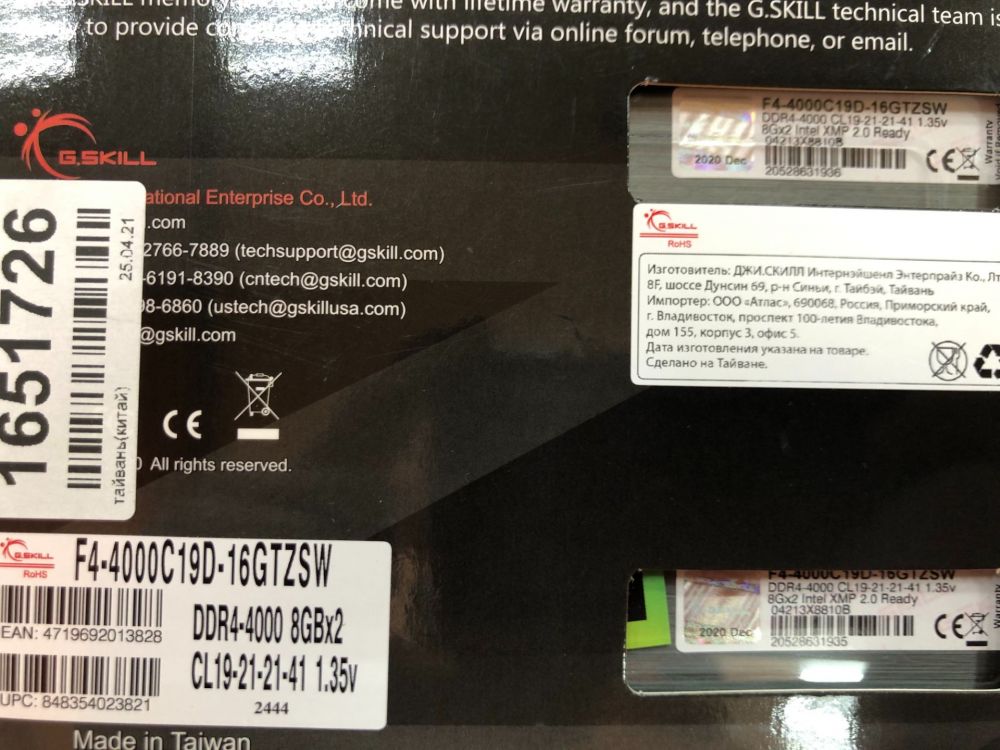
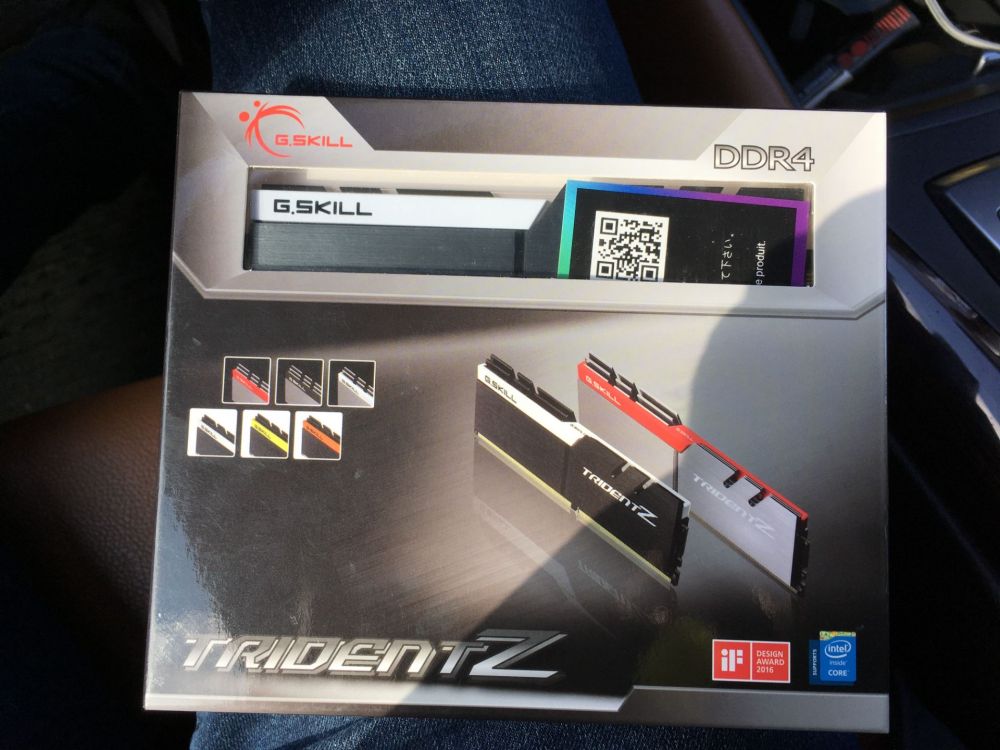
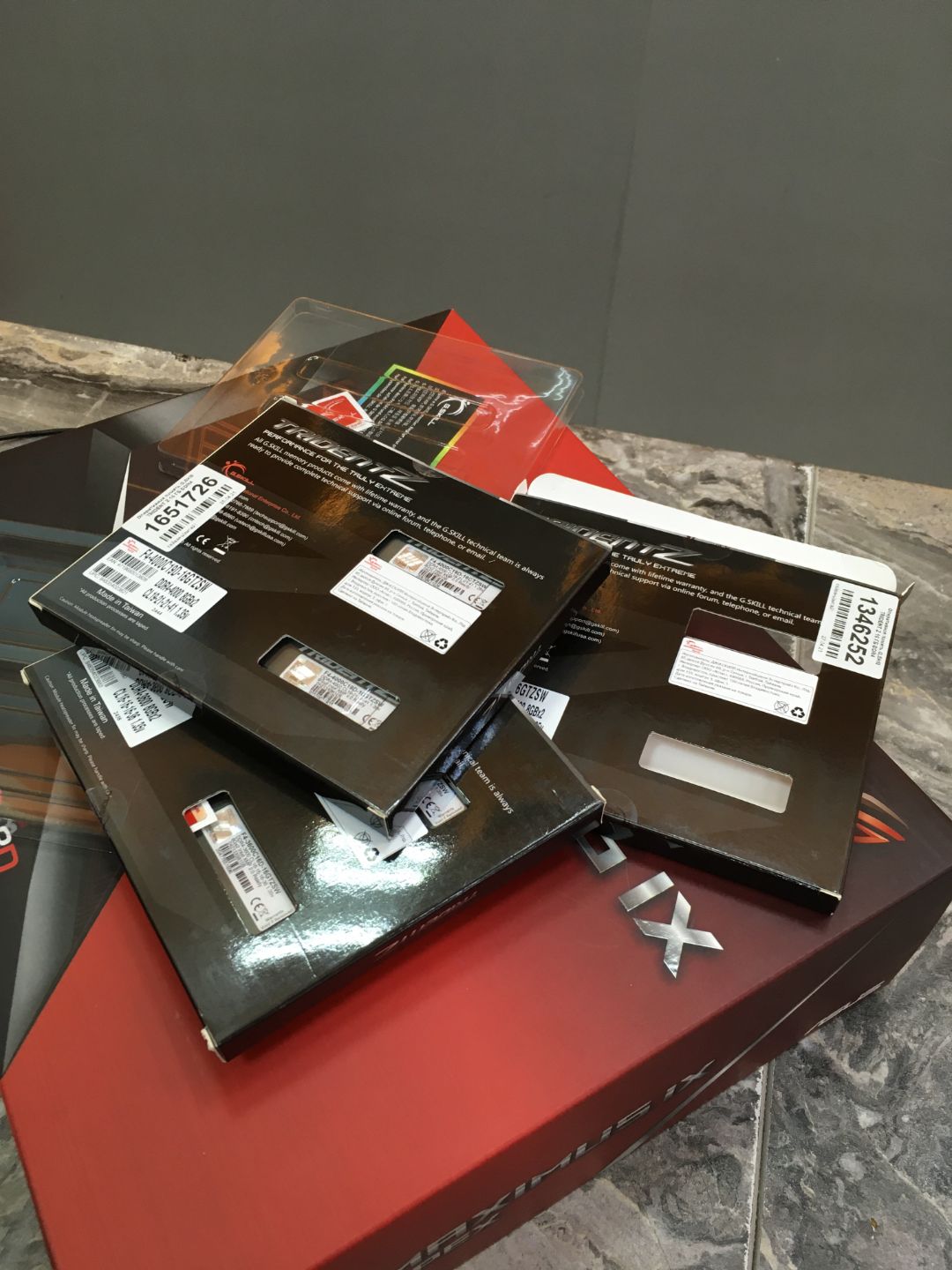
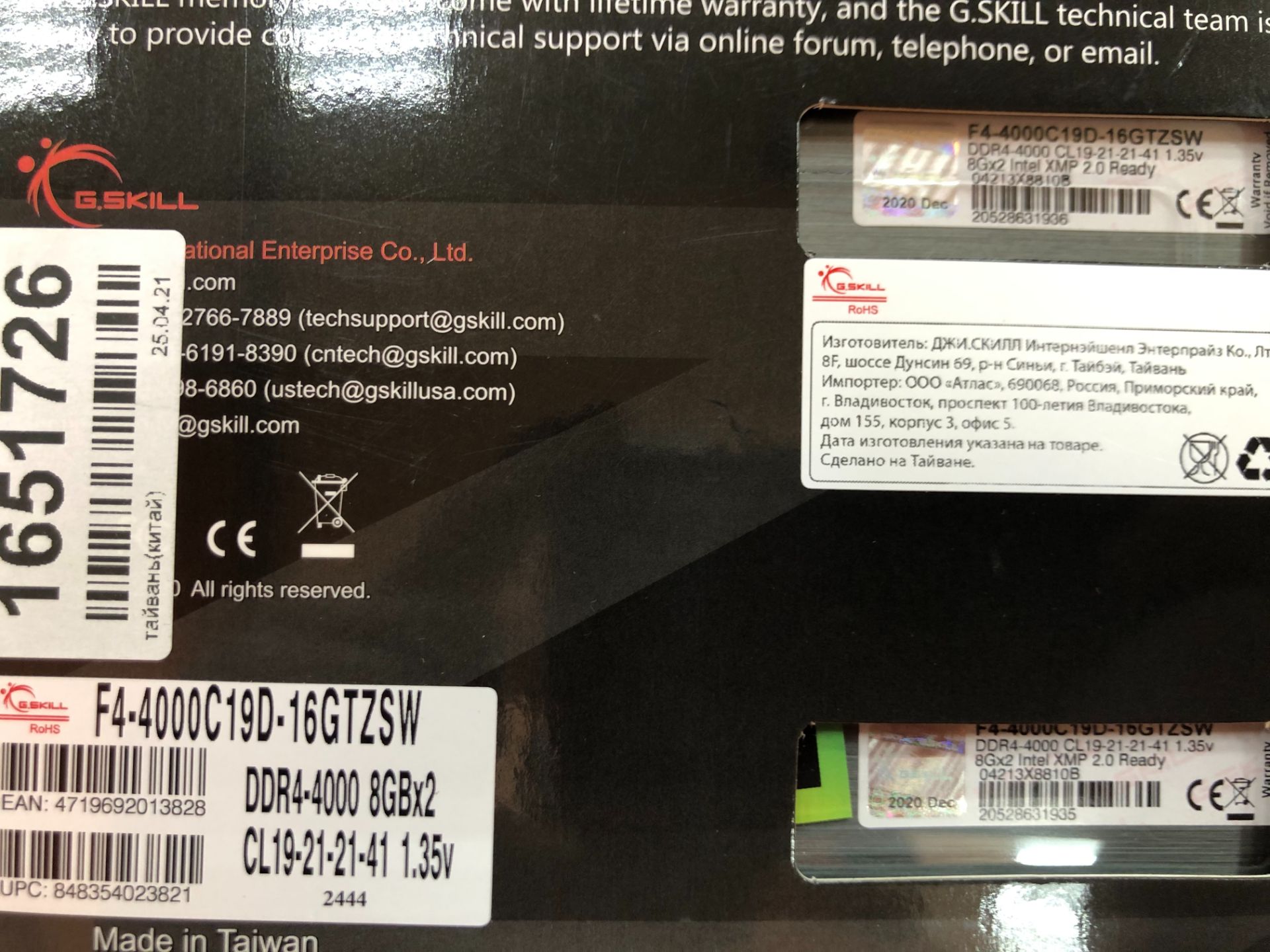
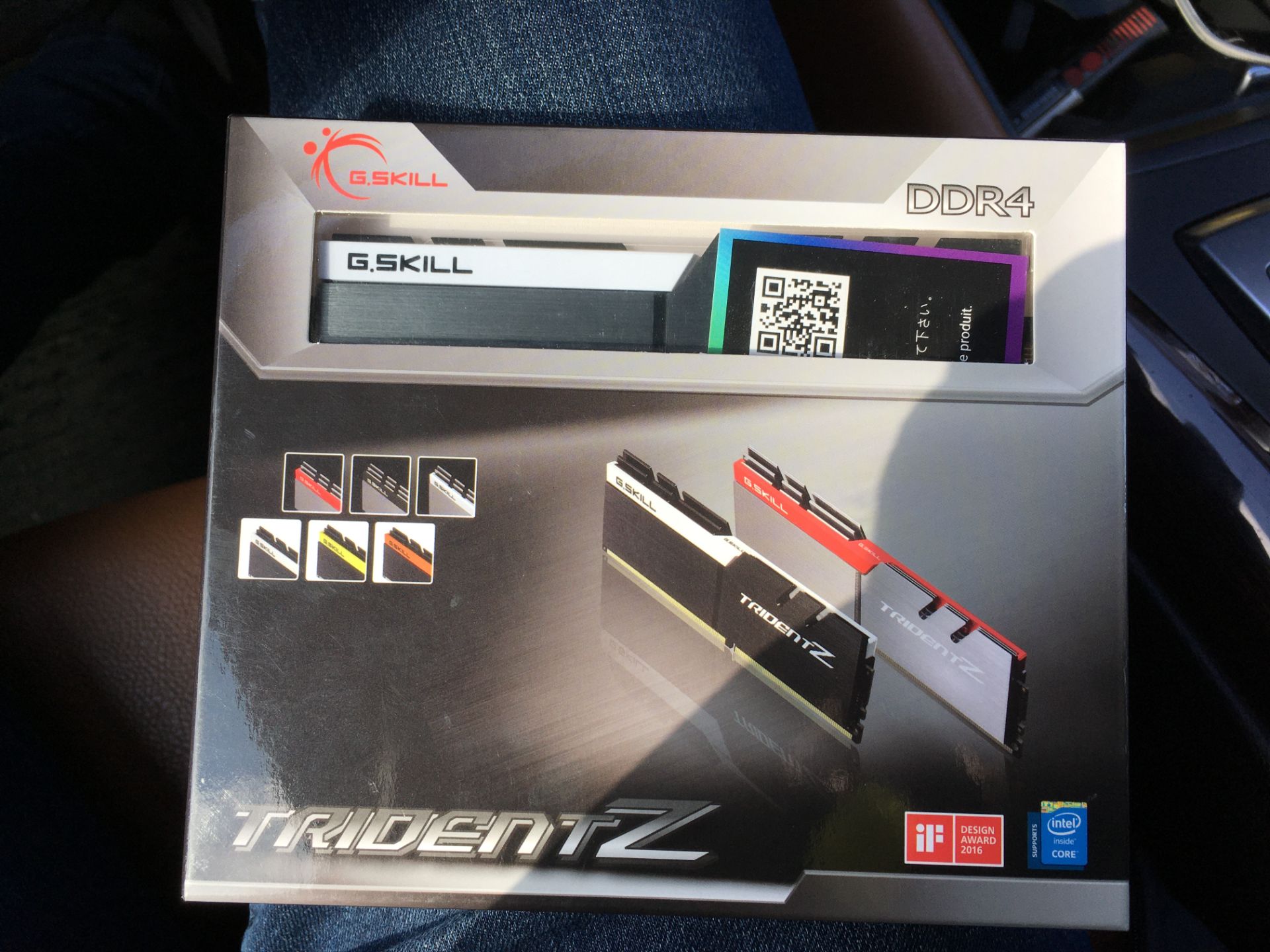
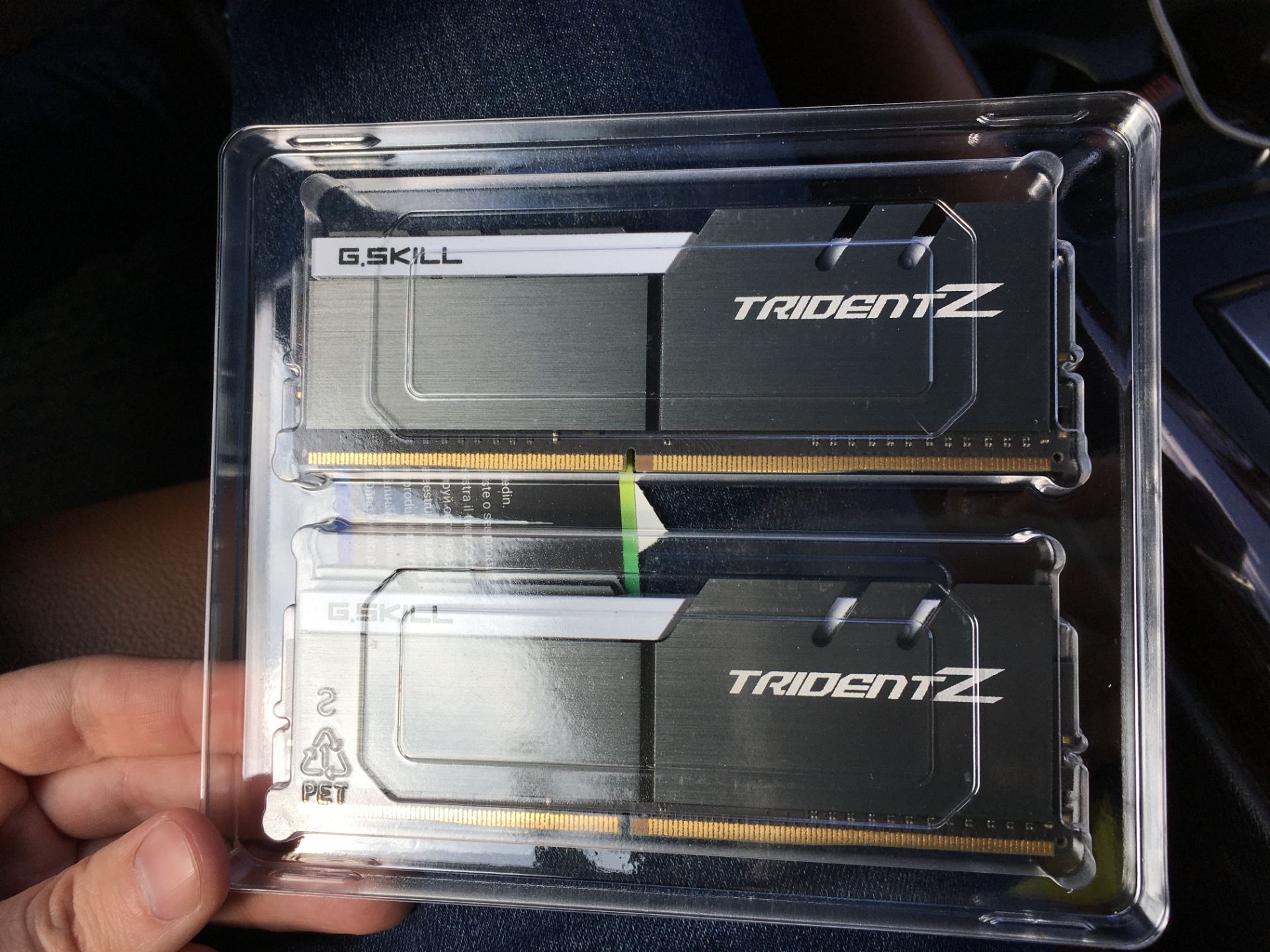
on Apex9 with A2 memory i can run only 3733 12-11 for bench, this board is not the best for A2pcb mem, but 24/7 memtest clocks looks very nice for me, i tested 5 kits: 1x 3200c14 ripjaws red 2x 3600c16 SW with no RGB 2x 4000c19 SW with no RGB and this one (4000c19) is the best of all
-
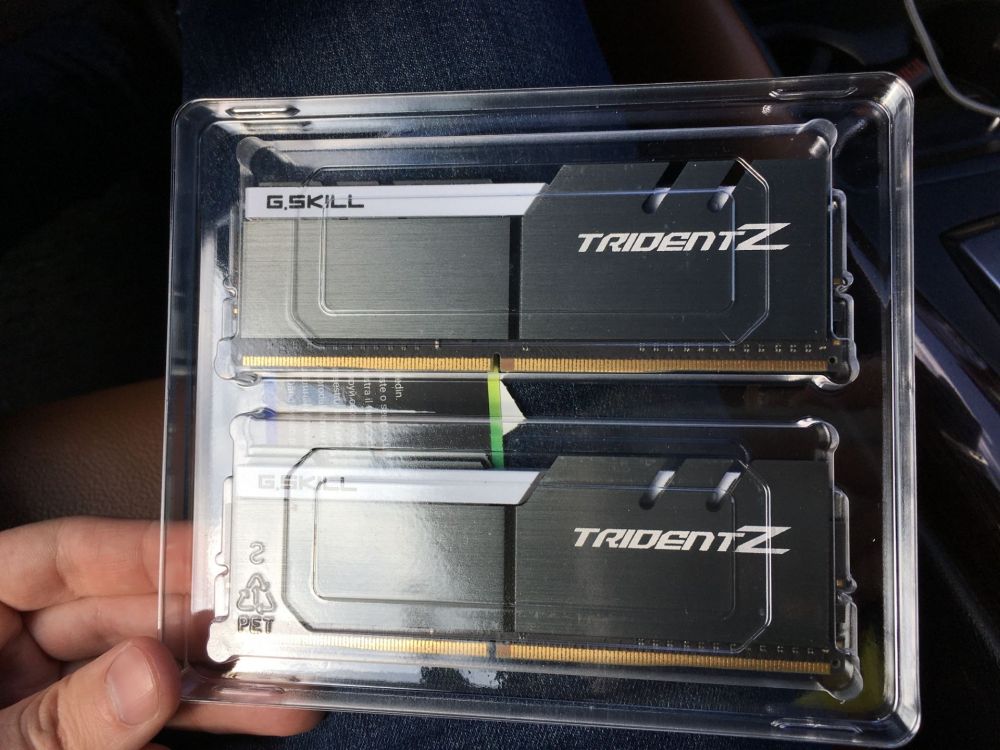
3866 @14-14-34-2T tm5 memtest stable with anta777 high profile on 1.54v with air cooling (apex9 for test) can boot/pass light memtest at 4133 15-15 1.54v with easy 165$ us + shipping never used, just test
.thumb.png.4b0ea749dc9ed39e4dc1f27eb02625aa.png)

.png.dce9f64f9b48ae9653ef65e287b37740.png)
.png.700e4b1f7a319e983c732474e0d77c40.png)