vipernet
-
Posts
34 -
Joined
-
Last visited
vipernet's Achievements

Newbie (1/14)
10
Reputation
-
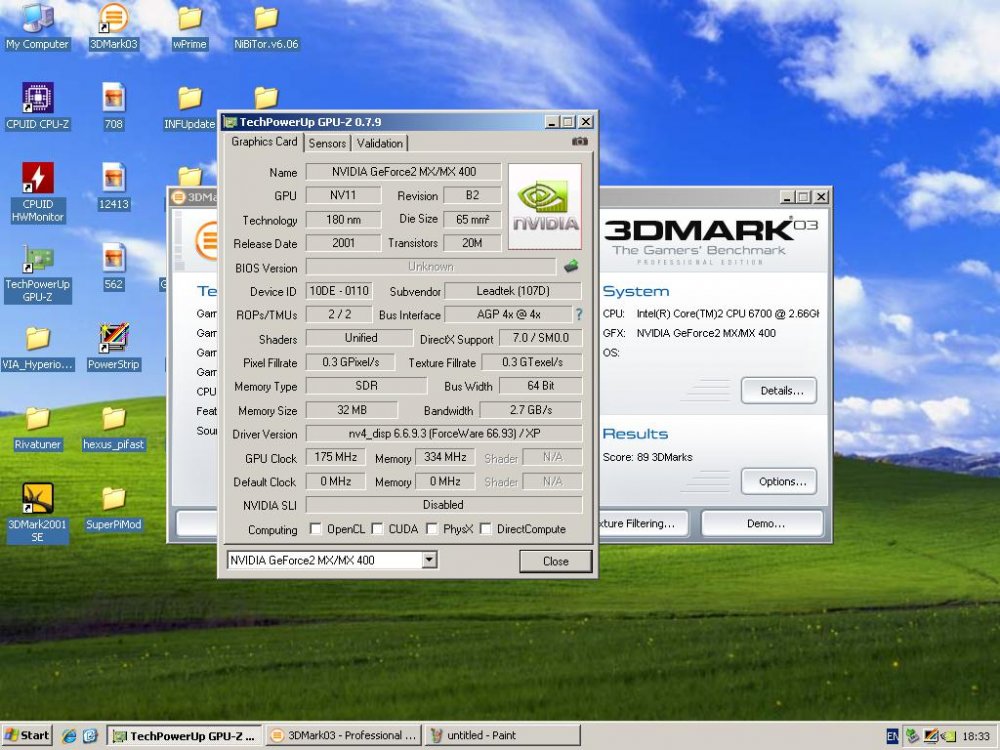
32mb variant of the mx400 64bit with SDR - https://hwbot.org/hardware/videocard/geforce2_mx400_64mb_sdr_64bit/
-
The official April's Final Team Cup Warm-up thread.
vipernet replied to Massman's topic in HWBOT Competitions
Arrggh! I just sold my last Q6600 last week! -
I've tried this using numerous cards on my old asrock 4coredual sata 2.0 version at it just crashes the gui once the benchmark has finished.
-
Nice!
-
The official March Team Cup Warm-up Contest (Part2) thread.
vipernet replied to Massman's topic in HWBOT Competitions
Submittee my score for the via stage. No where near the record but it'the best I'm gonna do! -
u wanna run that on xp for a better score? ;-)
-
The official March Team Cup Warm-up Contest (Part2) thread.
vipernet replied to Massman's topic in HWBOT Competitions
I have to wonder if they even read the rules. -
Not sure if it makes a difference but all my benchmarks are done in my garage which has an ambient temperature of about 3 degrees C!
-
The official February Team Cup Warm-up Contest thread.
vipernet replied to Massman's topic in HWBOT Competitions
Same here. Tried various versions of powerstrip and matrox tweak but nothing worked. -
Well done guys!
-
The official February Team Cup Warm-up Contest thread.
vipernet replied to Massman's topic in HWBOT Competitions
Good job Hellas, enjoyed this competition alot! -
Thanks mate!
-
Cheers Griff! Helped alot!
-
Hey, any chance you could add Matrox Millennium P690 to the database? gpu-z shows nothing http://www.matrox.com/graphics/en/products/graphics_cards/p_series/p690lppciex16/?productTabs=1
-
Ditto. My points and position on my profile do not not correspond with my points and position on my country leaderboard.