KoldyTheZ11Pro
-
Posts
14 -
Joined
-
Last visited
KoldyTheZ11Pro's Achievements




-

keeph8n - DDR4 SDRAM @ 3102MHz - 3102 MHz Memory Frequency
KoldyTheZ11Pro replied to shar00750's topic in Result Discussions
Nice clock :D -
Nice ;)
-
Okay, thanks.
-
keeph8n's 1st Annual Community Giveback Competition
KoldyTheZ11Pro replied to keeph8n's topic in HWBOT Competitions
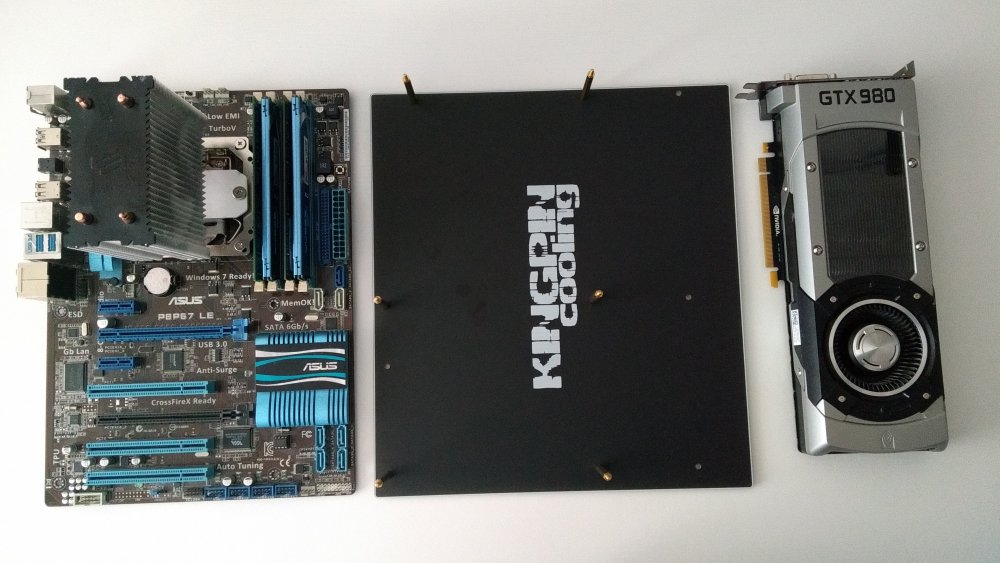
ATLAS is finally here with me. Thanks a lot @keeph8n and Kingpin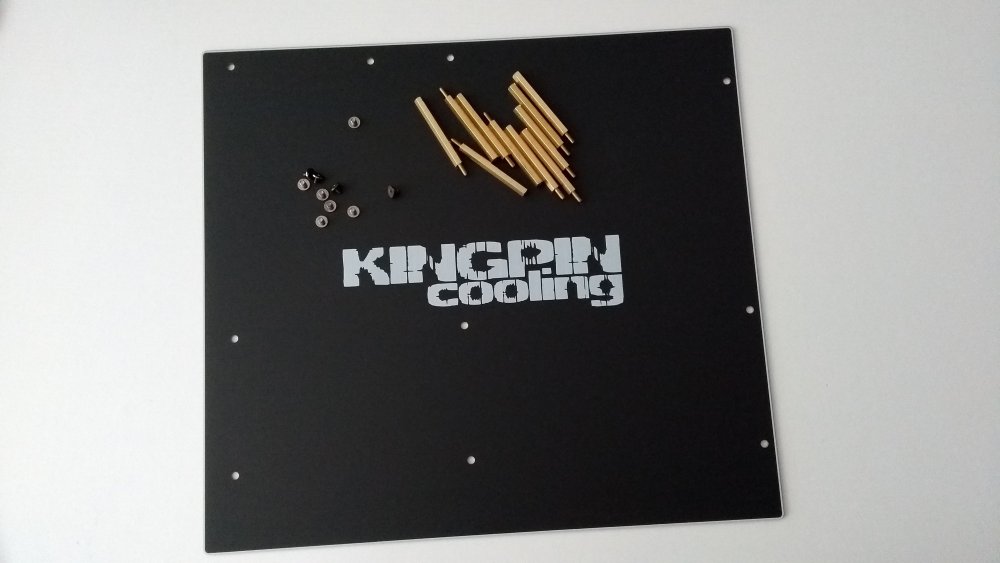
-
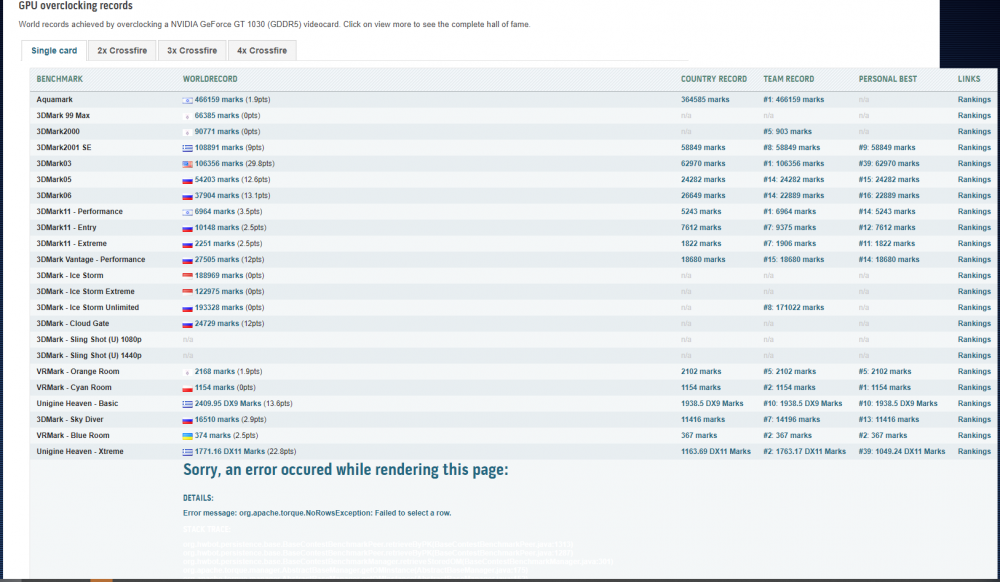
btw. the GT 1030 GDDR5 benchmark list hasn't worked for a long time either. If it has been reported before, sorry.
-
I have same problem for several days
-
Nice ?
-
Nice score :D
-
HT is allowed? Edit: In the title of this post I saw "max 2 cores thread" so probably nope. CPU 2 cores with HT disabled?
-
keeph8n's 1st Annual Community Giveback Competition
KoldyTheZ11Pro replied to keeph8n's topic in HWBOT Competitions
I didn't know there were any prizes to be won at all. I participated because of the ranking points Yea, nice comp. I look forward to the next ones! Thx @keeph8n -
KoldyTheZ11Pro changed their profile photo
-
Nice!
-
WOW 4266 MHz, nice!
-
Ok, thank you @jpmboy