
Jump to content
View in the app

A better way to browse. Learn more.

HWBOT Community Forums

A full-screen app on your home screen with push notifications, badges and more.

To install this app on iOS and iPadOS
  1. Tap the Share icon in Safari
  2. Scroll the menu and tap Add to Home Screen.
  3. Tap Add in the top-right corner.
To install this app on Android
  1. Tap the 3-dot menu (⋮) in the top-right corner of the browser.
  2. Tap Add to Home screen or Install app.
  3. Confirm by tapping Install.

Cosmicshroom

Members
  • Joined

  • Last visited

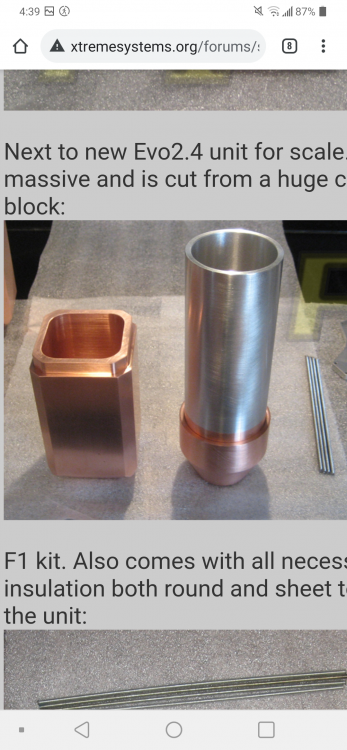
  1. Also this specific dragon pot that has the F1 carved into the bottom
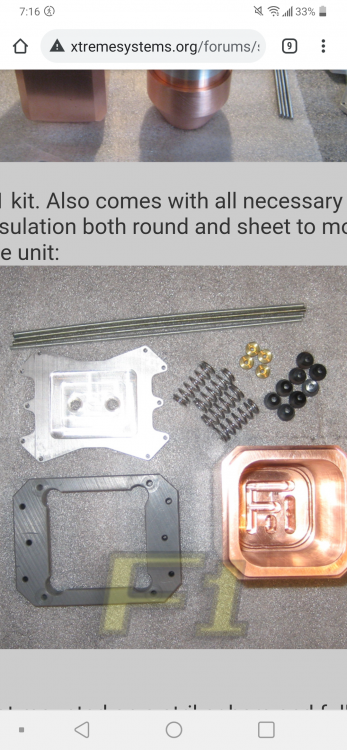
  2. This one is a huge long shot as these pots were made over 20 years ago and only a couple hundred actually exist but I'm looking for either of these pots
  3. Found one for sale. Can be moved to sold
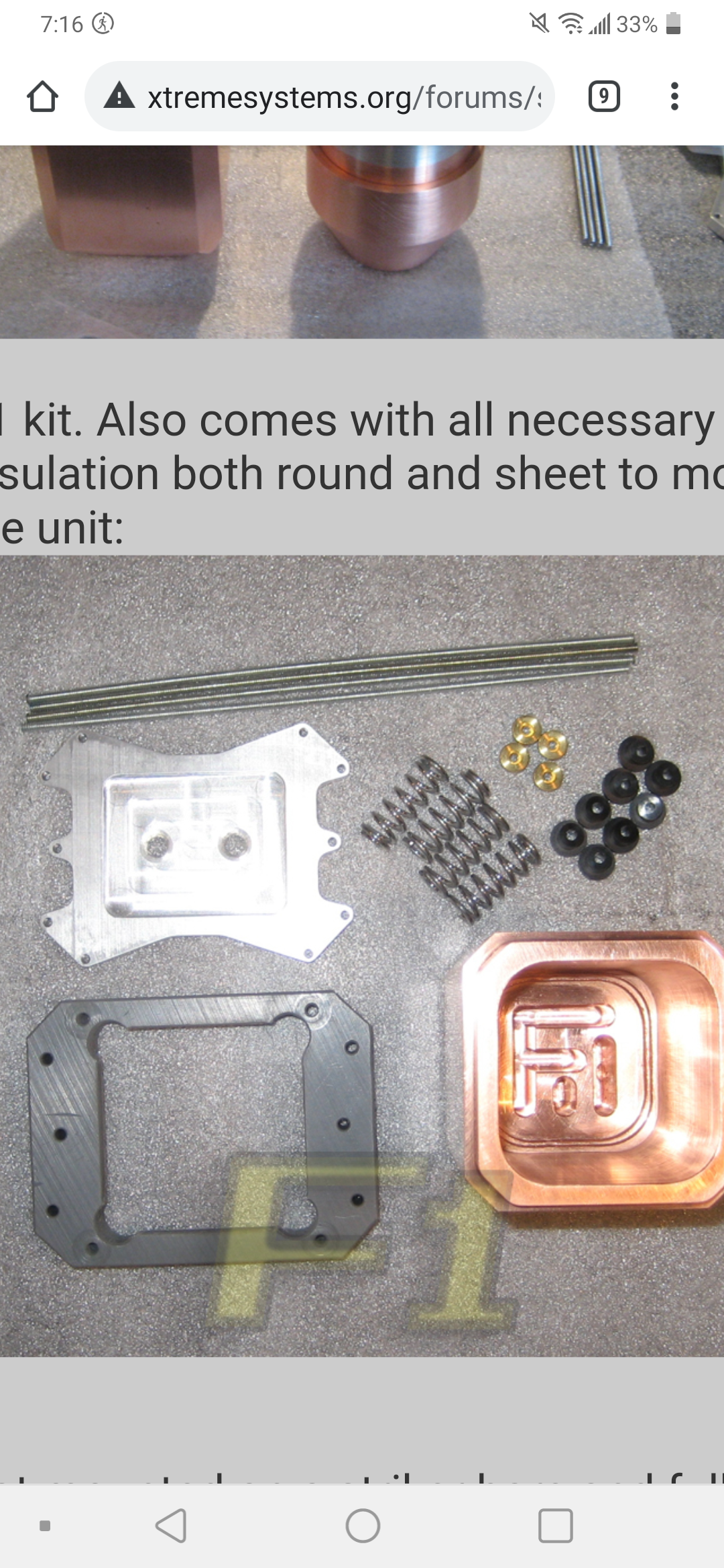
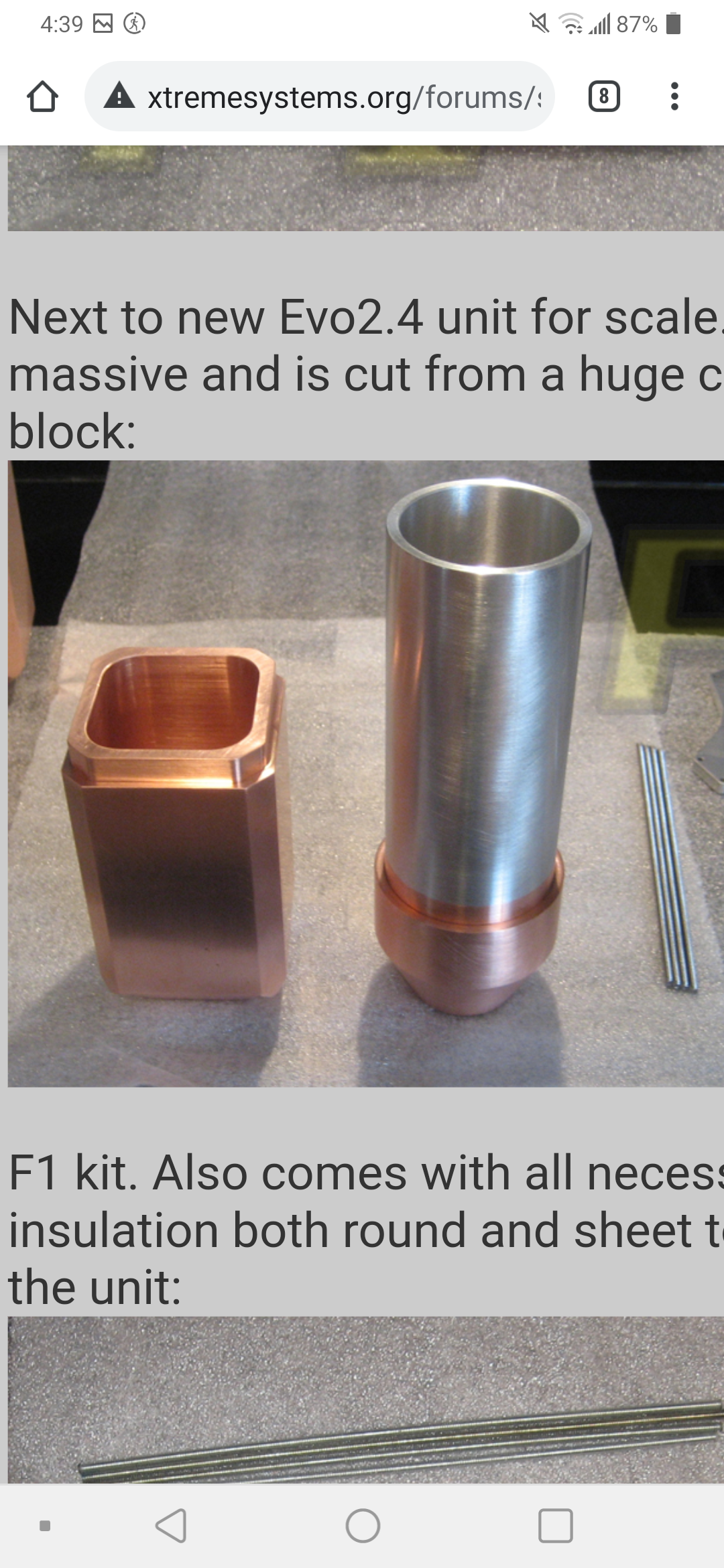
  4. Looking to see if anyone has a F1 Dark for sale? Doesn't matter color
  5. Im just looking to buy any kind of Ram ln2 pot. New, used or whatever. Doesnt matter just want to make my memory cold!
Account

Navigation

Search

Configure browser push notifications

Chrome (Android)
  1. Tap the lock icon next to the address bar.
  2. Tap Permissions → Notifications.
  3. Adjust your preference.
Chrome (Desktop)
  1. Click the padlock icon in the address bar.
  2. Select Site settings.
  3. Find Notifications and adjust your preference.



