
Urakaze39
-
Posts
16 -
Joined
-
Last visited
Urakaze39's Achievements






-
 Urakaze39 changed their profile photo
 -
Hi please add: Acer Sage2 Intel Pentium 2129Y @ 1097.38 MHz - CPU-Z VALIDATOR (x86.fr)
-
need 3 psu??
-
Congratulations
-
Congratulations 10100
-
The official Cheapaz Chips Round 2 RV710 thread.
Urakaze39 replied to Urakaze39's topic in HWBOT Competitions
More people have unused computer parts than unused laptops, you've convinced me. -
The official Cheapaz Chips Round 2 RV710 thread.
Urakaze39 replied to Urakaze39's topic in HWBOT Competitions
In the first round of GT218, there are many different models (210 DDR3/GDDR3, NVS 3100M, Quadro FX 380). By the second round, it should be acceptable to use GDDR3? -
The official Cheapaz Chips Round 2 RV710 thread.
Urakaze39 replied to Urakaze39's topic in HWBOT Competitions
ok, thanks -
Can use the M92(Mobility Radeon)?
-
wow ARES III*2
-
SSD on pch lanes
-
UHD610 can use 8G VRAM?
-
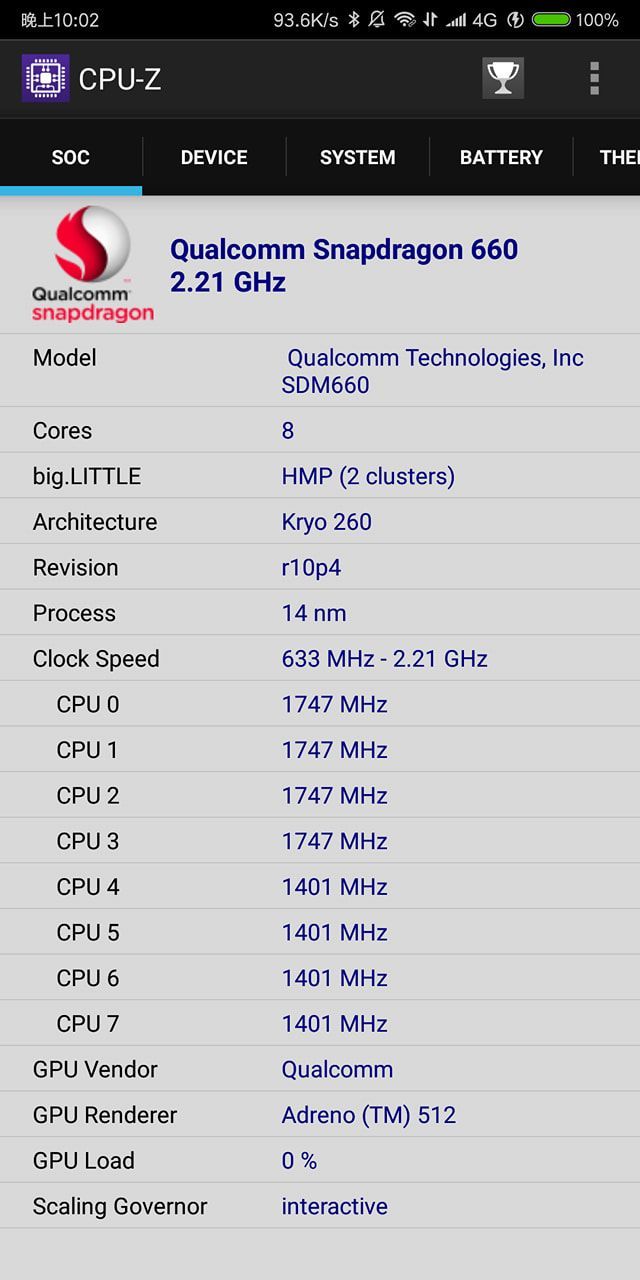
please add device Xiaomi MI 6X MIKU cpu Qualcomm Snapdragon 660 gpu Adreno 512 and ssd intel 750 CPU-Z VALIDATOR (x86.fr) Intel SSD 750 Series 400GB 12 Height PCIe 3.0 20nm MLC Product Specifications

-
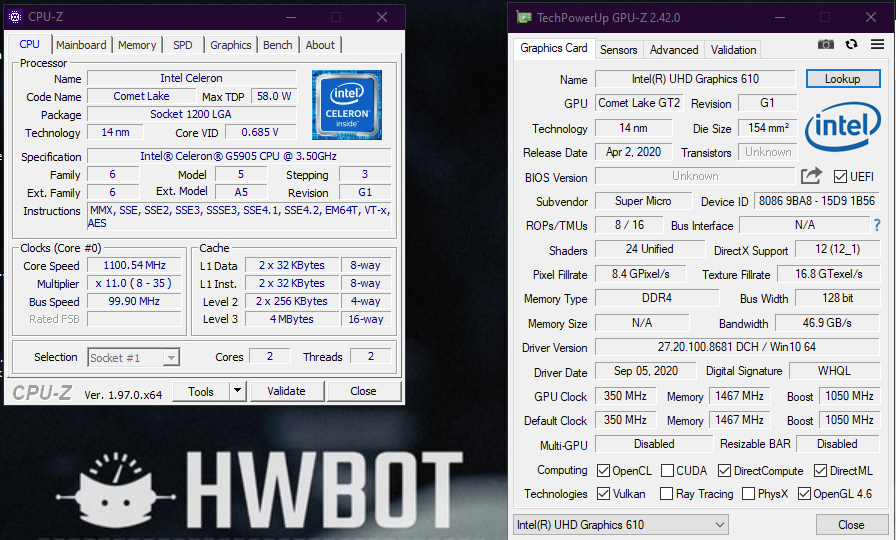
please add UHD Graphics 610 (Comet Lake GT2) [TMUs / ROPs 16/8] database only have Comet Lake GT1 [TMUs / ROPs 12/2] TechPowerUp GPU-Z Validation k96rv
-
https://www.techpowerup.com/gpuz/details/k96rv
-
please add divice Xiaomi MI 6X MIKU cpu Qualcomm Snapdragon 660 gpu Qualcomm Adreno 512 CPU-Z VALIDATOR (x86.fr) and OEM motherboard Gigabyte GA-2C51GMP-RH AMD Athlon 64 X2 4200+ @ 2209.72 MHz - CPU-Z VALIDATOR (x86.fr) thank