-
Posts
213 -
Joined
-
Last visited
-
Days Won
4
Micka's Achievements






-

SkyWalkerAMD - Xeon w9 3575X @ 5000MHz - 399212 MIPS 7-Zip
Micka replied to kaliz's topic in Result Discussions
5th Xeon NDA date was over? -
hope next time livematch I can do that
-
I have a boxed one,last year gskill match backup,but need sent from China,Haha
-
Add gpu pot
-
add memory+remove fluke
-
Add a T-REX
-
A man's promise for me? c32—9200 done!
-
refresh!
-
fucking strong! our high frequency cpu always can not runing with high gear2 frequency sametime.
-
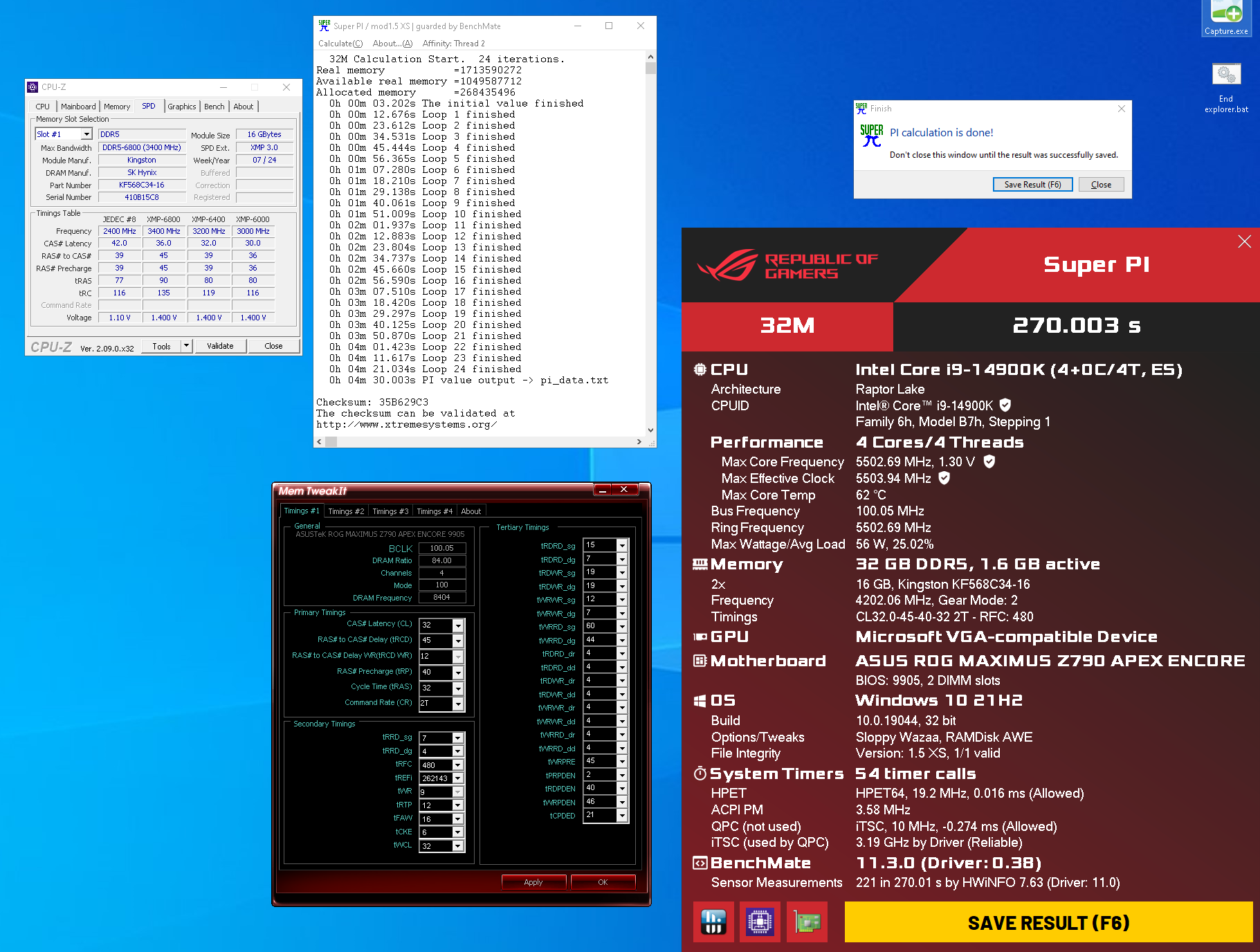
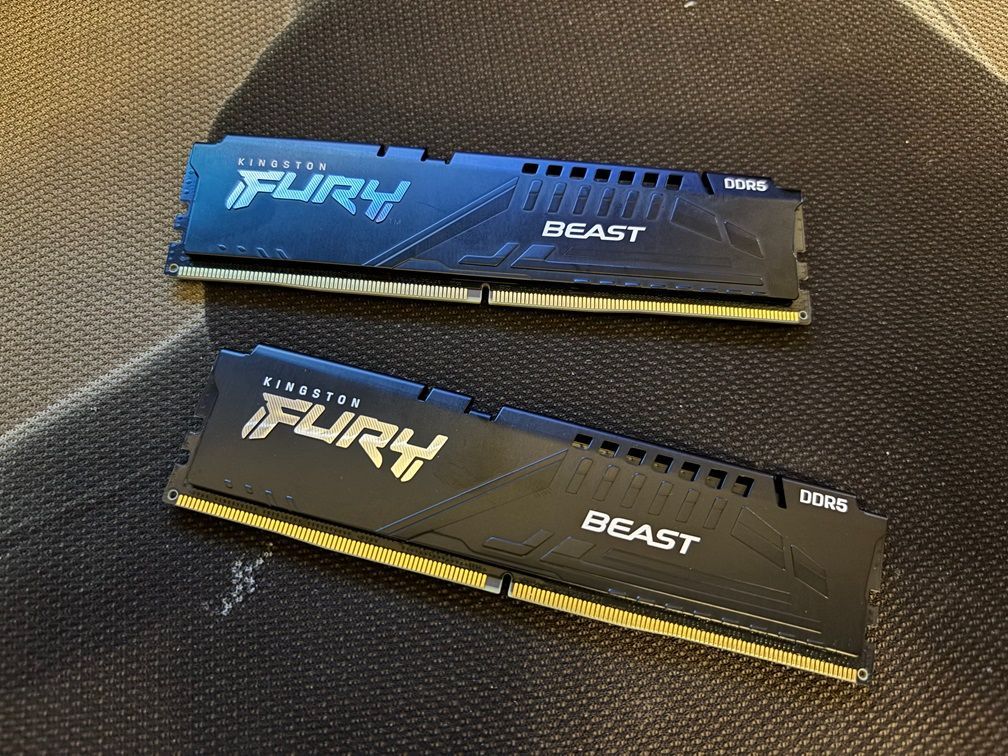
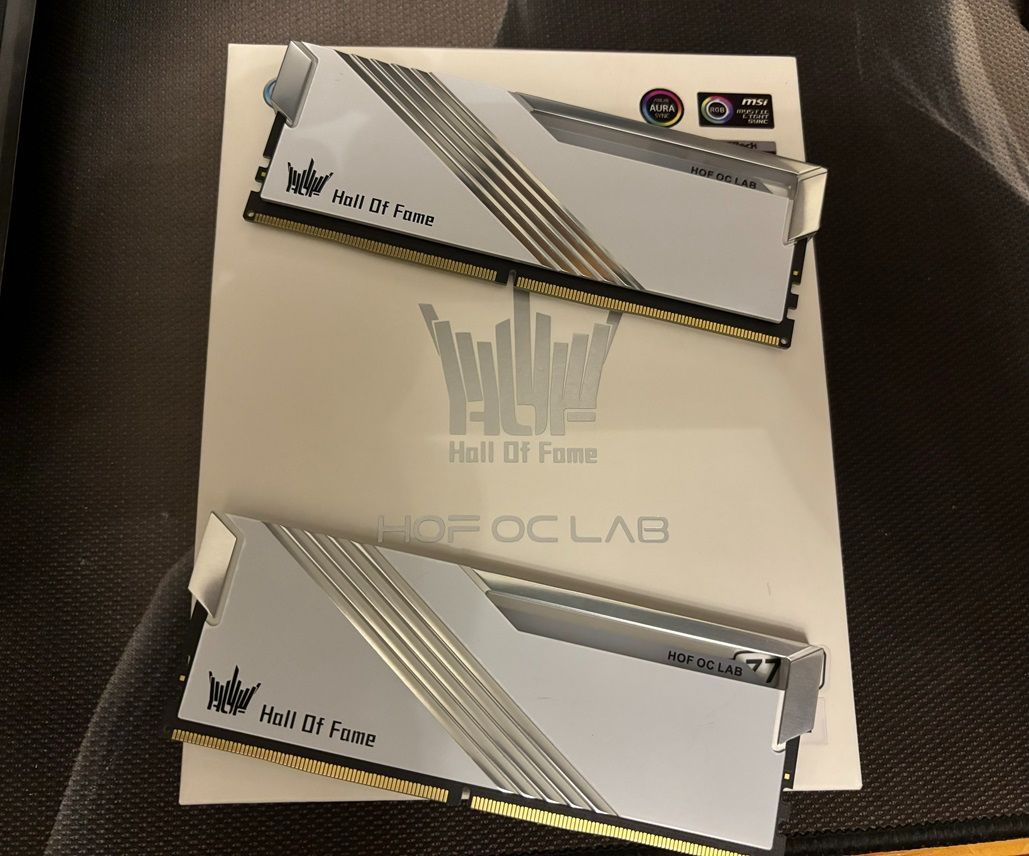
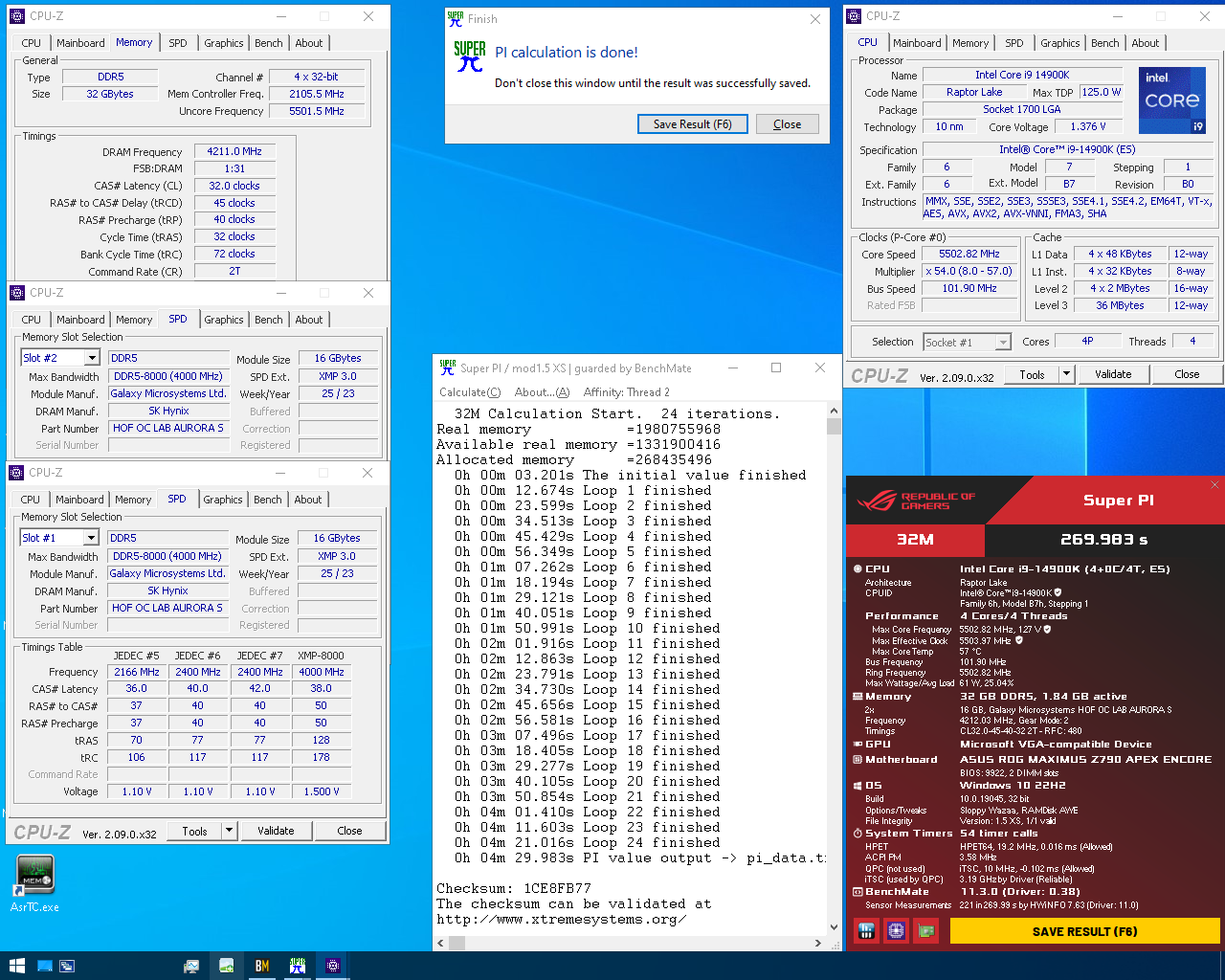
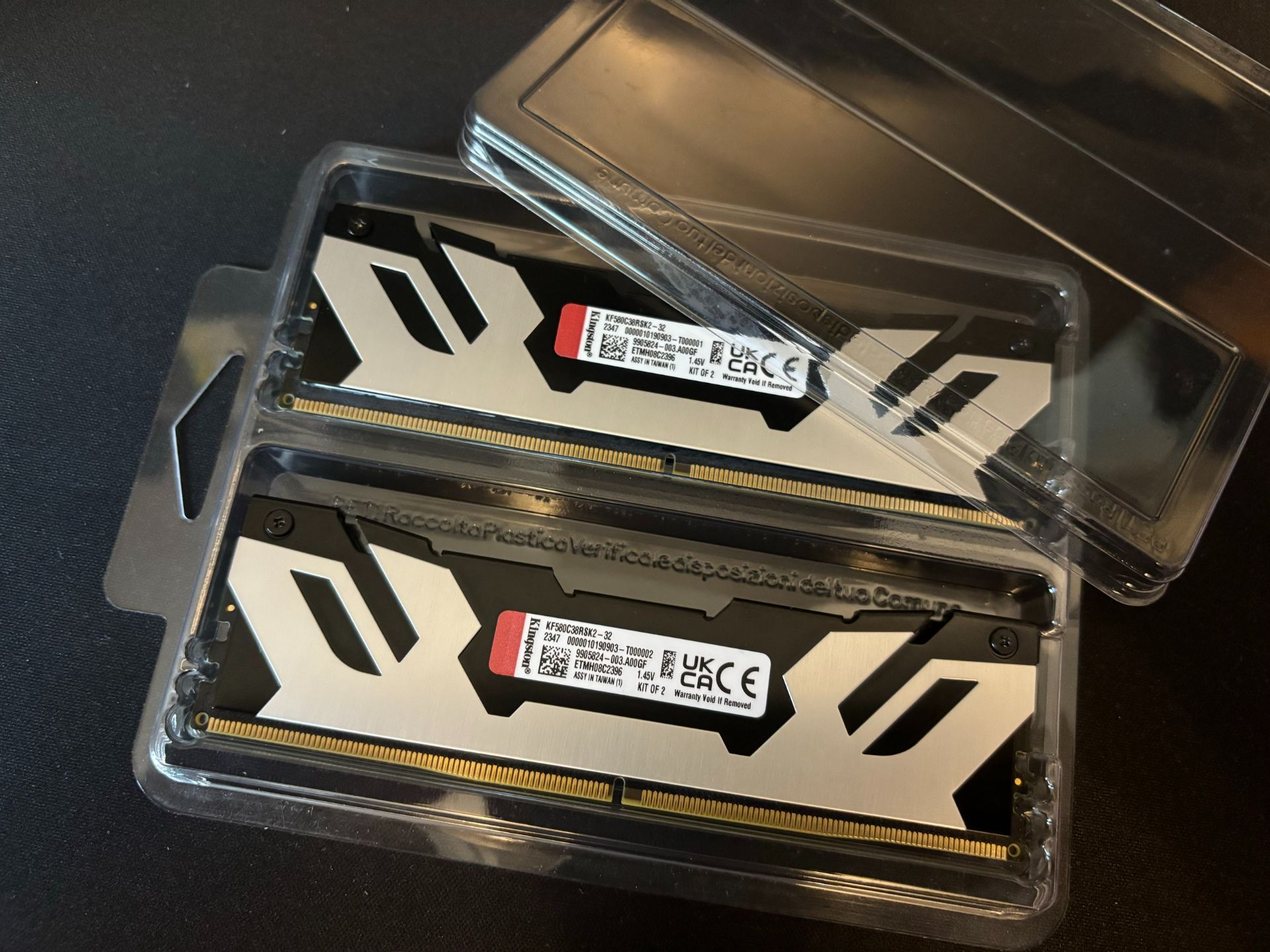
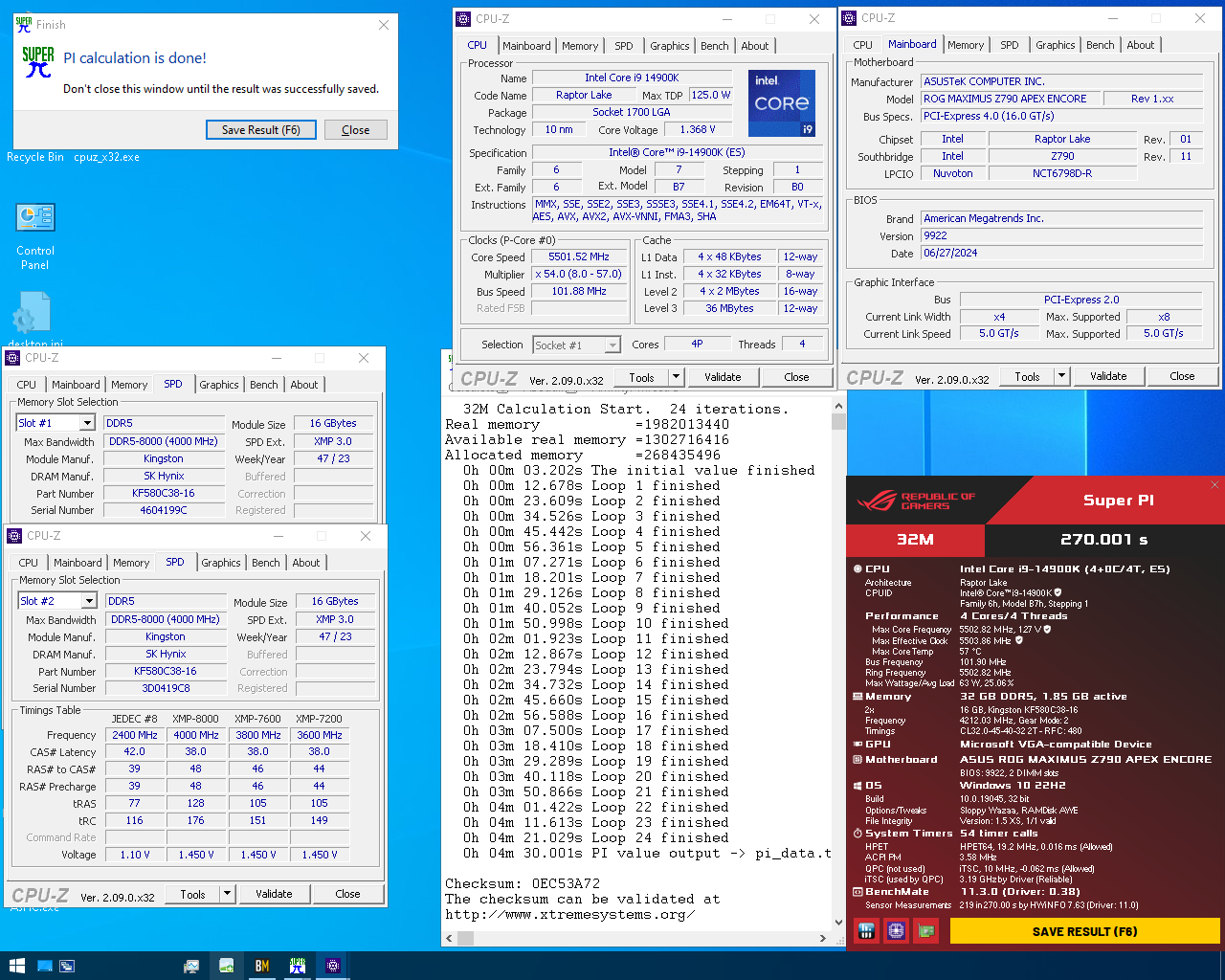
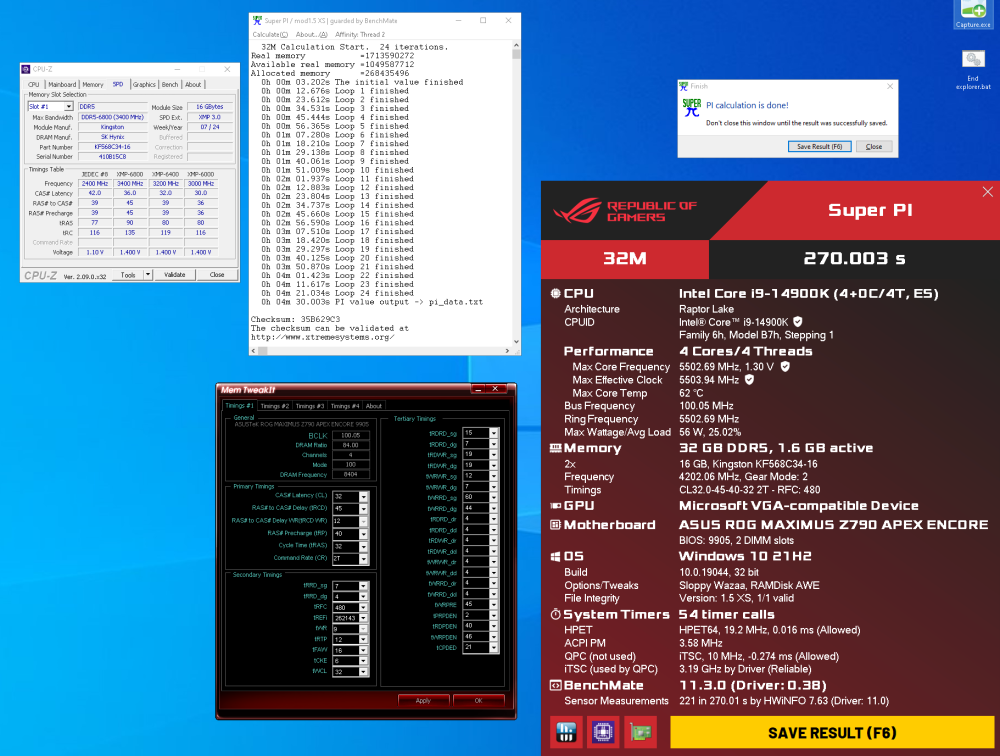
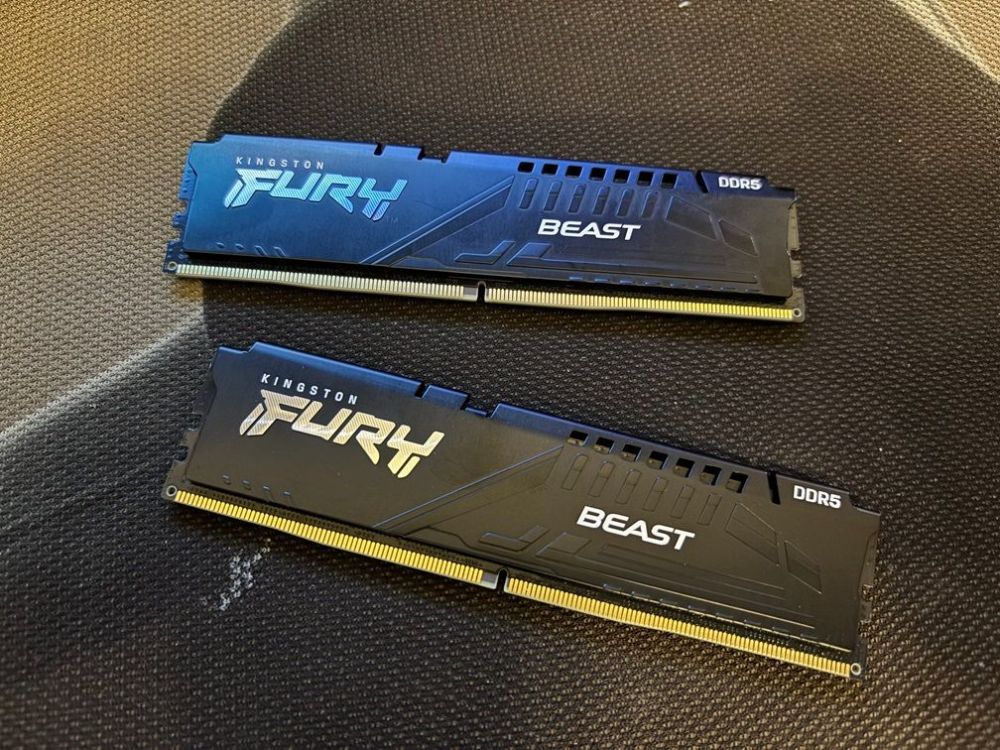
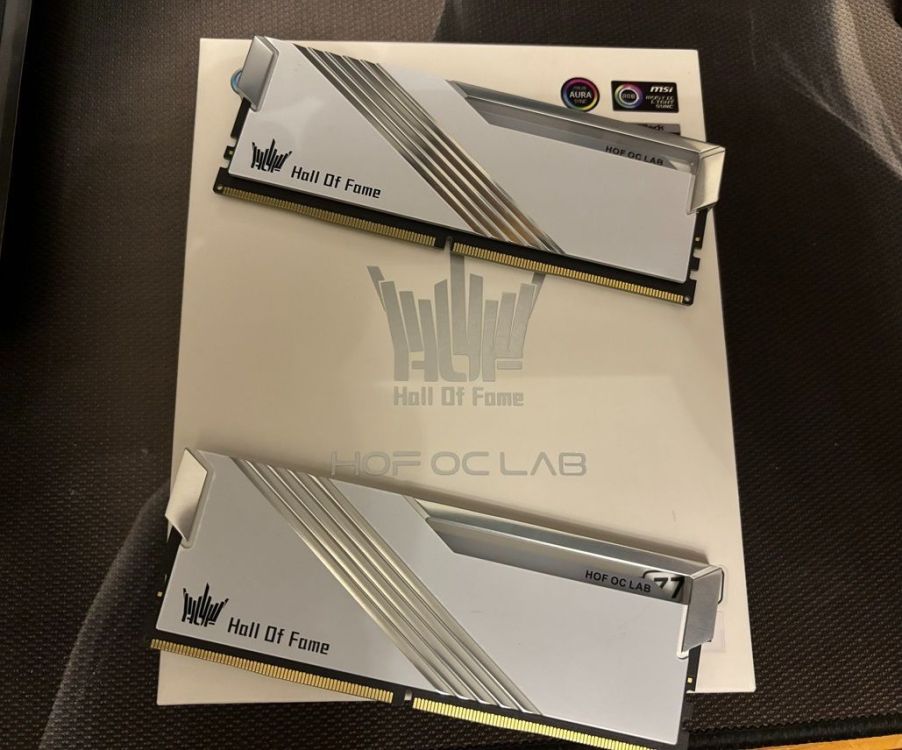
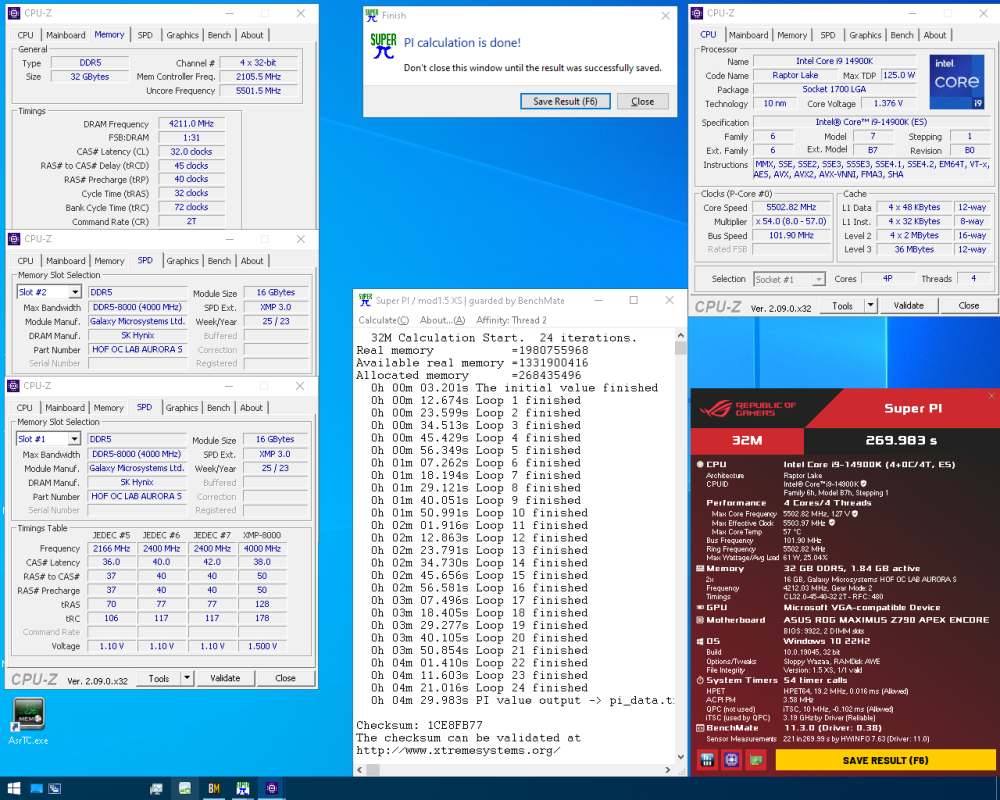
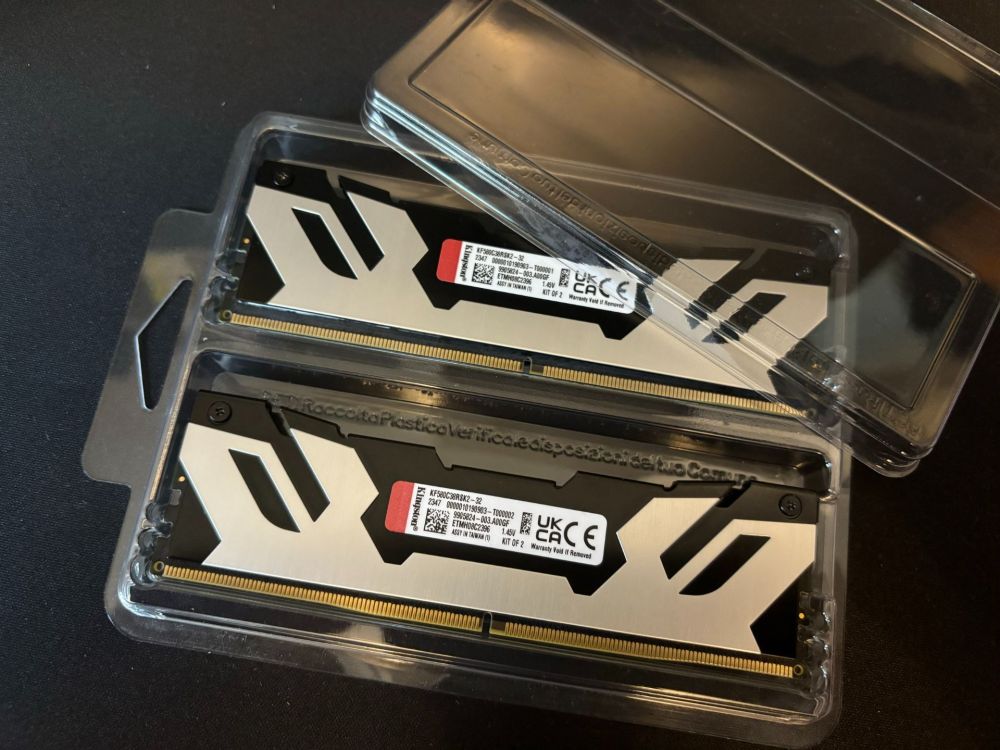
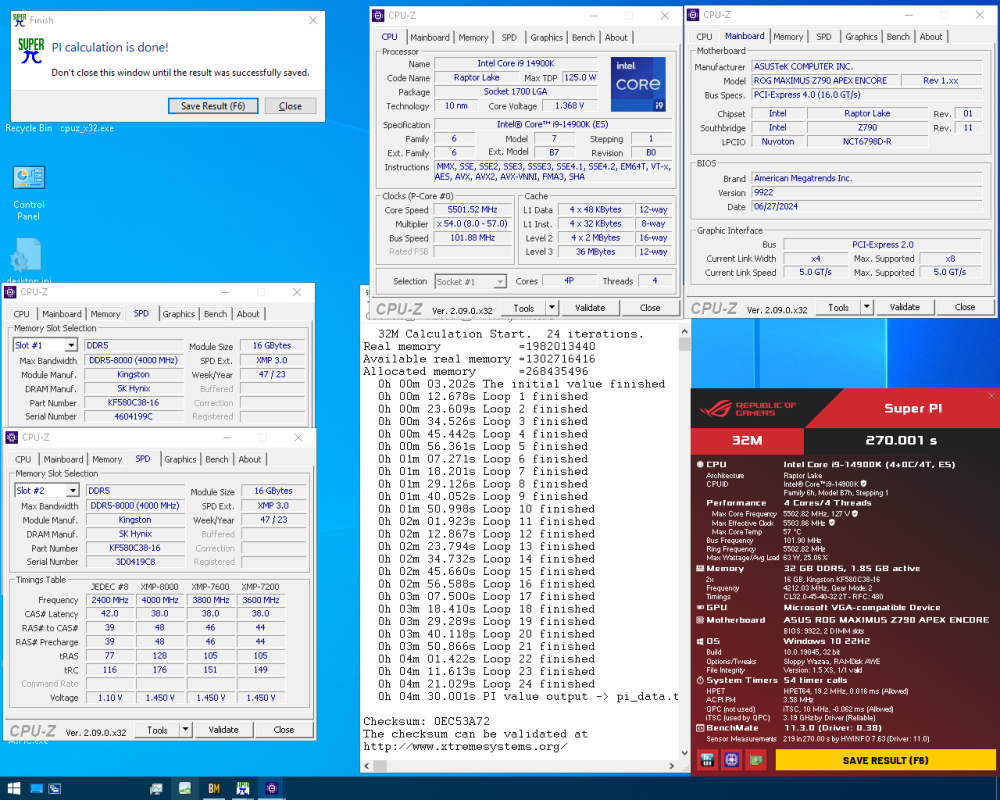
Kingston C34-6800 Beast non-RGB ,binned 32-45-40-32 8400 mhz 170usd with shipping Galax OC LAB C38-8000 ,binned 32-45-40-32 8424mhz 250usd with shipping Kingston C38-8000 fury non-RGB 32-45-40-32 8424mhz 220usd with shipping
-
lupin_no_musume - DDR5 SDRAM - 5806.5 MHz Memory Frequency
Micka replied to Seby's topic in Result Discussions
群主是万能的! -
Pi master,very miss you!
-
refresh ?