Bulshooter
-
Posts
973 -
Joined
-
Last visited
-
Days Won
1
Bulshooter's Achievements




-
Nice
-
Load Luumis 6GHz Profil change your Ram Settings, and the pll who stand at 1,8 V to 1,6 V
-
Thats A2 Dimms
-
be there from 25 to 03
-
No Backup, i make the Score Yesterday with 5 Liter LN2 ?
-
The official G.SKILL OC World Cup 2019 Online Qualifier thread.
Bulshooter replied to Leeghoofd's topic in HWBOT Competitions
I hope you have seen that my Nickname here in the Forum is Bulshooter, no one can change my Nickname here to my real Nickname Bullshooter. -
The official G.SKILL OC World Cup 2019 Online Qualifier thread.
Bulshooter replied to Leeghoofd's topic in HWBOT Competitions
Where is the Wallpaper? -
32M Error i cant upload a score, system said wrong
-
Yes thats right on Maximus Gene XI
-
Bullshooter - Core i9 9900K @ 7484MHz - 8sec 420ms PiFast
Bulshooter replied to P5ych0's topic in Result Discussions
Not delided this Chip -
Thanks @ all
-
Alex@ro - Core i9 9900K @ 7000MHz - 45sec 0ms wPrime - 1024m
Bulshooter replied to safedisk's topic in Result Discussions
Nice Alex what can the chip do in 32M? -
Closed please, Chip sold privately
-
Bump
-
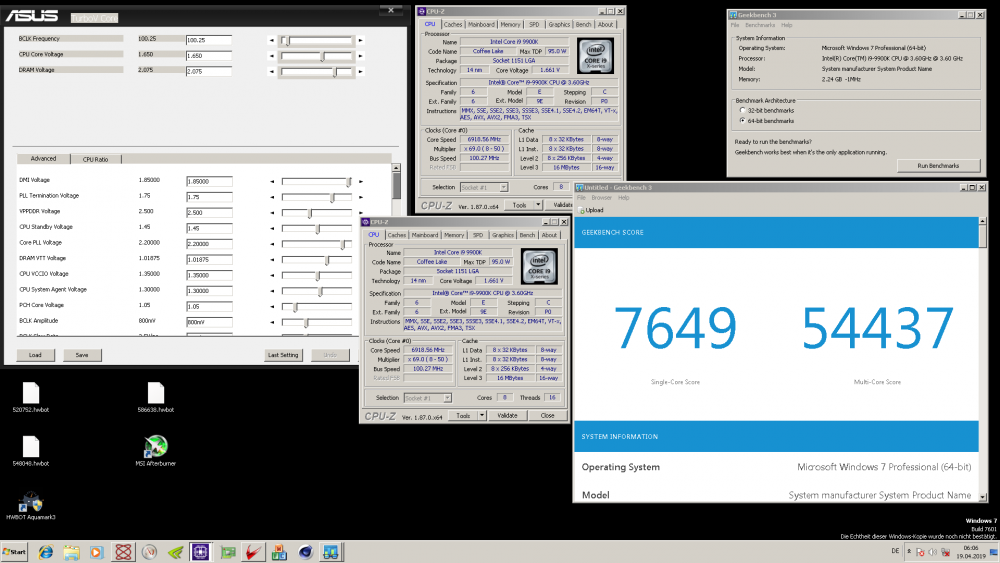
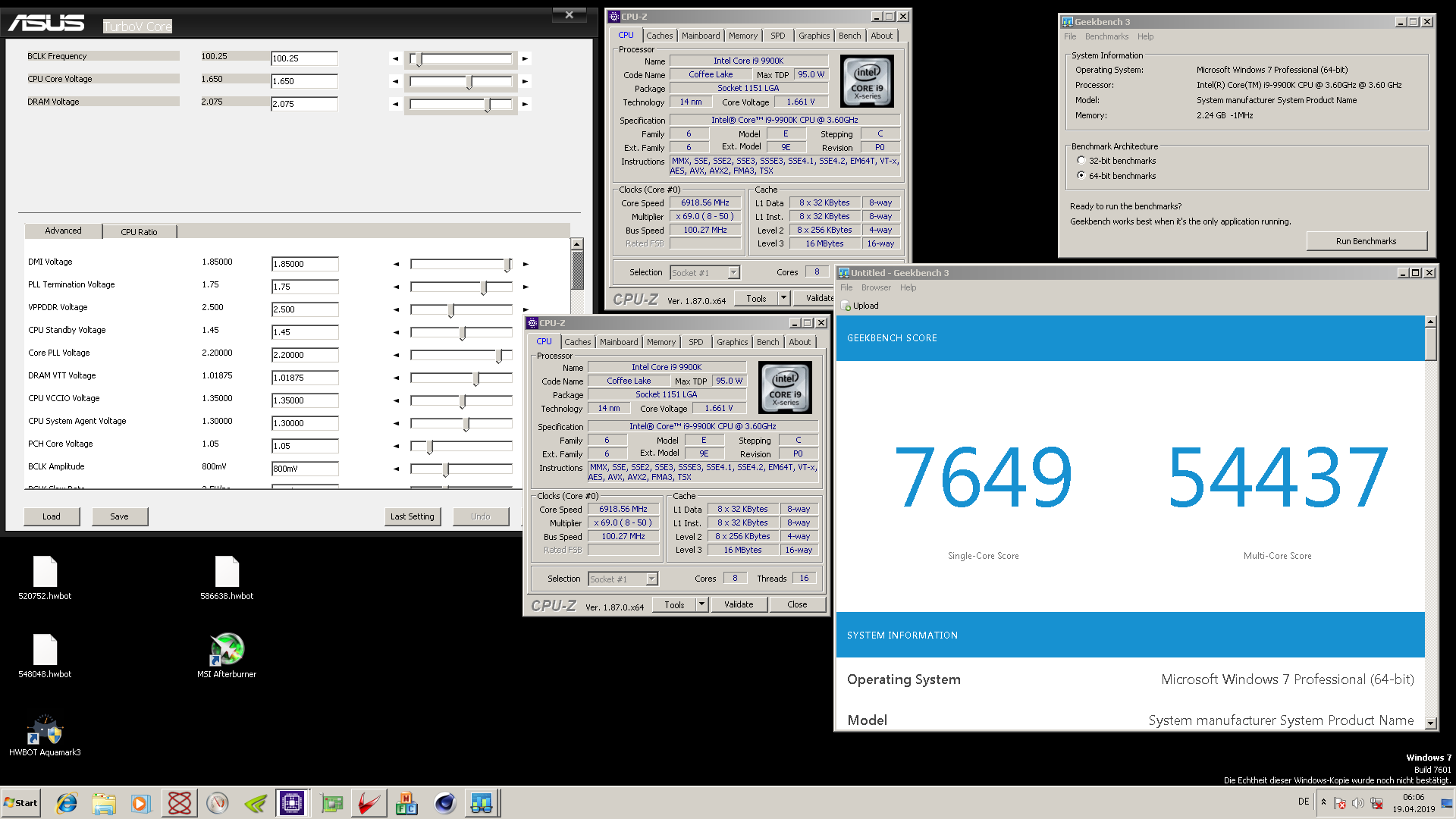
Hi, i sale my second best CPU This Chip can do 6,9 GHz R15, 6,918 GHz Geek 3 Multi Core, 7,364 Aquamark and 7,33 05 1500€ shipping not included asked please, shipping World Wide Location Germany