chispy
-
Posts
2384 -
Joined
-
Days Won
50
4 Followers



chispy's Achievements






-
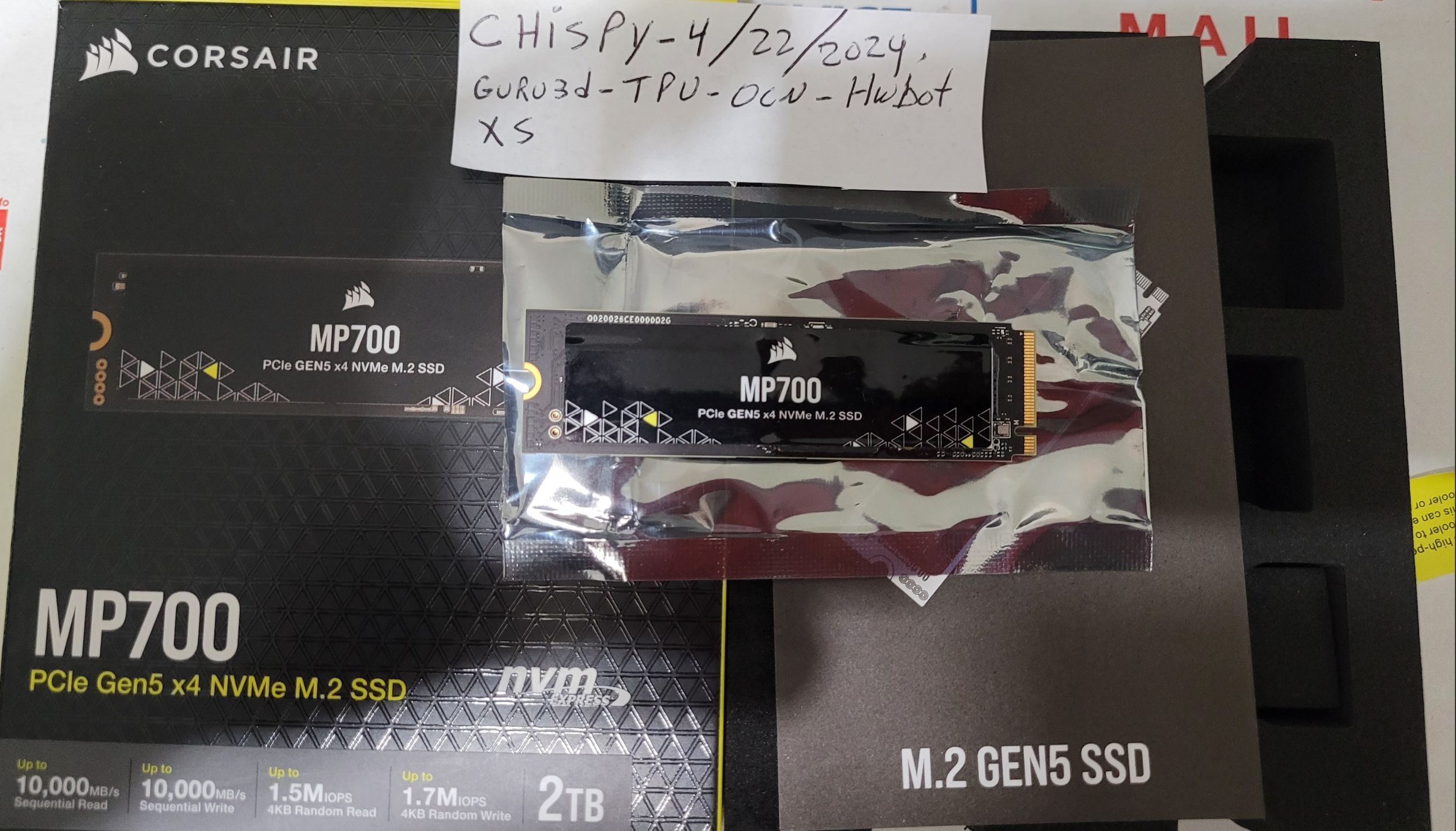
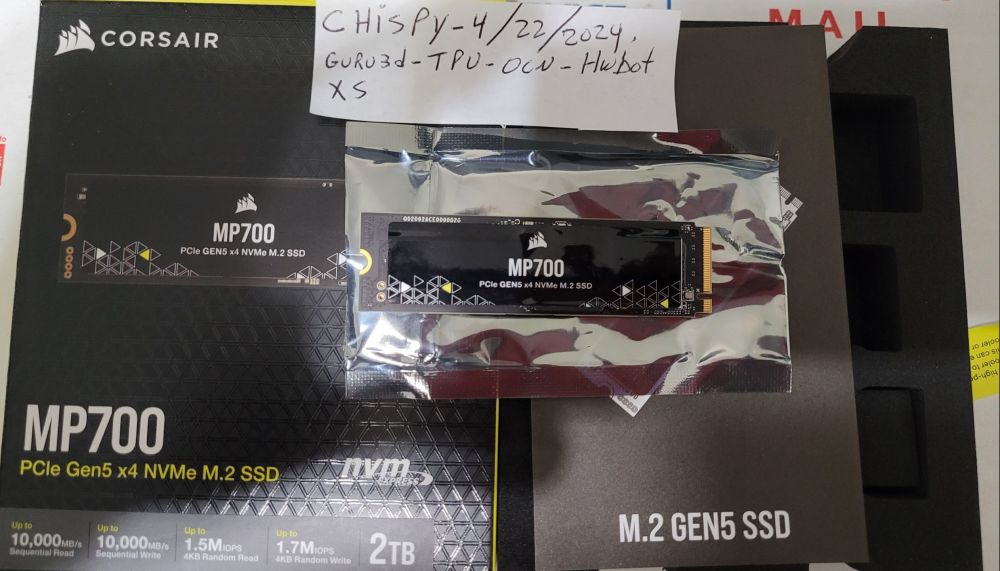
 Item # 6 has been ** SOLD ** SOLD - 6. Corsair MP 700 2TB Gen. 5.0 nvme 10,000/10,000 R/W - mint condition Price - $149 - SOLD
 -
Reserved.
-
Item # 6 -
-
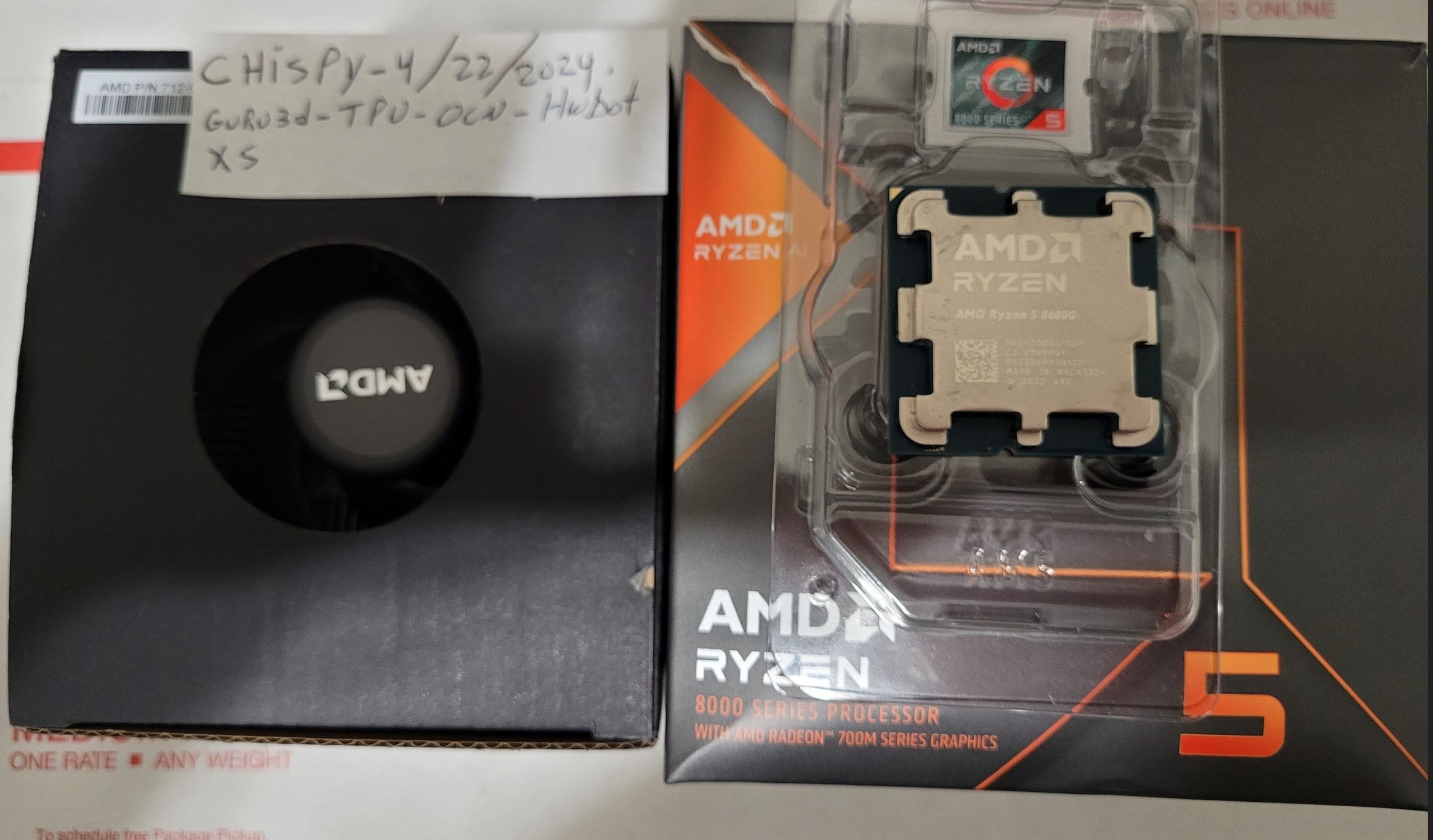
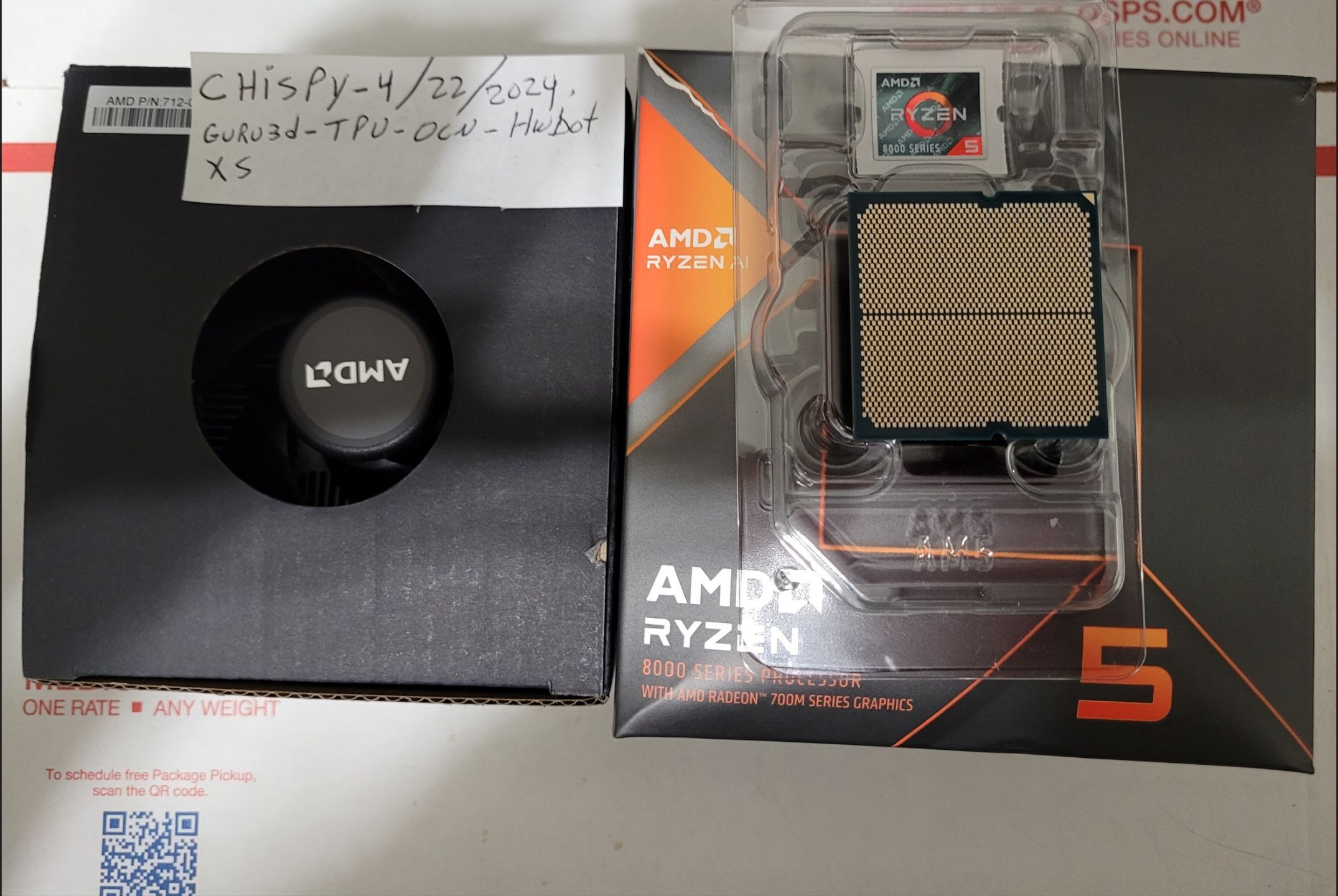
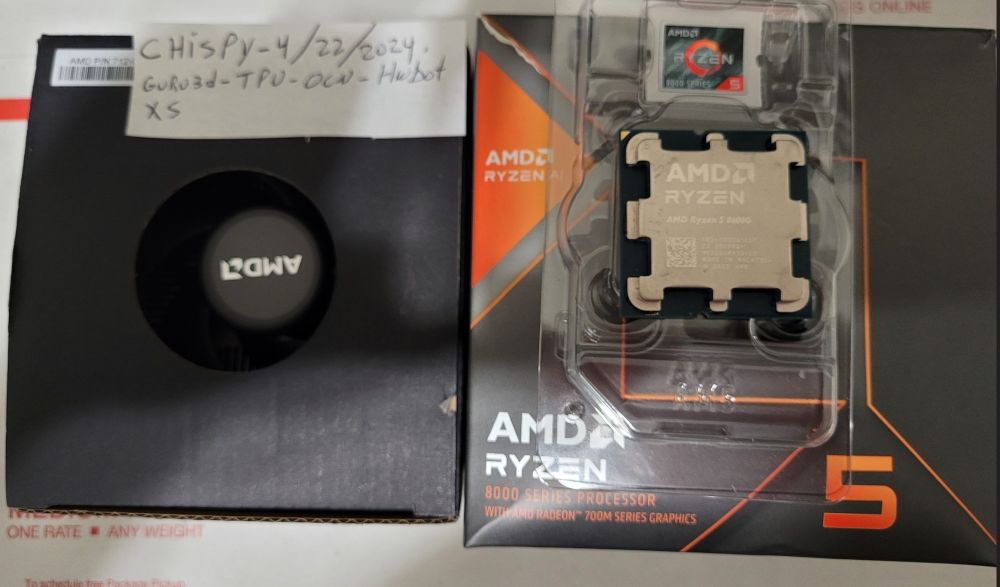
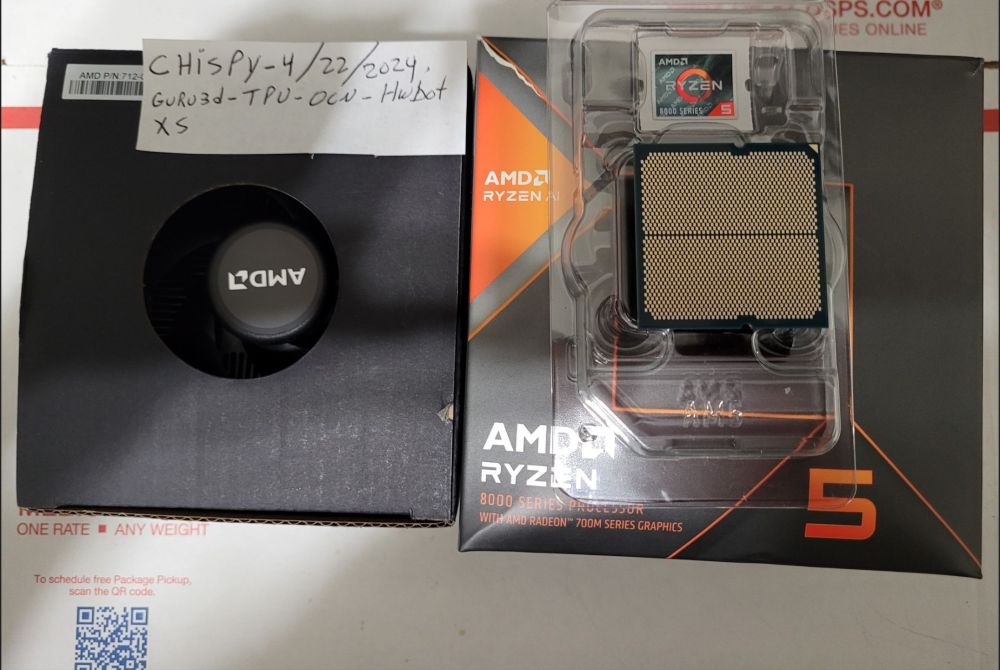
Item # 5 -
-
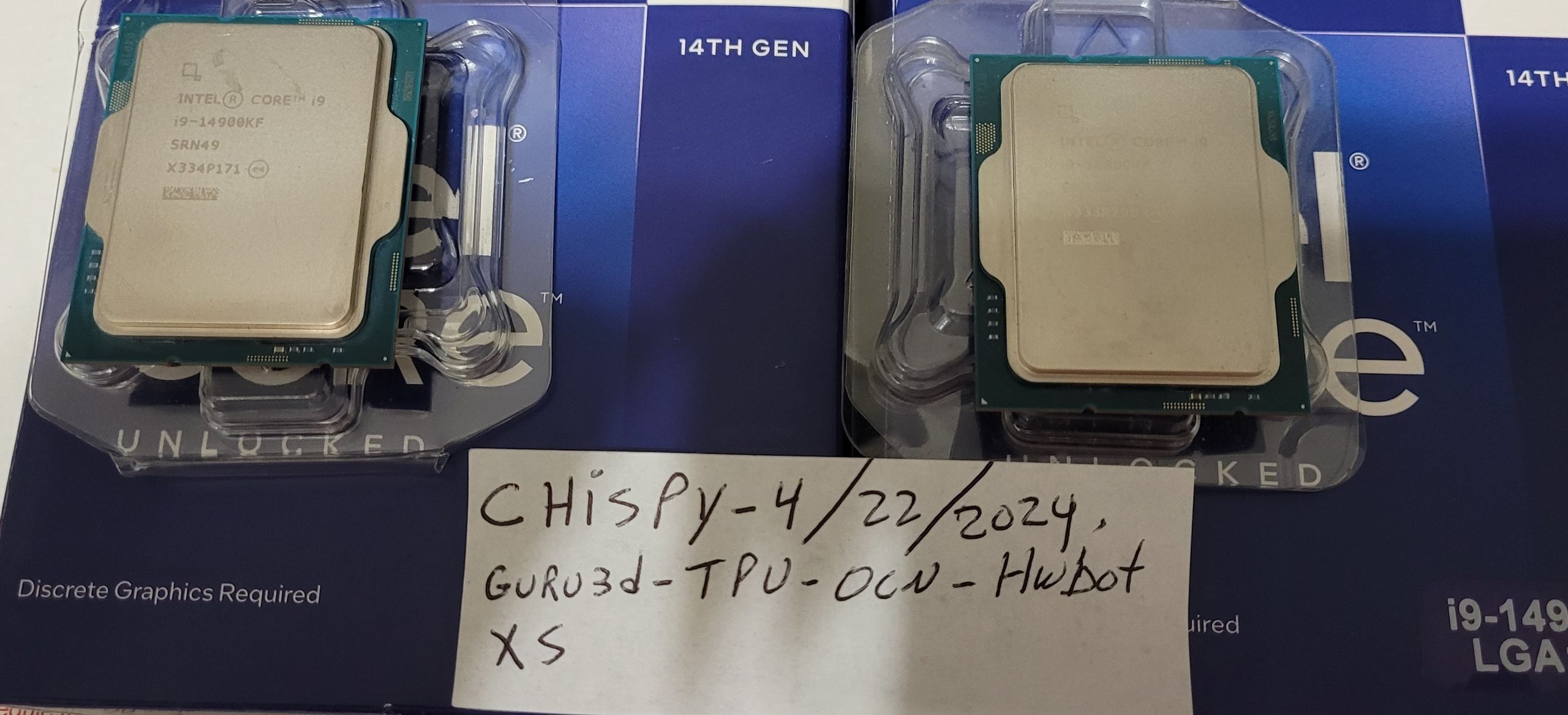
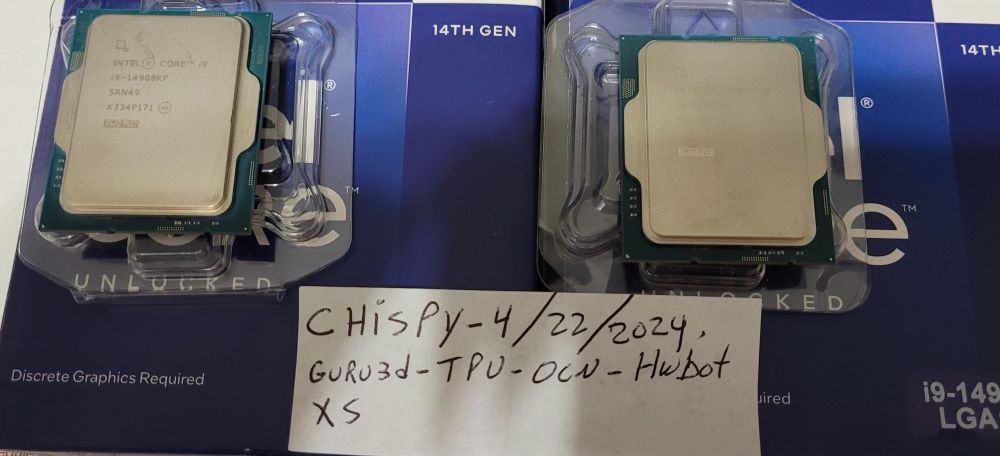
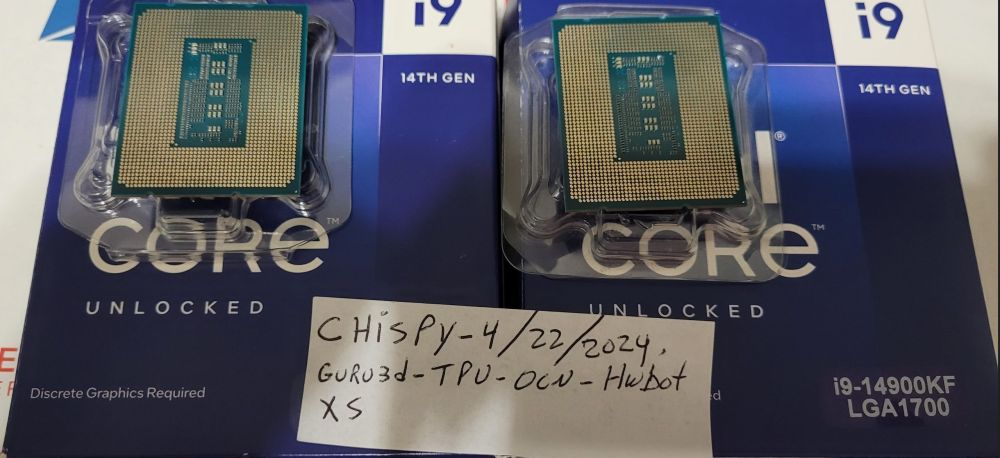
Items # 3 and # 4 -
-
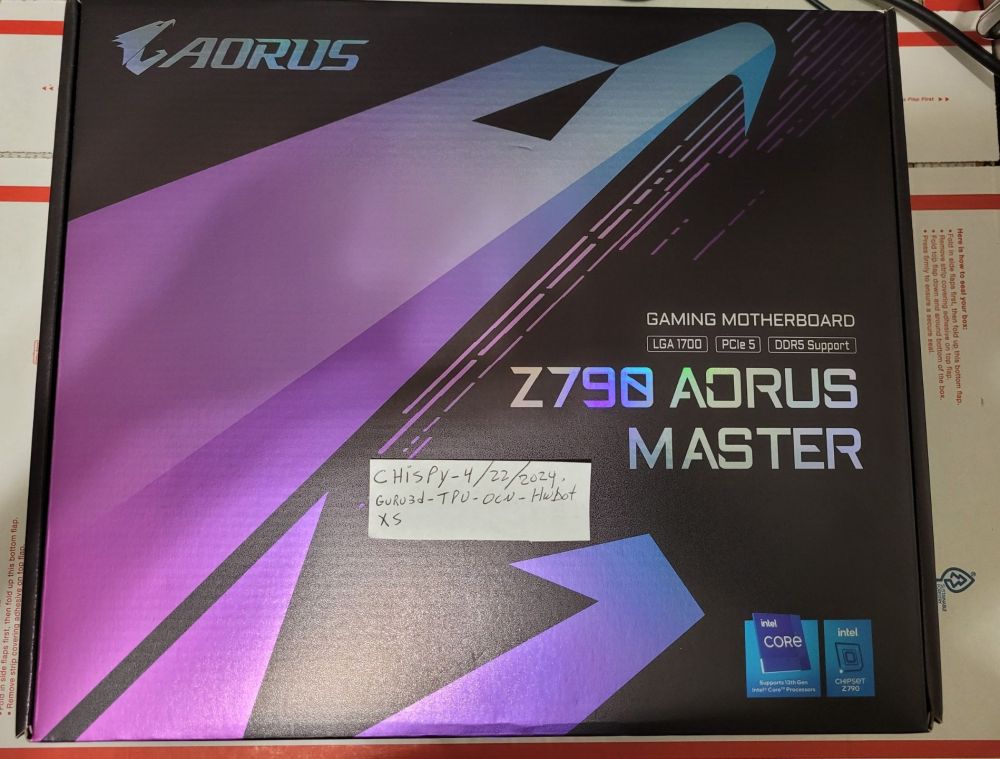
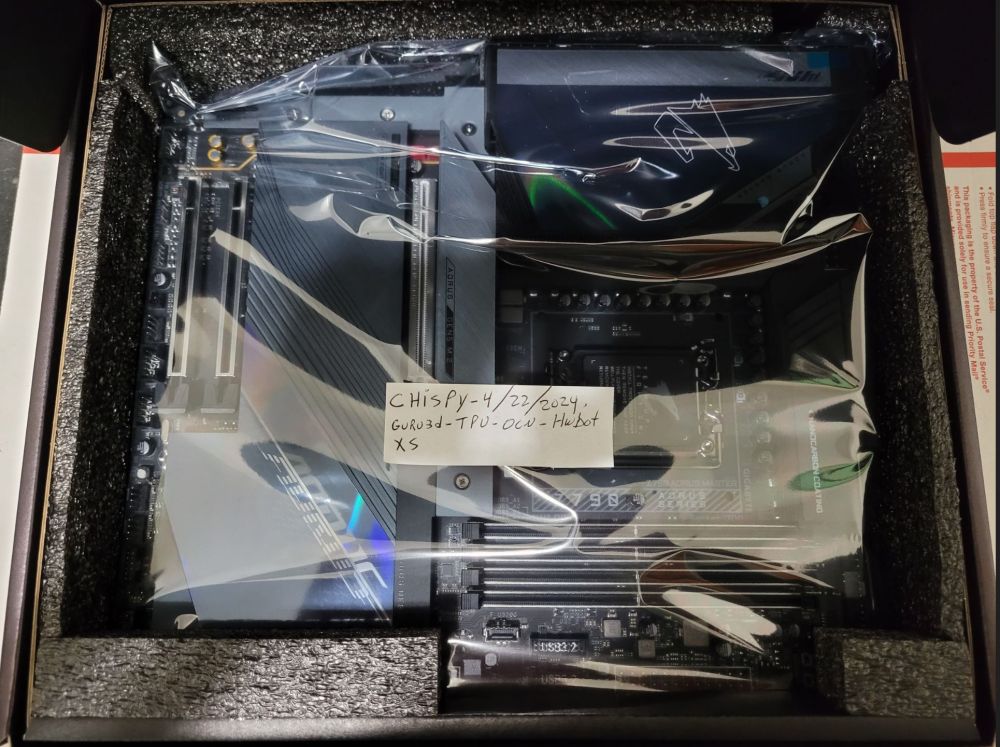
Item # 2 -
-
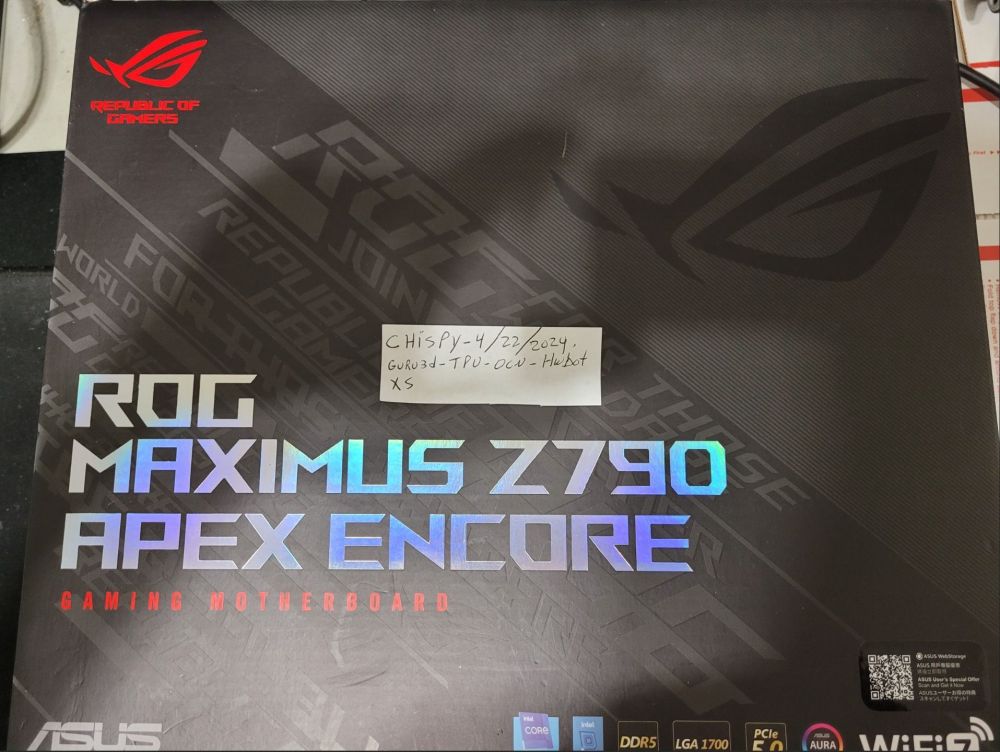
Item # 1 -
-
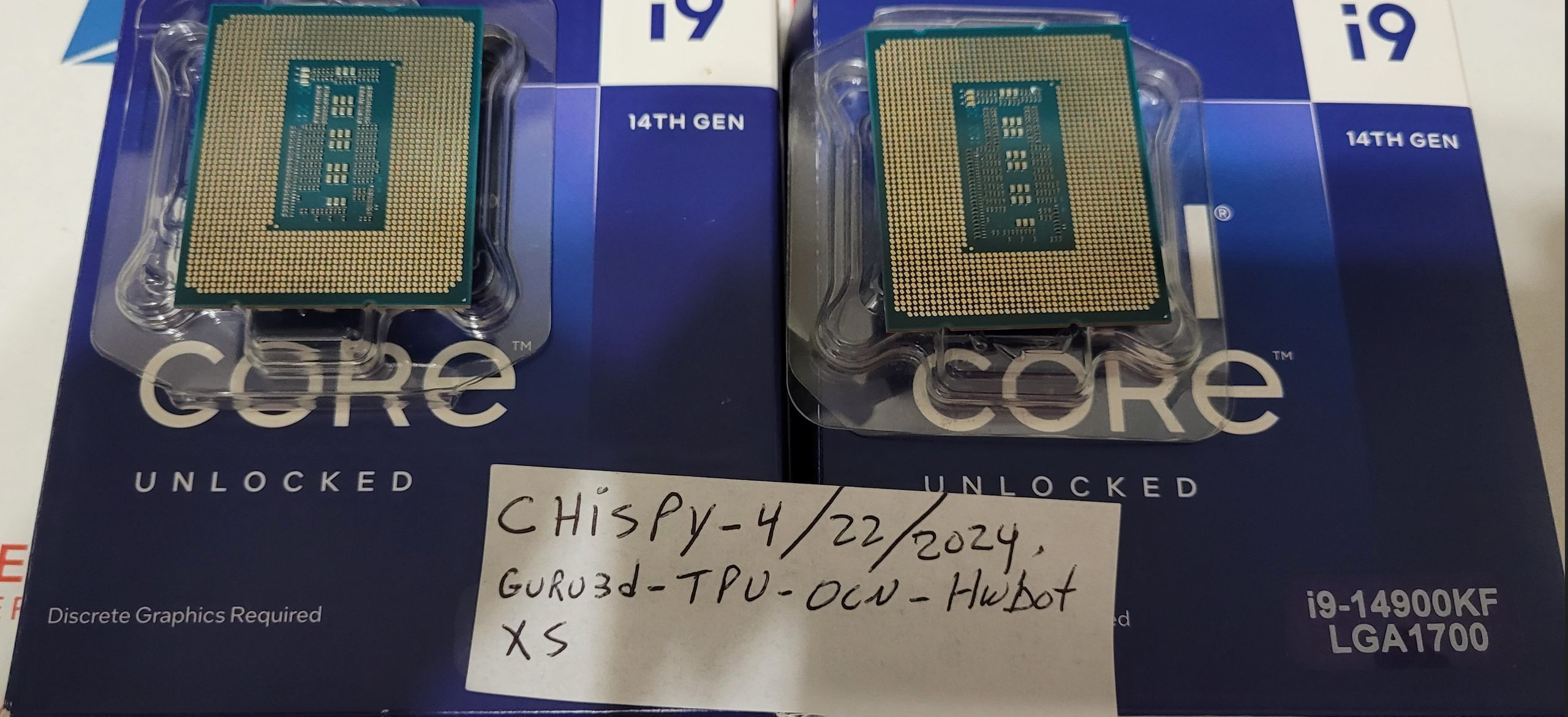
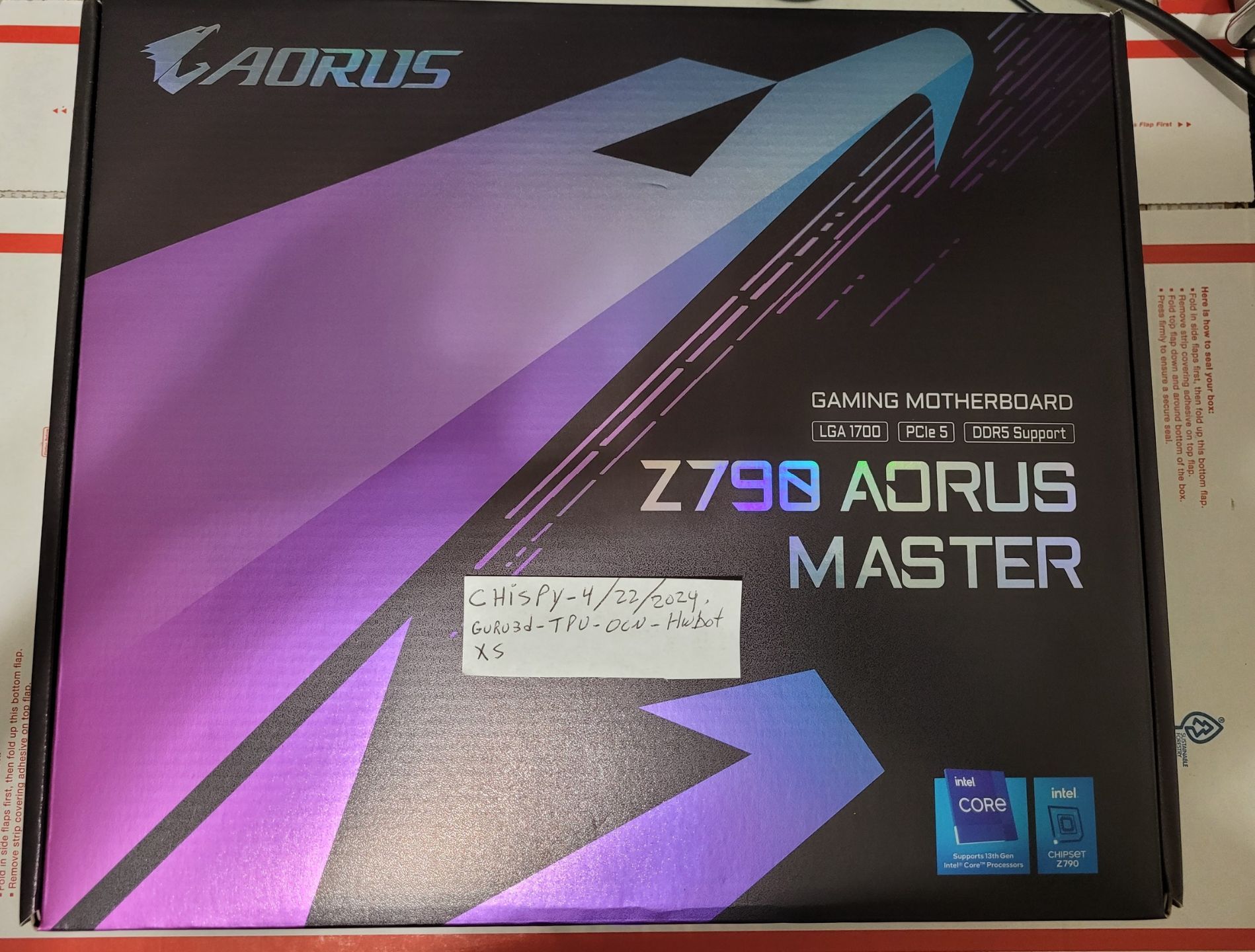
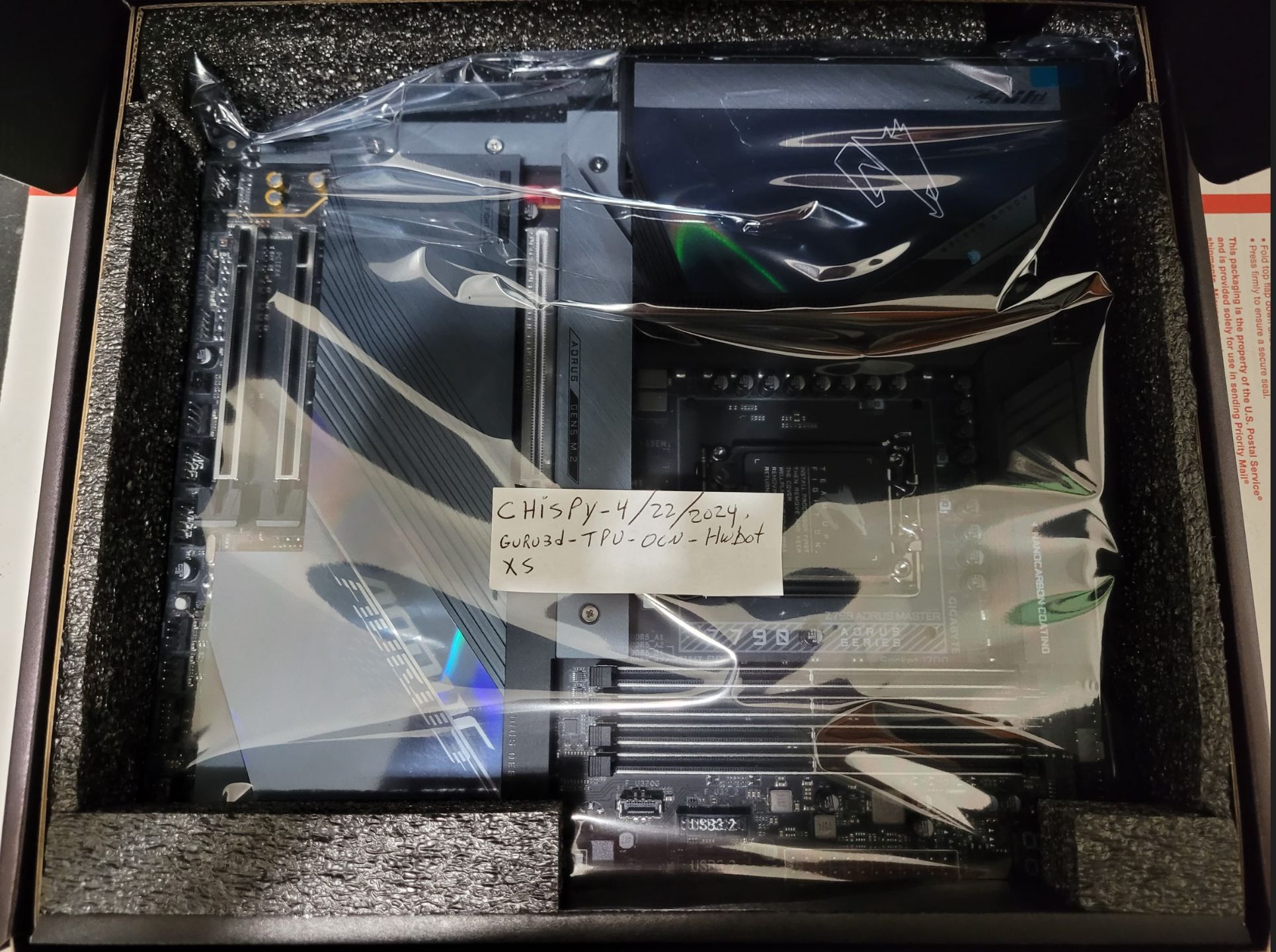
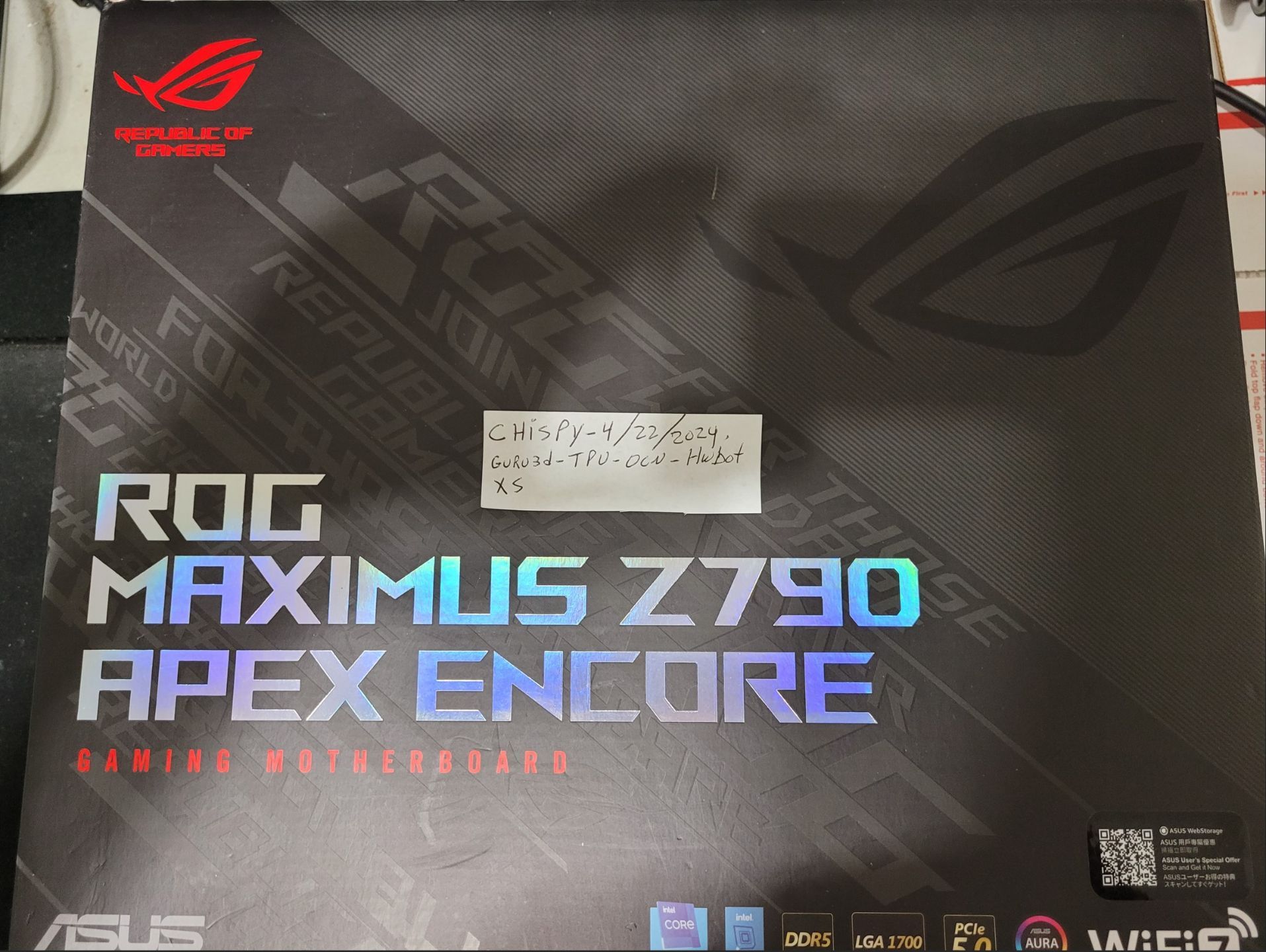
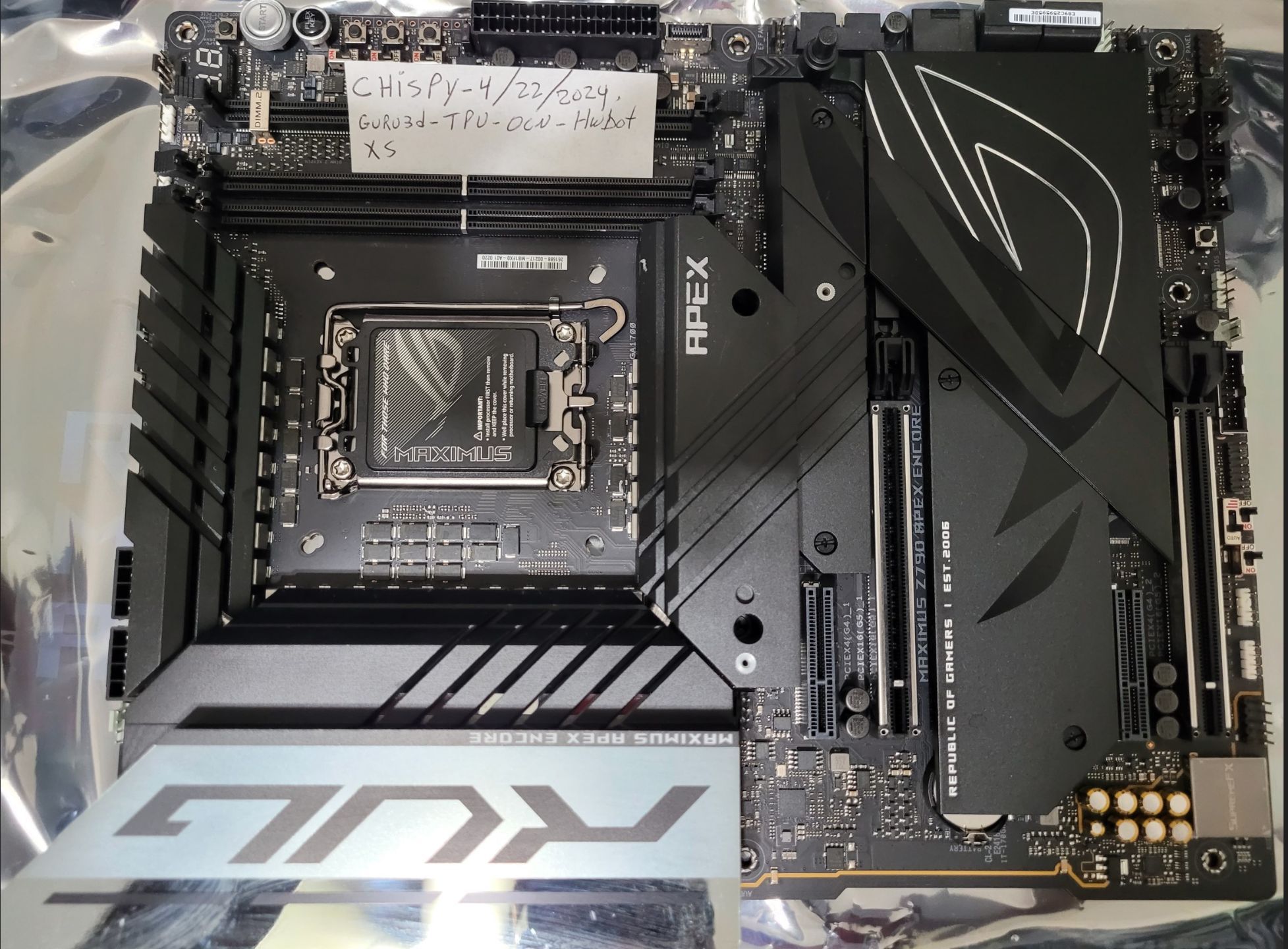
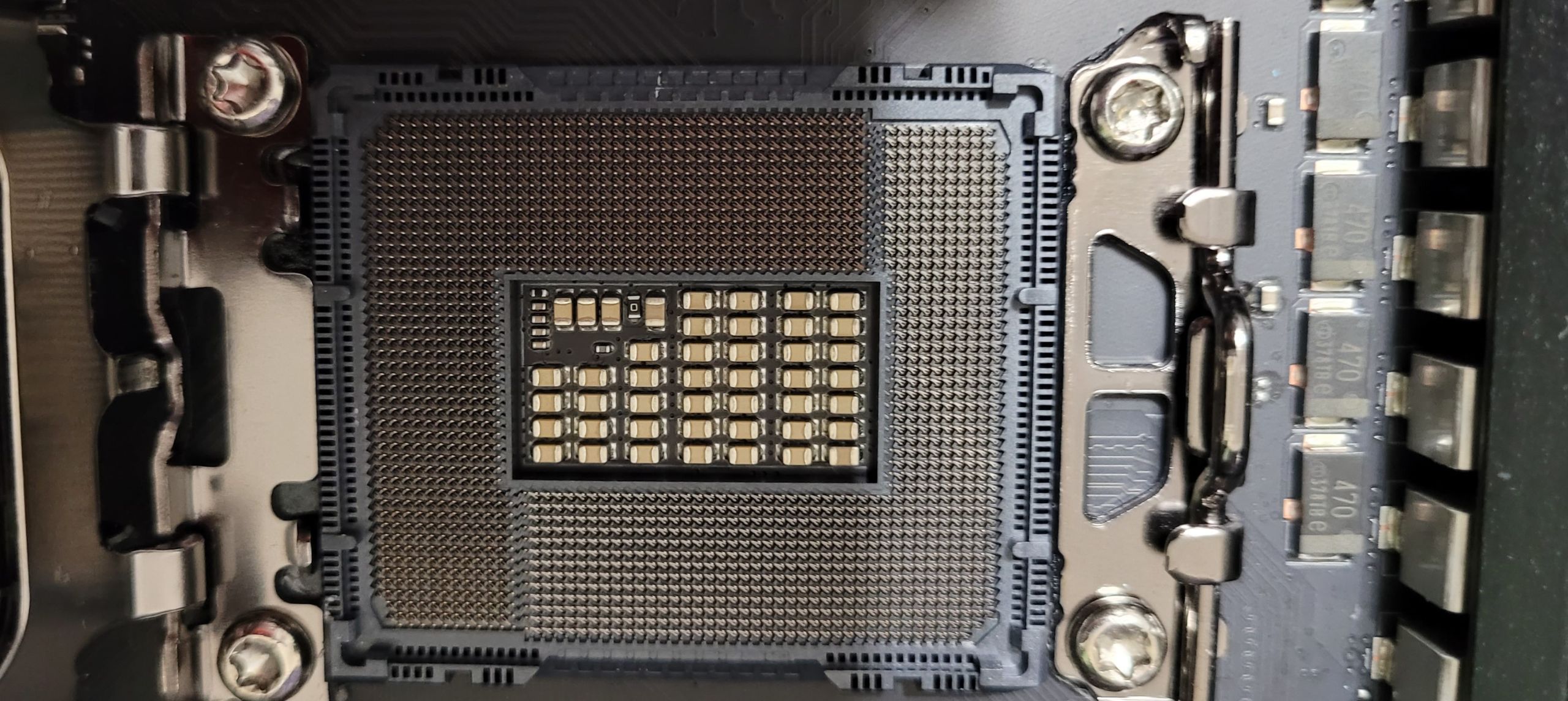
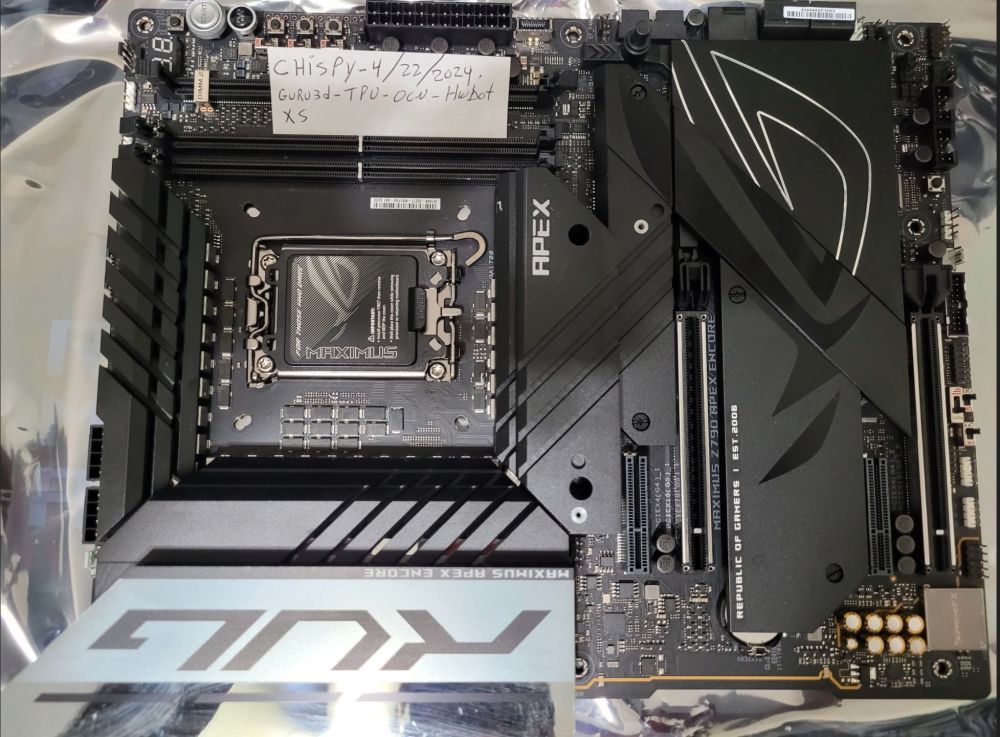
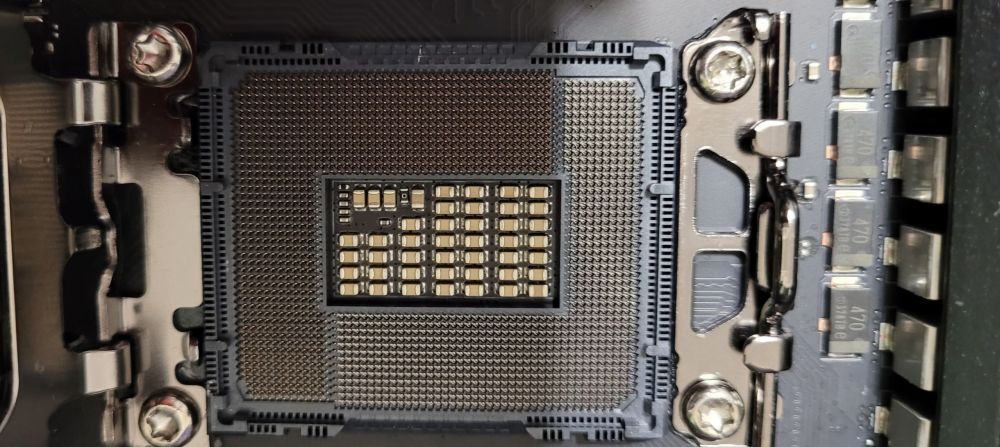
Up for sale are some great deals on hardware that i'm not using anymore. Paypal only as friend or buyer pays all Paypal fees + buyer pays the whole shipping and handling cost . No trolling , no low balls , no returns. ** International shipping** I can do International shipping but beware of the high cost shipping on heavy items like motherboards** Heatware Feedback 100% Positive , long time member - https://www.heatware.com/u/86369/to Items: -------- 1. Asus ROG Maximus Z790 Apex Encore - Like brand new condition , barely used. Price - $549 2. Gigabyte Z790 Aorus Master - Brand new , never used. Price - $399 3. Intel Core i9 14900KF - Barely used. Price - $489 4. Intel Core i9 14900KF - Barely used. Price $489 5. AMD Ryzen 8600G APU - Used 3 times only , like brand new , mint condition , comes with stock air cooler. Price - $199 6. Corsair MP 700 2TB Gen. 5.0 nvme 10,000/10,000 R/W - mint condition Price - $149
-
That Hailea 1HP chiller sounds good 👍
-
Ideally you would want a 1hp water chiller , but 1/2 water chiller will do same job more efficiently ( takes longer to chill ). Please look for aquarium water chiller 1/2hp on ebay and bypass the thermostat so you get the most out of it -10 ~ -21c. Here you go amigo , something like this: https://www.ebay.com/itm/135018413271?itmmeta=01HVSCGDDXKV40YFSCWMKAWFZT&hash=item1f6fb97cd7:g:3McAAOSwKkJmAHVq&itmprp=enc%3AAQAJAAAAwBDRekXglNTvTJGMvEiJY5VUVuXGHRGUavhGN8KWPfP9Nj4kFS%2FXnfz%2FvKdrh0jTRmSgVZjwCH4cgWvCUCAPZ2NiLc%2FnddwsmlZ4Q9WQsHERw4CidK32oCJ1fNlmDz3od9%2BbINi7gFX8fUU%2B%2B2E53SflS1wpze0GhEIUeQUW9%2Fcf947dvsx43ihVx4V0kW7dOn9UKTcg0hrhrxlOeCFCK8H8gwba1ho15ld21zMAVEru4jC7PSFBibH3KJMTJ8LP8Q%3D%3D|tkp%3ABk9SR5bXwazeYw Regards: Angelo
-
d0minat0r - Radeon HD 6870 @ 1436/1340MHz - 130094 marks 3DMark03
chispy replied to Gulftown's topic in Result Discussions
Holy gpu clocks batman! Dang ... this one will be very hard to beat :D unless someone finds a 1500mhz+ Gem on this gpu core. Congratulations Janko , well done amigo ! Nice one bro. -
Awesome score on the baby monster Asrock z790i Lightning , well done !
-
Thank you amigo Sharon.
-
Hugeee score Salty , amazing cpu bro , well done and congratz on the Gold !
-
Awesome scores Lewis , great job on the little hdv mobo and congratz on the Gold !