TAGG
-
Posts
681 -
Joined
-
Last visited
-
Days Won
5
1 Follower

Recent Profile Visitors
7584 profile views





TAGG's Achievements






-
TAGG - GeForce 8800 GT 512 Mb @ 1145/1044MHz - 506468 marks Aquamark
TAGG replied to TaPaKaH's topic in Result Discussions
Just my luck all 4 cards are like this -
Up, finally got the 6600 GT to run in SLI
-
Well yes and no... The entry level stuff isn't expensive but now check what geforce 256 DDR + GF2 Ultra + GF3 Ti 500 + GF4 ti 4600 + GF4 ti 4800 SE costs... I'm not complaining for my own sake obviously as i have that lineup, heck i have multiple of most of them and it would probably help motivate me to bin them and sell some but imo competitions should be designed to attract as many people as possible and that's pretty hard if you know right away that you won't have a chance to be competitive.
-
Thats well over a grand in GPUs... Make it actually afordable to go out and buy cards to have fun, one ATI one Nvidia and NV17/RV280 then it's like cheapaz but with GPUs we'd never get for cheapaz cause too old Maybe consider making Nvidia one 01 and ATI one 03 running single test of 03 is no fun.
-
Added some new goodies, price drops on the Booster and Maximzer
-
One maximizer sold, one to go
-
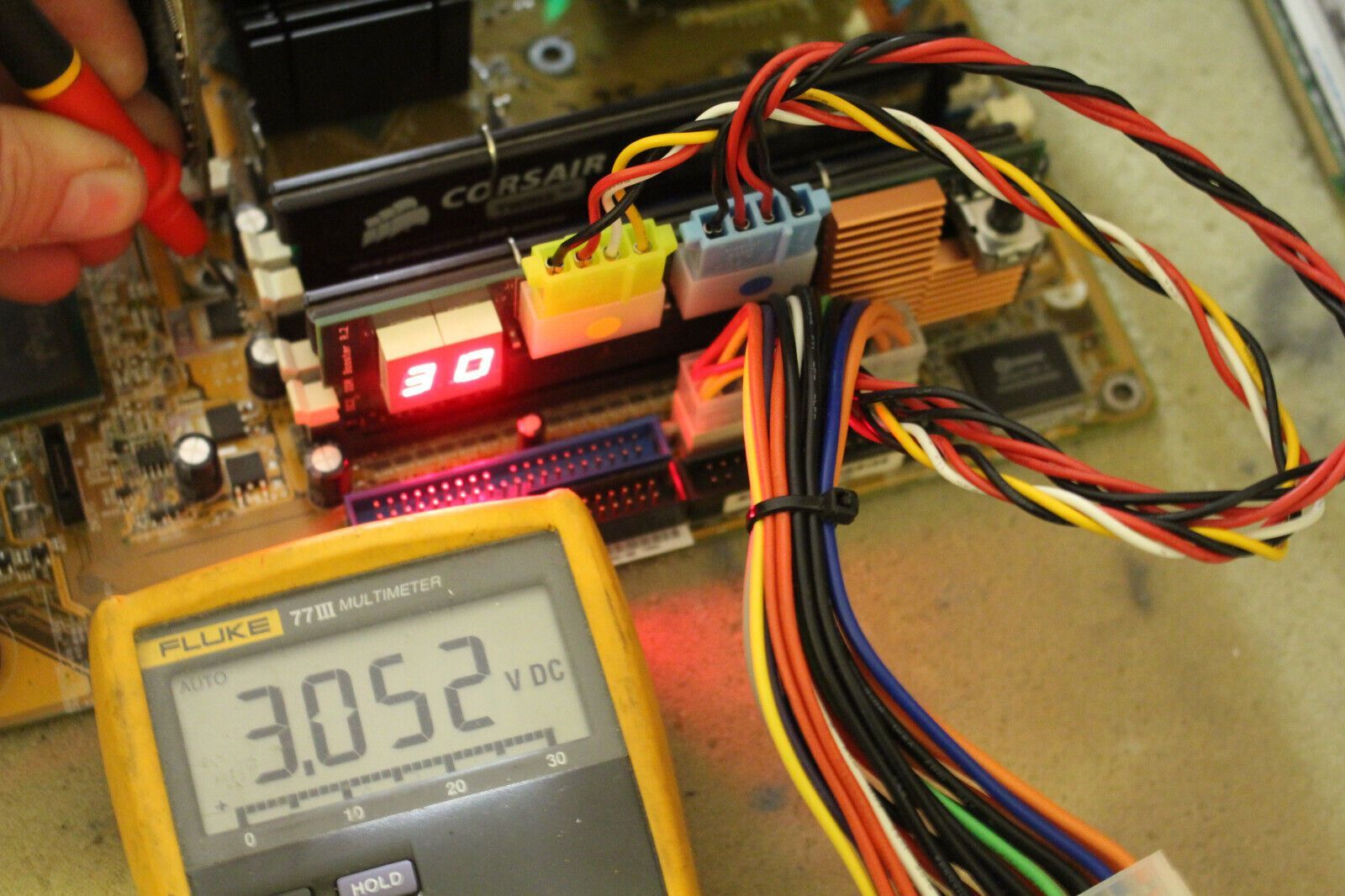
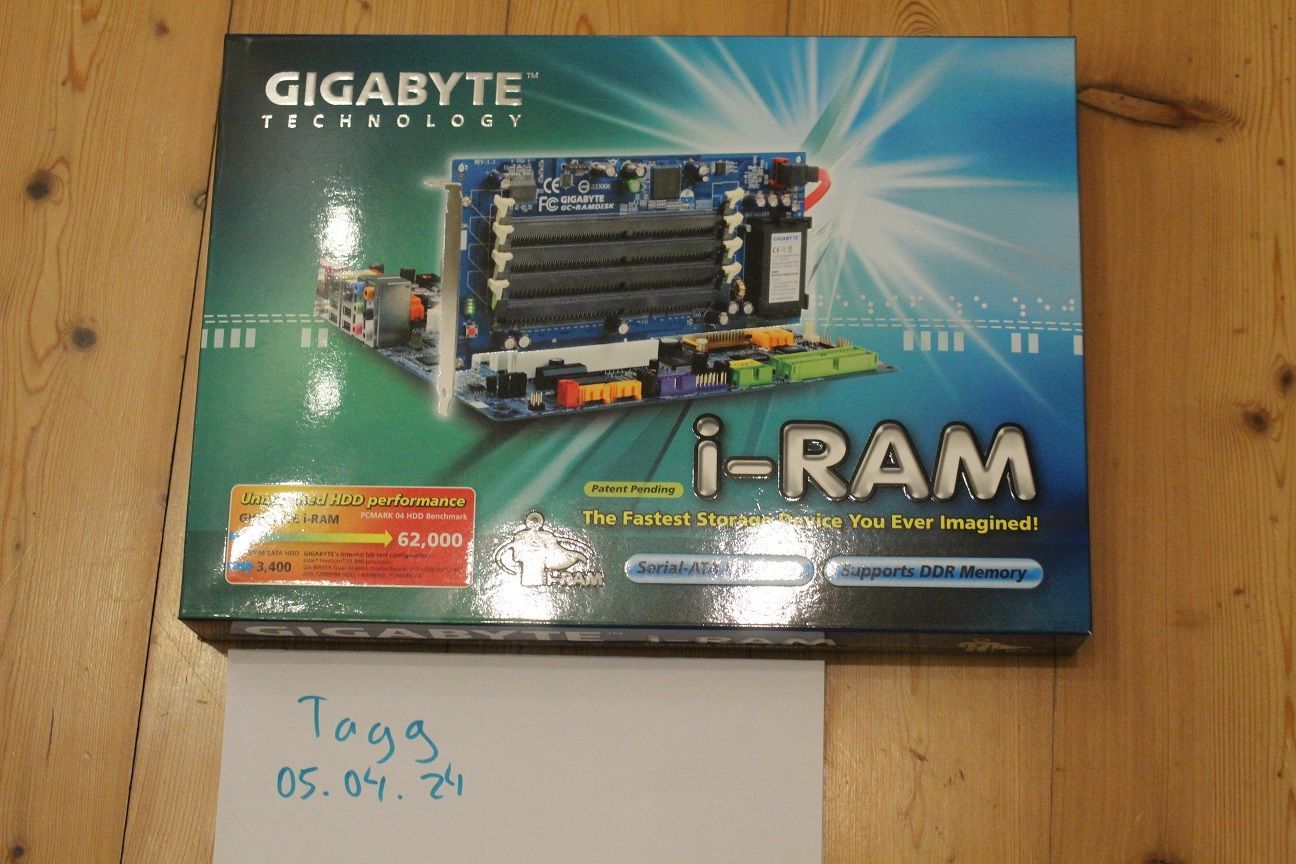
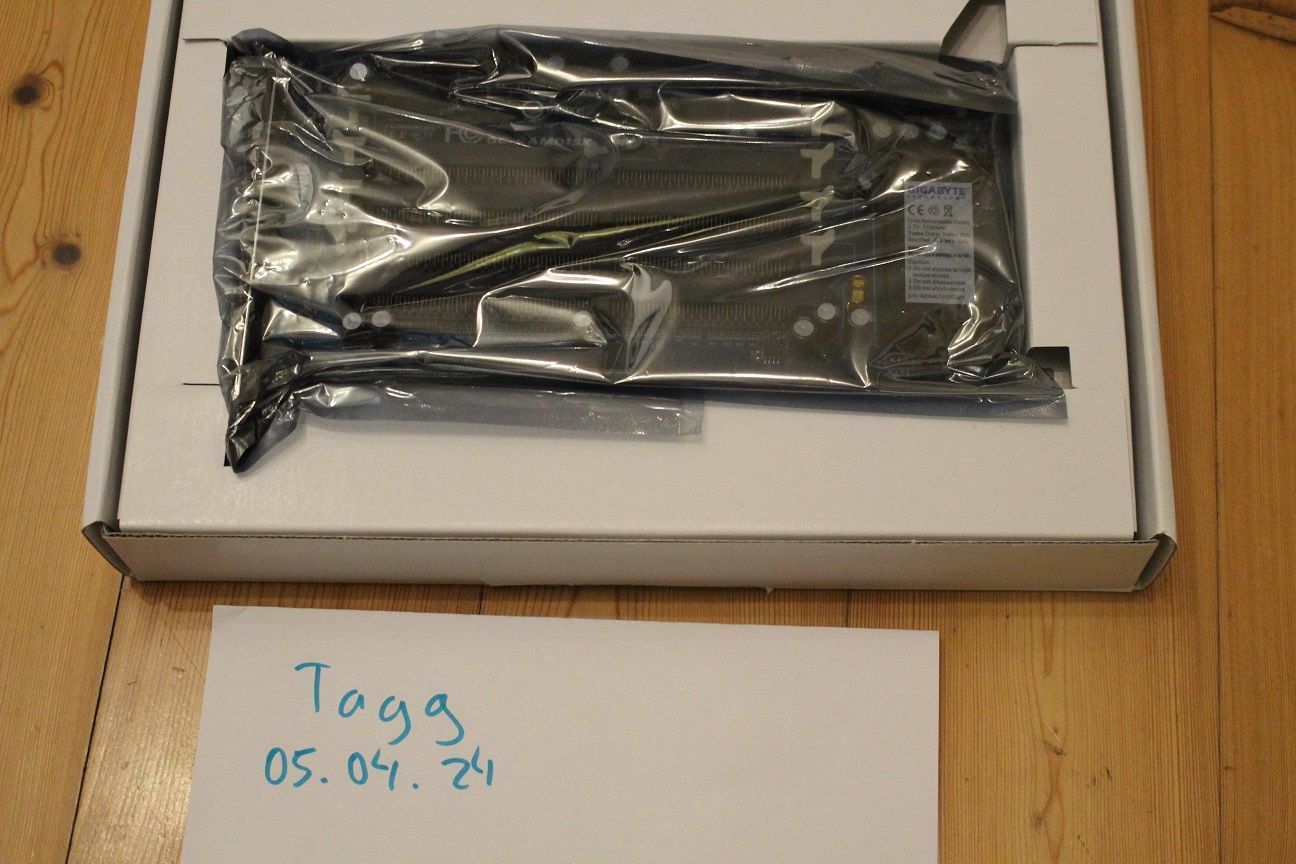
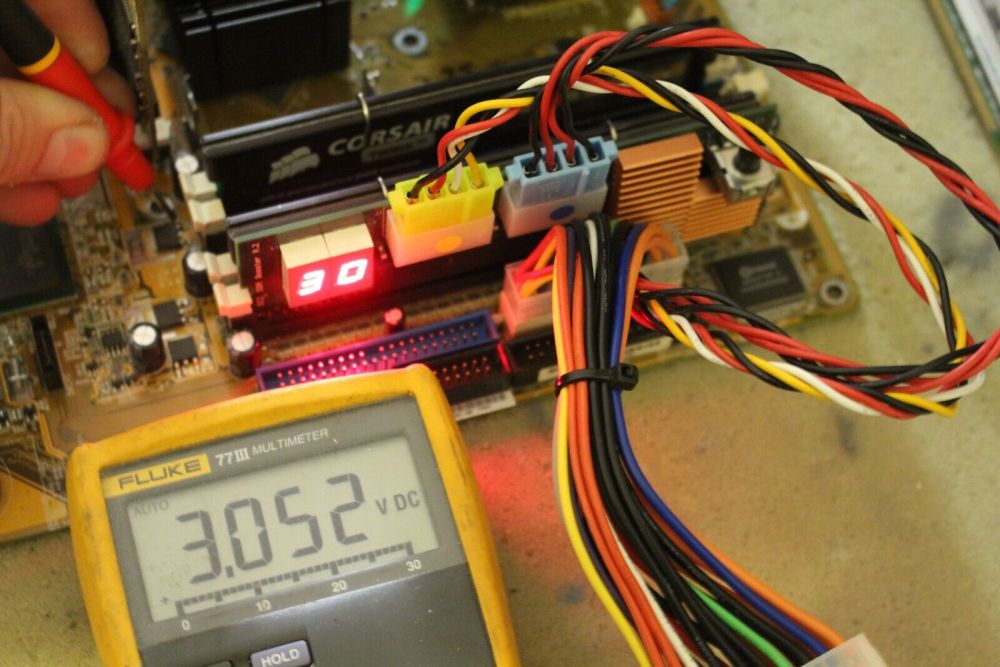
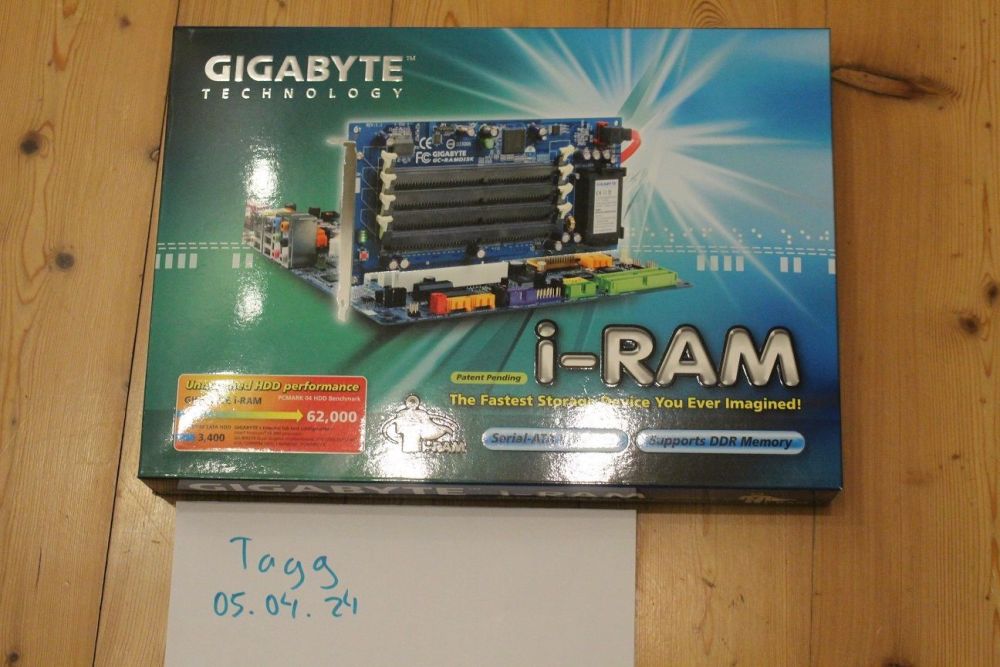
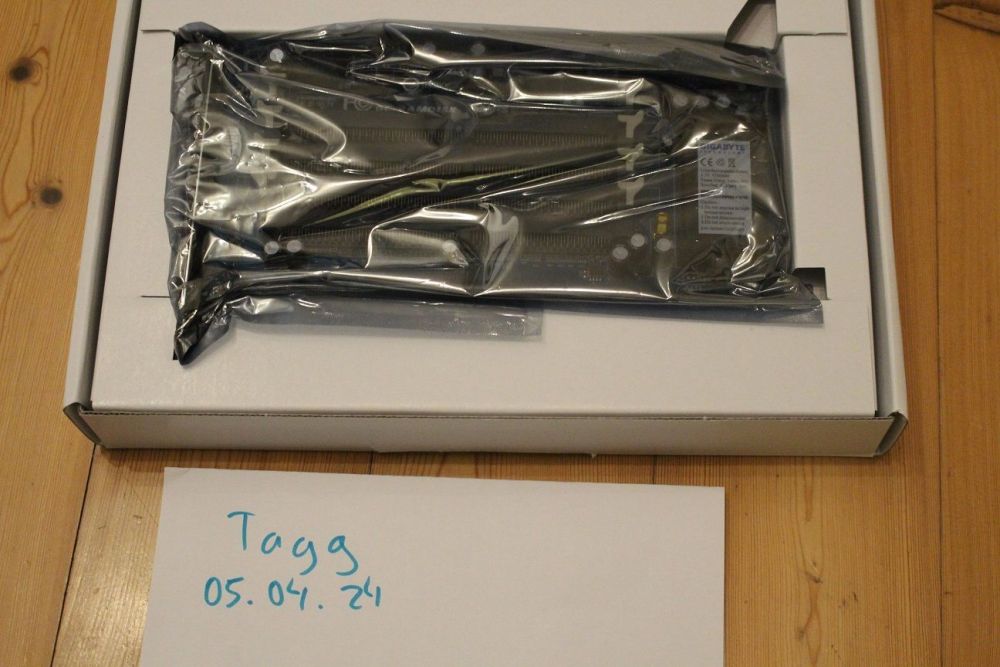
Selling some highlights of OC history: NOS Gigabyte i-ram, not tested or anythign but looks completely unused ---> 170€ Gigabyte GA-6BXDU Dual Slot 1 Board, not sure if this is anythign for you Ocers, cause the boards seems to lack proper options, still gonna put it here... Board has full box bundle and dummy for empty slot. tested and fully works at least at stock --->150€ 1x Hipro DDR Maximizer with only the DDR2 PCB, accesories and box, the geen LED for VTT present doesn't work half the time but VTT output itself is fine ---> 150€ https://www.directupload.net/file/d/7211/z5lrpti3_jpg.htm https://www.directupload.net/file/d/7211/uxgeduys_jpg.htm https://www.directupload.net/file/d/7211/kphkhbqo_jpg.htm 1x OCZ booster works fine, comes with box and manual ---> 150€ https://www.directupload.net/file/d/7211/ieqq9a6s_jpg.htm https://www.directupload.net/file/d/7211/iwto6wrn_jpg.htm EU Shipping is 18€ no matter which one/ how many you buy, worldwide shipping is possible please ask for quote SOLD:

-
How did i miss this? 4GHz 939 is very exclusive club Btw some older CPU-Z versions all the way back to 1.7x validate now and should be lighter to run
-
TAGG - Athlon 64 3500+ (Venice) @ 3049MHz - 27sec 687ms SuperPi - 1M
TAGG replied to TaPaKaH's topic in Result Discussions
Cause IMC on this chip is weird... Nope, but they are worse on air than what i have made for 256MB Infineons -
TAGG - Athlon 64 3500+ (Venice) @ 3049MHz - 27sec 687ms SuperPi - 1M
TAGG replied to TaPaKaH's topic in Result Discussions
Just testing out some of my DIY sticks THis 3500+ has terrible IMC, shoulda used the one from you... -
Some "newer" stuff allso welcome now
-
Still unsucessfully searching