Lucky_n00b
-
Posts
853 -
Joined
-
Last visited
-
Days Won
11
1 Follower

Lucky_n00b's Achievements






-
 Very interesting CPU! So this is the new fastest 4-core, yes?
 -
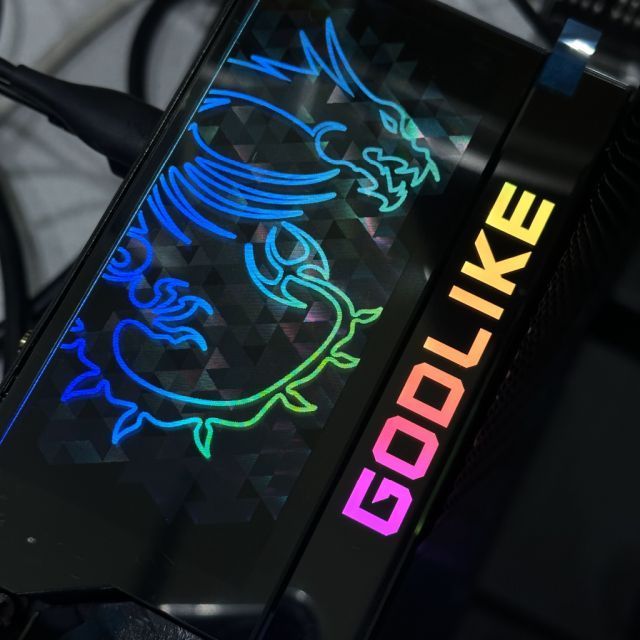
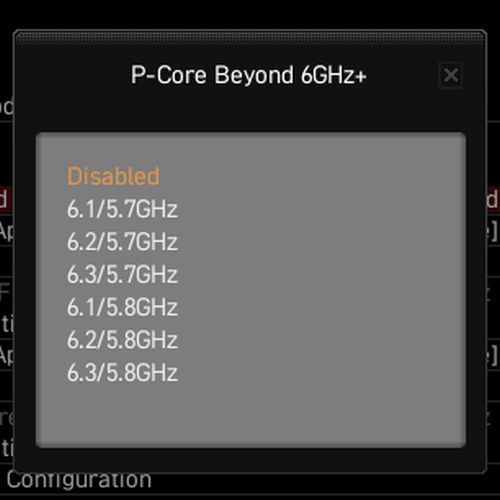
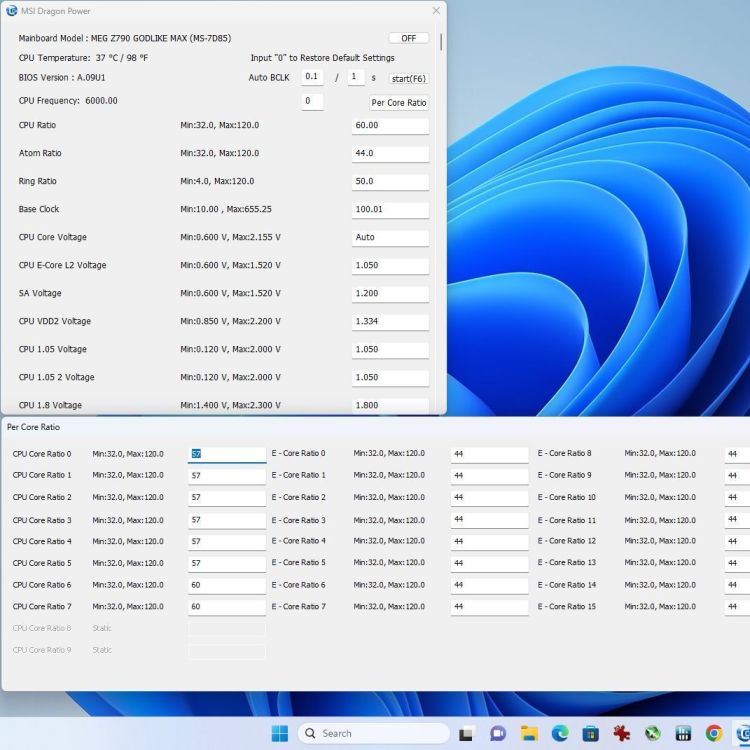
Hi Guys, I just got sent some new MSI hardware (the new refresh cpu & boards to be exact), Will share some of the Beta BIOS/Tools here just in case anyone wanted to also use them. Beta BIOS - MEG Z790 GODLIKE MAX MSI Z790 GODLIKE MAX Beta A09U1 Beta BIOS - MSI Z690 UNIFY-X ~no update yet, will update when I got one Beta BIOS - Other Z790 Refresh Beta Tools Dragon Power 1.0.0.21 (a.k.a 'Command Center Lite') for Win11 Command Center Lite for WinXP, Win7, Win10 ~thread will be updated when i got new bios/files, can't share result since Embargo/NDA not lifted yet. //Usual Disclaimer : Use these Beta BIOS/Tools AT YOUR OWN RISK
-
FINALLY 4GHZ - Massive Congrats!!
-
Hicookie - DDR5 SDRAM @ 5627.3MHz - 5627.3 MHz Memory Frequency
Lucky_n00b replied to sergmann's topic in Result Discussions
Keep pushing it! :D -
Hicookie - DDR5 SDRAM - 5612.3 MHz Memory Frequency
Lucky_n00b replied to Chilli-Man's topic in Result Discussions
Whoa, Congrats!! -
Lucky_n00b changed their profile photo
-
Boom!
-
Amazing effort with one DIMM!
-
MANTAB! Keep pushing!!
-
Sharing some User BIOS for MSI Boards MSI MEG Z690 UNIFY X BIOS XAA1 MSI MEG Z690 UNIFY X BIOS XA191U1 MSI MEG Z790 GODLIKE BIOS 122U1 MSI MPG Z790 EDGE WIFI DDR4 - Official BIOS v14 Various MSI 600/700-series Board User BIOS Drive link *find the ones dated 2023 for newer version *note and quick disclaimer: 1. m-flash recommended 2. at the date of posting, I haven't personally verify all of these BIOSes, so use them a your own personal risk.
-
Question : Can I assume that the rule "Motherboard Bios must be available to all participants (via HWBOT Forum) at the start of the stage" means this is BIOS is OK to be used as long as it can be found within HWBOT forum (e.g the Z690 BIOS and Tools thread) before the start of the stage? Thanks
-
A happy New Year, may the lords of OC be with you in 2023!
Lucky_n00b replied to shar00750's topic in HWBOT News
Happy New Year 2023 - May Your Clocks be High and Temperatures Low - keep pushing it! -
TeamAU - GeForce GTX 980 Ti - 304080 marks 3DMark2001 SE
Lucky_n00b replied to RandyOC's topic in Result Discussions
STRONG! -
TeamAU - 2x GeForce GTX 980 Ti - 1031700 marks Aquamark
Lucky_n00b replied to FatBoyNotSoSlim's topic in Result Discussions
*speechless -
Amazing effort - Raptor Lake is killing it in all these legacy fun benches :D
-
Congratulations on the new milestone!