phil
-
Posts
592 -
Joined
-
Last visited
phil's Achievements






-
 Nice to see you benching again :)
 -
Great card great skill. Congrats
-
OGS - 2x Geforce Titan Xp @ 1555/1651MHz - 441908 marks 3DMark03
phil replied to shar00750's topic in Result Discussions
Thank you guys ? @George_oc I had Stavro's spirit guiding me through the session ? -
TeamAU - 2x GeForce GTX 1080 Ti - 437168 marks 3DMark03
phil replied to dejan_bin_laden's topic in Result Discussions
Nice one James. Stav is on vacation but I will give it try tomorrow ? -
OGS - GeForce GTX 295 @ 950/1250MHz - 223740 marks 3DMark2001 SE
phil replied to unityofsaints's topic in Result Discussions
Actually we have three of them ?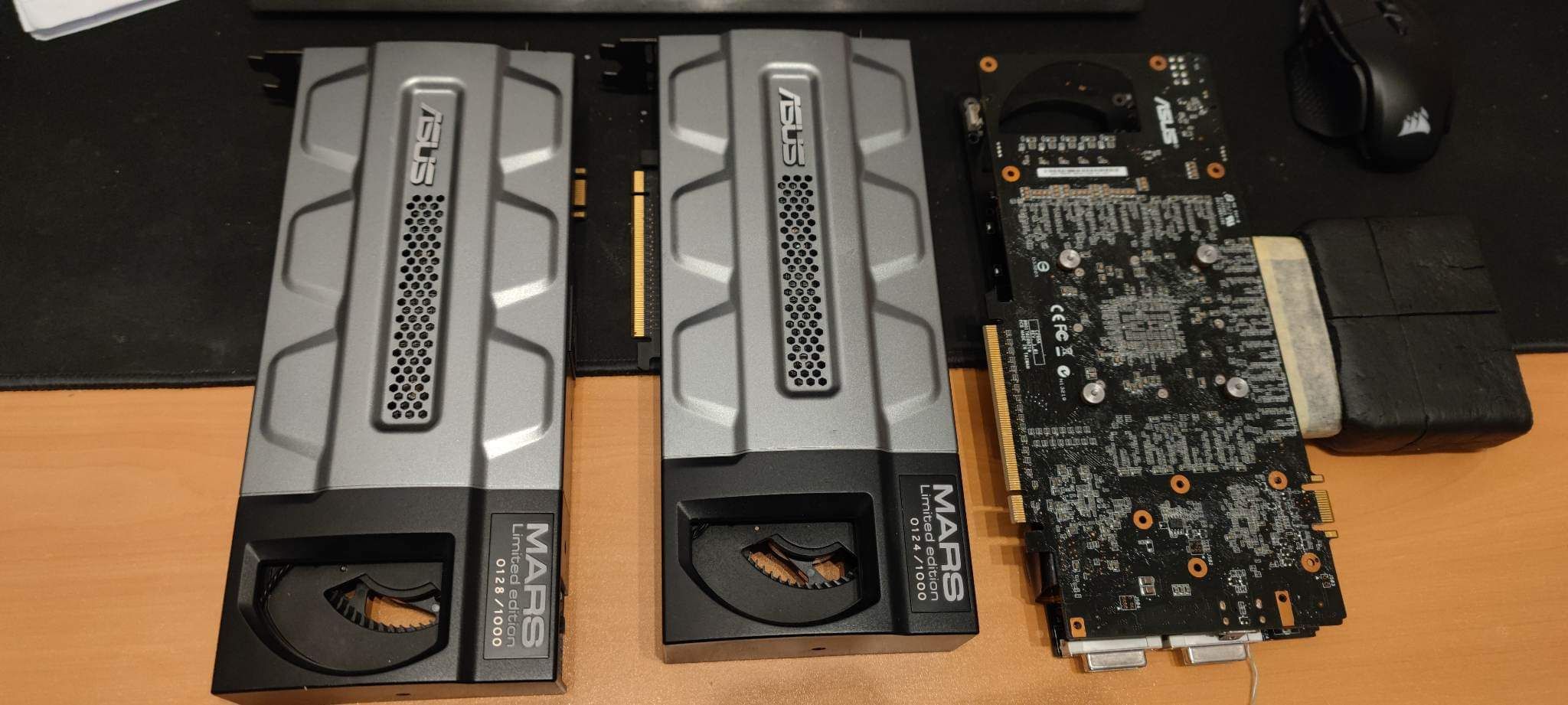
-
OGS - GeForce RTX 3090 Ti @ 2805/1412MHz - 529169 marks 3DMark03
phil replied to AKM's topic in Result Discussions
Or you are not trying enough ? -
? ????
-
Lately I don't like you very much ?
-
So Allen, you are straight forward implying that the first scores in 01 and 03 with 3 and 4 cards (our scores and Bullshooter's) are made with disabled crossfire.
-
No problem Roman. Got it from your first reply. Just wanted to justify my reaction ?
-
Saying "Some people ask me to remove globals, others want to keep it " got me thinking it was not your idea. Anyway, we got some decisions at the start of the season and I think we should stick with them till the end of the season.
-
Here comes the drama again and ohh, what a coincidence to come to this conversation right after OGS posted some scores. I assure you those scores were not easy to achieve and required a lot of testing and money in hardware. It's probably easier for some to reject them than trying to even get a setup like this running. Cheats can be done in any benchmark ( like our friend from Australia did with Port Royal).
-
Huge competition but the time frame is disappointing. Have to decide between summer holidays and competition. Good luck to everyone (especially to those who have a wife ?).
-
OGS - Core i9 11900KF @ 7043MHz - 3min 40sec 719ms SuperPi - 32M
phil replied to AKM's topic in Result Discussions
Thanks big guy ? -
OGS - Core i9 11900KF @ 7043MHz - 3min 40sec 719ms SuperPi - 32M
phil replied to AKM's topic in Result Discussions
Thanks ? Yes you did ? Something like that. Intented to push some more ? ?