DStealth
-
Posts
53 -
Joined
-
Last visited





DStealth's Achievements




-

ROG Maximus XII Apex
DStealth replied to FireKillerGR's topic in Comet Lake (Z490) & Rocket Lake (Z590) OC
I've lost GPU points in FS also with 10900k and 3900x compared to z370/90 with both 9900 and 8700k https://www.3dmark.com/compare/fs/22877585/fs/23032415/fs/20163933/fs/15014694 Edit: In TimeSpy everything is intact through https://www.3dmark.com/compare/spy/12695670/spy/12479317/spy/8127984/spy/3037002 -
Gigabyte Z490 XOC BIOS/Tools
DStealth replied to SparkysAdventure's topic in Comet Lake (Z490) & Rocket Lake (Z590) OC
Lol -
Please remove ...wrong CB version posted :(
-
DStealth - Ryzen 9 3900X @ 4720MHz - 3733 cb Cinebench - R15
DStealth replied to flanker's topic in Result Discussions
https://hwbot.org/submission/4478148_ -
Gigabyte Z490 XOC BIOS/Tools
DStealth replied to SparkysAdventure's topic in Comet Lake (Z490) & Rocket Lake (Z590) OC
Getting closer and closer -
Gigabyte Z490 XOC BIOS/Tools
DStealth replied to SparkysAdventure's topic in Comet Lake (Z490) & Rocket Lake (Z590) OC
GTL 0612.2 update, fixed Pro AX's VccSA Reporting https://drive.google.com/file/d/1R_RoMJ0EnKWXxhuOYcQz0zBO9tBVH-FQ/view?fbclid=IwAR2AVtuMFPZ8oK74iZt8LgoWsZtYWnmEtxGPZ8YXNqGve7Et5jy35wG2q1M With x4 this issue is gone 4835Mhz c15 -
sergmann - Core i9 10900K @ 6800MHz - 3734 cb Cinebench - R15
DStealth replied to davestarrr's topic in Result Discussions
Great score m8...seems these GBs are not bad ..Flash x4 and give them another try.? -
Gigabyte Z490 XOC BIOS/Tools
DStealth replied to SparkysAdventure's topic in Comet Lake (Z490) & Rocket Lake (Z590) OC
Great God bless him ? -
Gigabyte Z490 XOC BIOS/Tools
DStealth replied to SparkysAdventure's topic in Comet Lake (Z490) & Rocket Lake (Z590) OC
It's A2 pcb. 4600 with these and tight subs is not booting. It's @1.8v tried up to 1.9v and close to 1.4 VCCIO/SA and it cannot go higher...but non the less it's impressive comparing it to regular 370/90 boards. Edit: This was the highest frequency with lose cl16 4750... 4800 can boot but not entering Windows even freezing in Bios. Let's hope the new upcoming Bios will get some more Oc to them -
Gigabyte Z490 XOC BIOS/Tools
DStealth replied to SparkysAdventure's topic in Comet Lake (Z490) & Rocket Lake (Z590) OC
Not a bad mem OC for 4 dimm-er with X3 BIOS and almost the cheapest z490 board ? Grats Hicoockie ? -
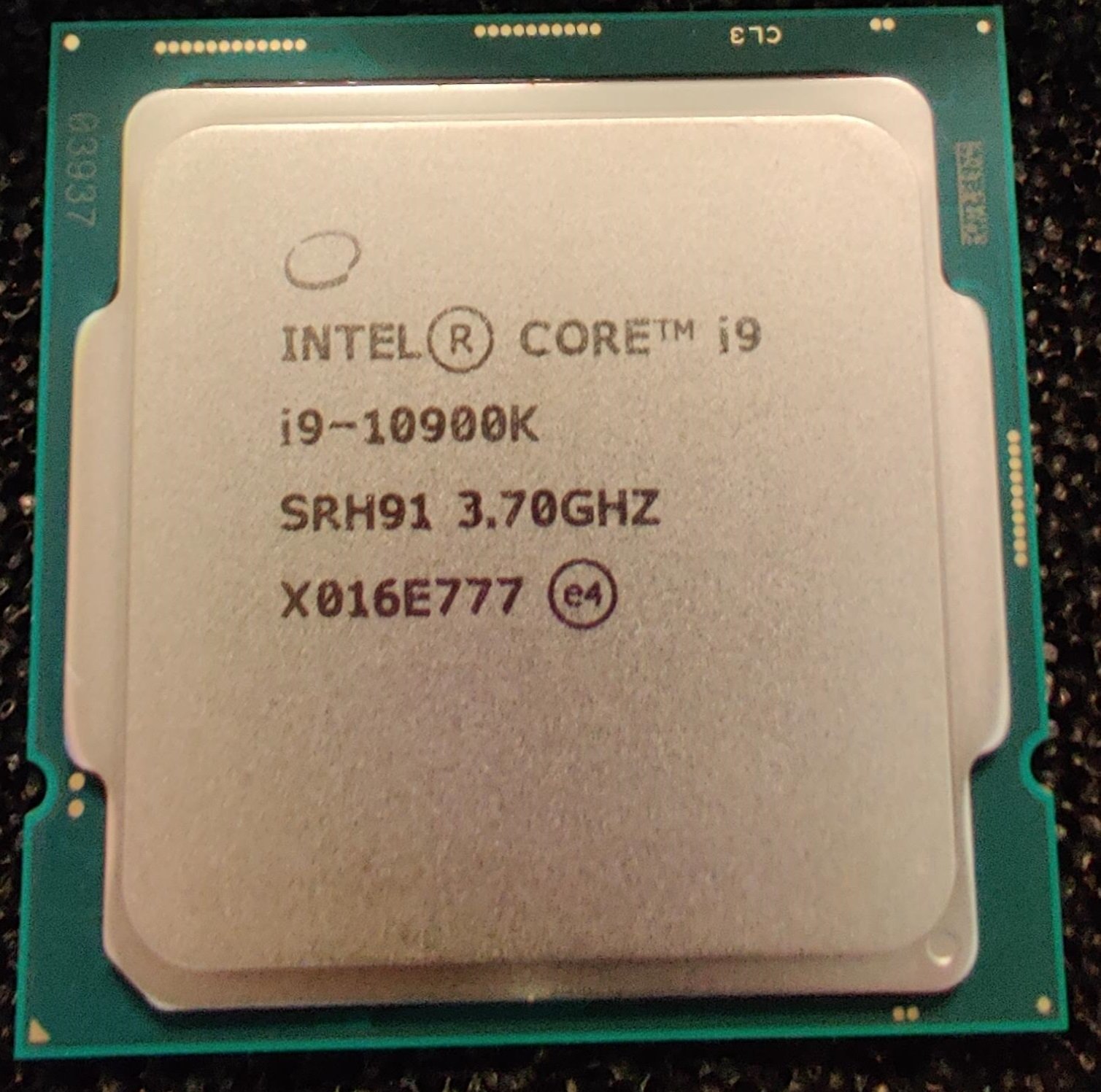
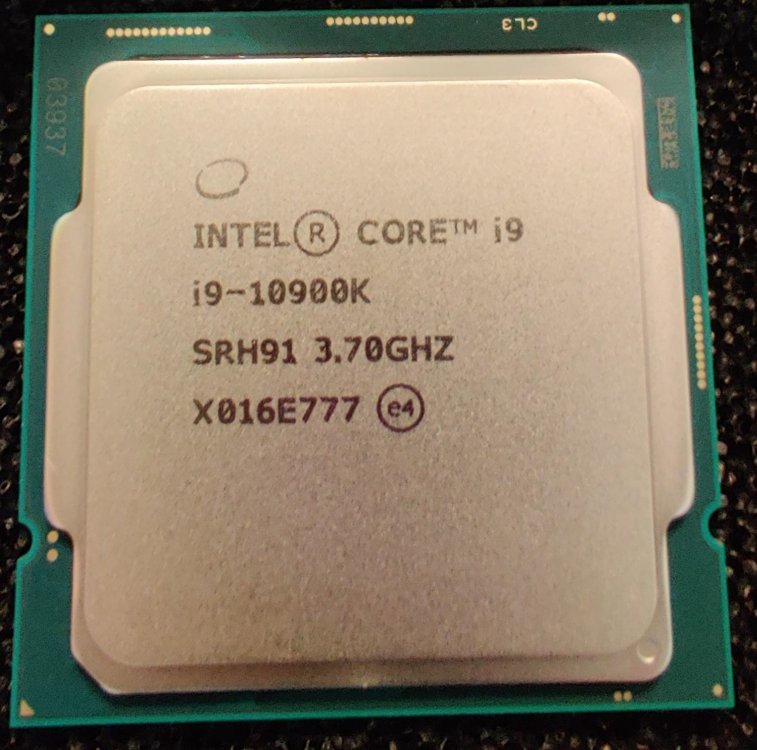
10900k - X016E777 - CB15 1.42v Load 5.44 water chilled close to 0*
-
Splave - Core i9 10900K @ 7400MHz - 4min 5sec 46ms SuperPi - 32M
DStealth replied to KaRtA's topic in Result Discussions
Dual DIMM Aqua ...good result, grats :) -
ROG Maximus XII Apex
DStealth replied to FireKillerGR's topic in Comet Lake (Z490) & Rocket Lake (Z590) OC
Impressively low voltage for 5400...but the efficiency seems low for R15 from the other point of view ...9900 exceeds 2400pts with ~5400MHz -
DStealth - Core i7 8700K @ 5612MHz - 1905 cb Cinebench - R15
DStealth replied to Kashtan's topic in Result Discussions
Thanks, yes it's a good one... -
DStealth - Core i7 8700K @ 5596MHz - 1881 cb Cinebench - R15
DStealth replied to KaRtA's topic in Result Discussions
here