Dancop
-
Posts
2162 -
Joined
-
Last visited
-
Days Won
3
Dancop's Achievements






-
 Legendary!
 -
elmor - Core i9 13900K @ 8812.8MHz - 8812.85 MHz CPU Frequency
Dancop replied to Lucky_n00b's topic in Result Discussions
LHe an 9g falls - CONGRATZ! -
Now I'm jealous - I'll try my best soon
-
Wow!
-
amazing!!!
-
Someone's back!!! Crazy result...sub 3m next?!
-
Not really...
-
ASUS ROG MAXIMUS Z690 APEX | APEX 14
Dancop replied to noizemaker's topic in Alder Lake (Z690) & Raptor Lake (Z790) OC
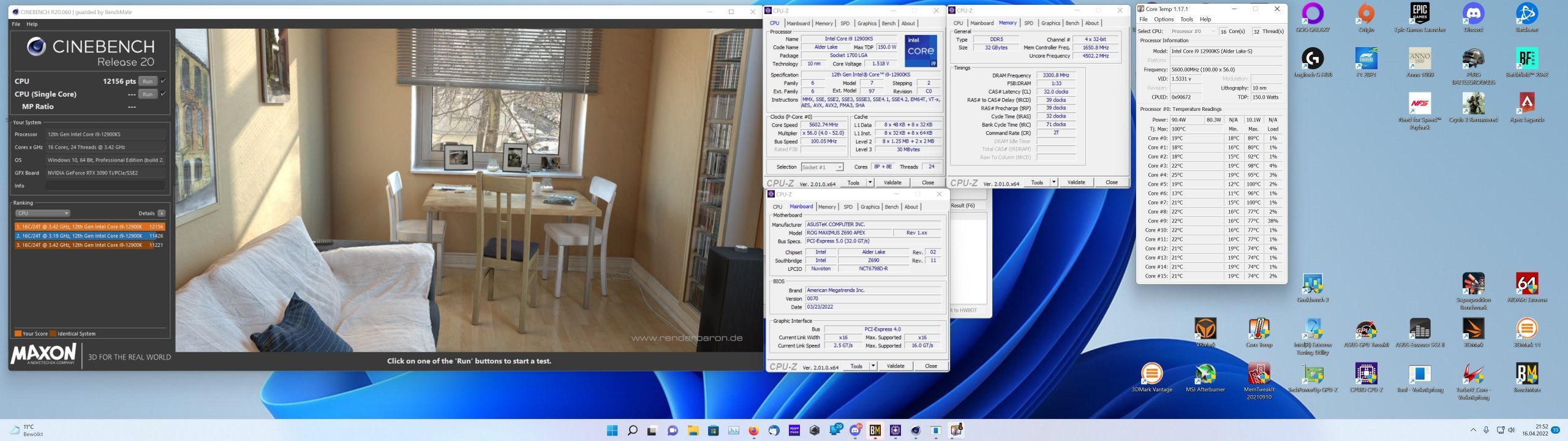
I love my ks 5600@1.358v
- 254 replies
-
- 10
-

-

-
That's the way!
-
I celebrate that one!!!
-
ASUS ROG MAXIMUS Z690 APEX | APEX 14
Dancop replied to noizemaker's topic in Alder Lake (Z690) & Raptor Lake (Z790) OC
I have a 2021 version but can do geek 3 with 7200c32 air easily...So I shouldn't have that issue, right? -
ASUS ROG MAXIMUS Z690 APEX | APEX 14
Dancop replied to noizemaker's topic in Alder Lake (Z690) & Raptor Lake (Z790) OC
Is anyone here also playing with those Corsair 6000c36 es rams? I can boot tight 7000 but nothing is geek stable. Not even 6800 c32 rest auto... Only CL set to 32. -
Amazing score guys!!!
-
ROG Maximus XII Apex
Dancop replied to FireKillerGR's topic in Comet Lake (Z490) & Rocket Lake (Z590) OC
Bought 1 chip retail. 5325mhz at 1.359v (1.45v LLC5) and Max 75 degrees in r15. SP 99 -
Madness! Great work as usual Ronaldo!