
jessec0626
-
Posts
196 -
Joined
-
Last visited
-
Days Won
1
jessec0626's Achievements






-
@GtiJason was the only reason I started benching. I was just some rando in a rookie rumble, Jason found me, messaged me, and then brought me into a community that I never knew existed. Through him I met so many people. He thought me so much in the beginning. Gave me hardware that I still have to this day. From 2668C 8-12-8-1 PSCX to sammy Ds. The list goes on. From my perspective, he is one of the pillars of my XOC experience that I will remember forever. He drove all the way from Wisconsin to meet me in person at a friend of ours house in St. Louis. To say Jason is a shady person, is something that I will never understand. Shout out to @mllrkllr88cuz I'm a random person like that.
-

Corsair DDR5 invitational official competition thread
jessec0626 replied to Leeghoofd's topic in HWBOT Competitions
Your attitude on Facebook is a lot different than your attitude on the HWbot forums. I think you should pick one and stick to it.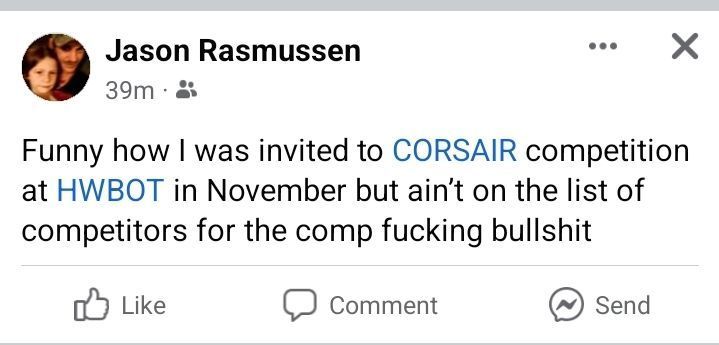
-
Thanks bro!!!
-
good stuff bro!!
-
shar00750 - GeForce GTX 780 - 106133 marks 3DMark05
jessec0626 replied to chispy's topic in Result Discussions
Well done Sharon!! -
sick chip. sick score. Are you down with the sickness? Lol
-
insane!! epic run
-
Sick!!!
-
thanks my dudes!! I'm having a blast with these cards. I'm hooked again. Lol
-
Gnarly dude!!
-
POLL: CPUZ Feelz, let your opinion be known.
jessec0626 replied to Splave's topic in Benchmark software
this is booty right here. -
gnarly bro!!
-
sick score bro!! great work!!
-
such a sick run!! mad respect!!
-
great work dude!!

