
Sweet
-
Posts
1958 -
Joined
-
Last visited
-
Days Won
9
Recent Profile Visitors





Sweet's Achievements






-

Hicookie - DDR5 SDRAM @ 5809.2MHz - 5809.2 MHz Memory Frequency
Sweet replied to Mahameru's topic in Result Discussions
Wooww.... awesome -
Verangry - GeForce RTX 4090 - 10920 marks 3DMark - Speed Way
Sweet replied to Papusan's topic in Result Discussions
Sorry mate but in rules says: Latest version + Systeminfo 5.55 or newer ( HW monitoring must be enabled) (nVIDIA RTX4090 cards must use ECC enabled) Read please https://hwbot.org/rules?referenceId=5392 -
evga EVGA Z690 DARK K|NGP|N
Sweet replied to CENS's topic in Alder Lake (Z690) & Raptor Lake (Z790) OC
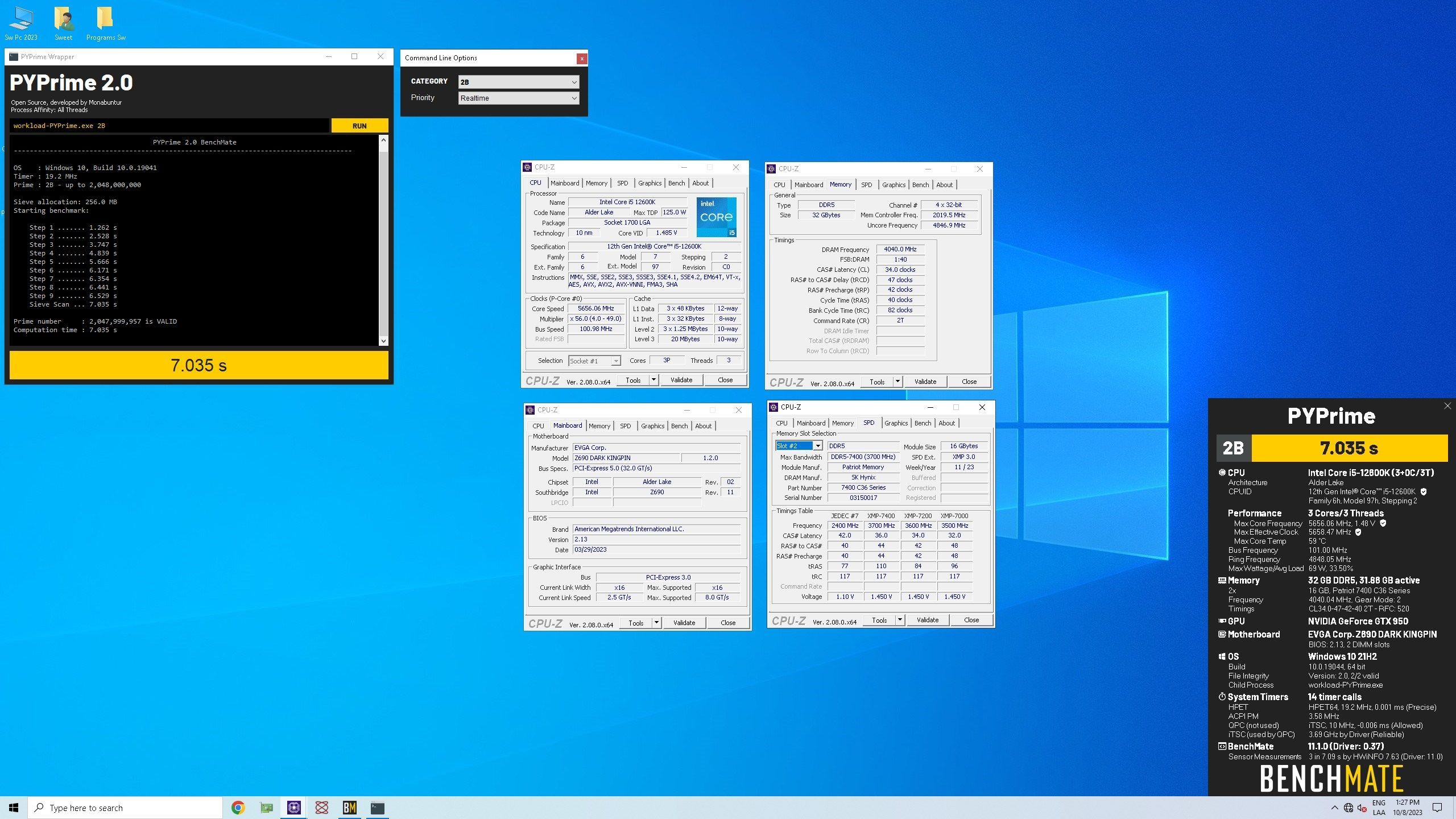
@CENS with adata green pcb it does not exceed 7800 mhz and they are unstable With Patriot venon black pcb the best I could do is 8080 mhz, more than that it is unstable. with 12600K, next time with 13900k, maybe better silicon
-
evga EVGA Z690 DARK K|NGP|N
Sweet replied to CENS's topic in Alder Lake (Z690) & Raptor Lake (Z790) OC
Thanks Bro, I will try it late but with patriot venon 7400, in 2 weeks I will receive G.Skill 2x24 7200 Thanks -
evga EVGA Z690 DARK K|NGP|N
Sweet replied to CENS's topic in Alder Lake (Z690) & Raptor Lake (Z790) OC
Sorry mate but, with what application can it be seen ? -
evga EVGA Z690 DARK K|NGP|N
Sweet replied to CENS's topic in Alder Lake (Z690) & Raptor Lake (Z790) OC
Thanks Allen, the only Evga that has arrived in these places (my country), just now at a slightly high price. Thanks again bro ! -
evga EVGA Z690 DARK K|NGP|N
Sweet replied to CENS's topic in Alder Lake (Z690) & Raptor Lake (Z790) OC
Guys, any chance there are bios for 14th gen ? z690 and z790 Dark ?, Or did Evga an Vince terminate the bios updates? -
Andrés U need the picc of benchmark, please upload here o send me
-
Fine Luis, very fine I am very happy that you have come back to give it your all and have fun. Abraxss my good old friend
-
Yeah... the old man is on the road... congratz, Luis
-
A happy New Year, may the lords of OC be with you in 2023!
Sweet replied to shar00750's topic in HWBOT News
It's not the years in life but the LIFE in YEARS that matters the most. May your LIFE be always FULL of LIFE And not to forget "war is a monster and stomps all the poor innocence of people" Stop the war now it is my wish -
ASUS ROG MAXIMUS Z690 APEX | APEX 14
Sweet replied to noizemaker's topic in Alder Lake (Z690) & Raptor Lake (Z790) OC
Thanks bro ! -
ASUS ROG MAXIMUS Z690 APEX | APEX 14
Sweet replied to noizemaker's topic in Alder Lake (Z690) & Raptor Lake (Z790) OC
Another link for 2204 ? this now does not work -
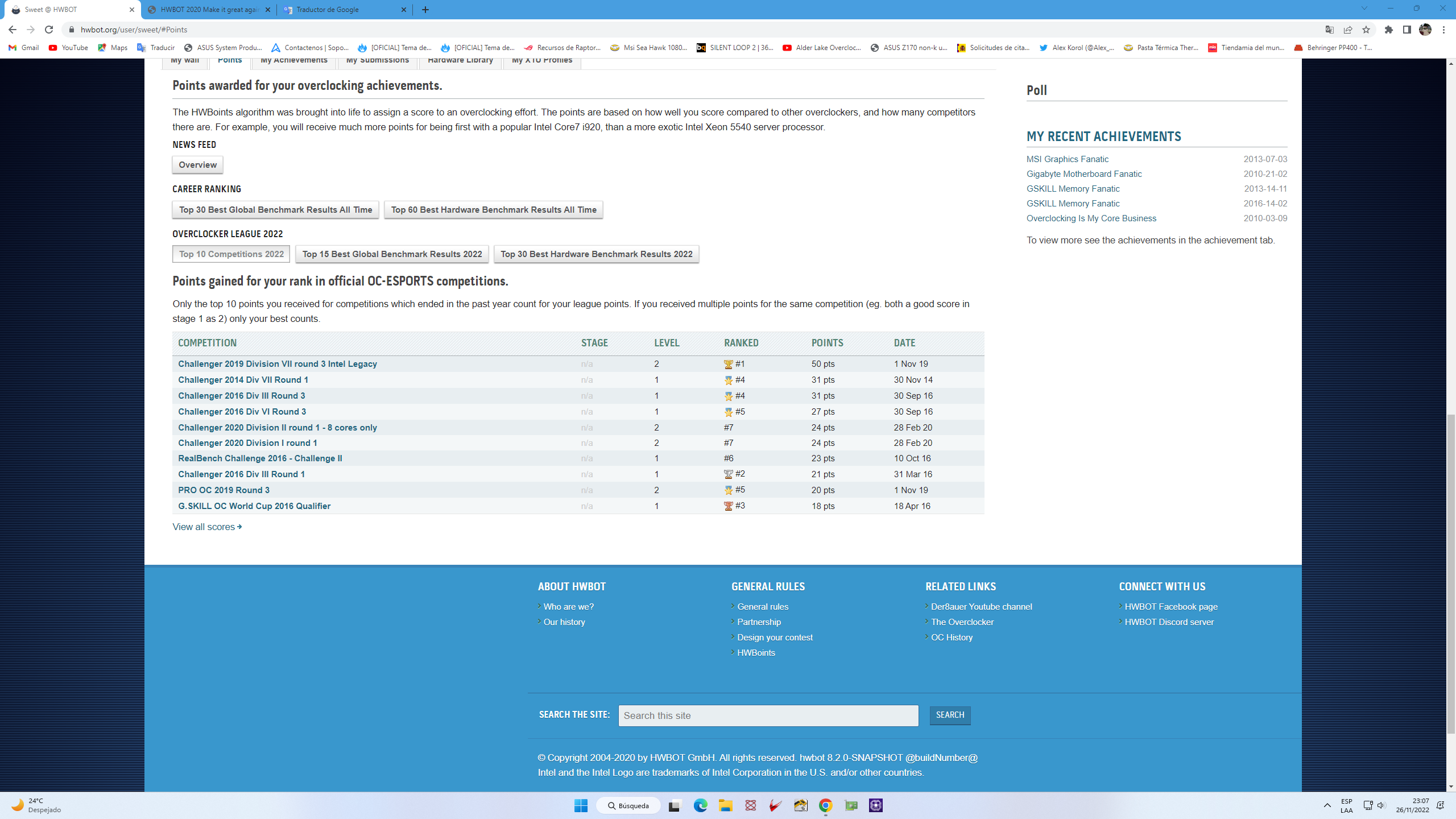
@Leeghoofd there is something strange, look at the Top 10 Competitions 2022
-
Gracias, Thanks